
Xserve RAID
History
Introduced: February 10, 2003
Discontinued: February 19, 2008
Original Retail Price: $5,999 (1 TB SFP model)
Model #: A1009
Tech Specs
Storage: 1 TB (4 x 250 GB HDDs)
Storage Interface: Ultra ATA/100
Drive Bays: 14 (3.5”)
RAM: 512 MB
Condition & Notes
This unit is in excellent condition, and is complete with all the original packaging, power cables, software CD, and documentation.
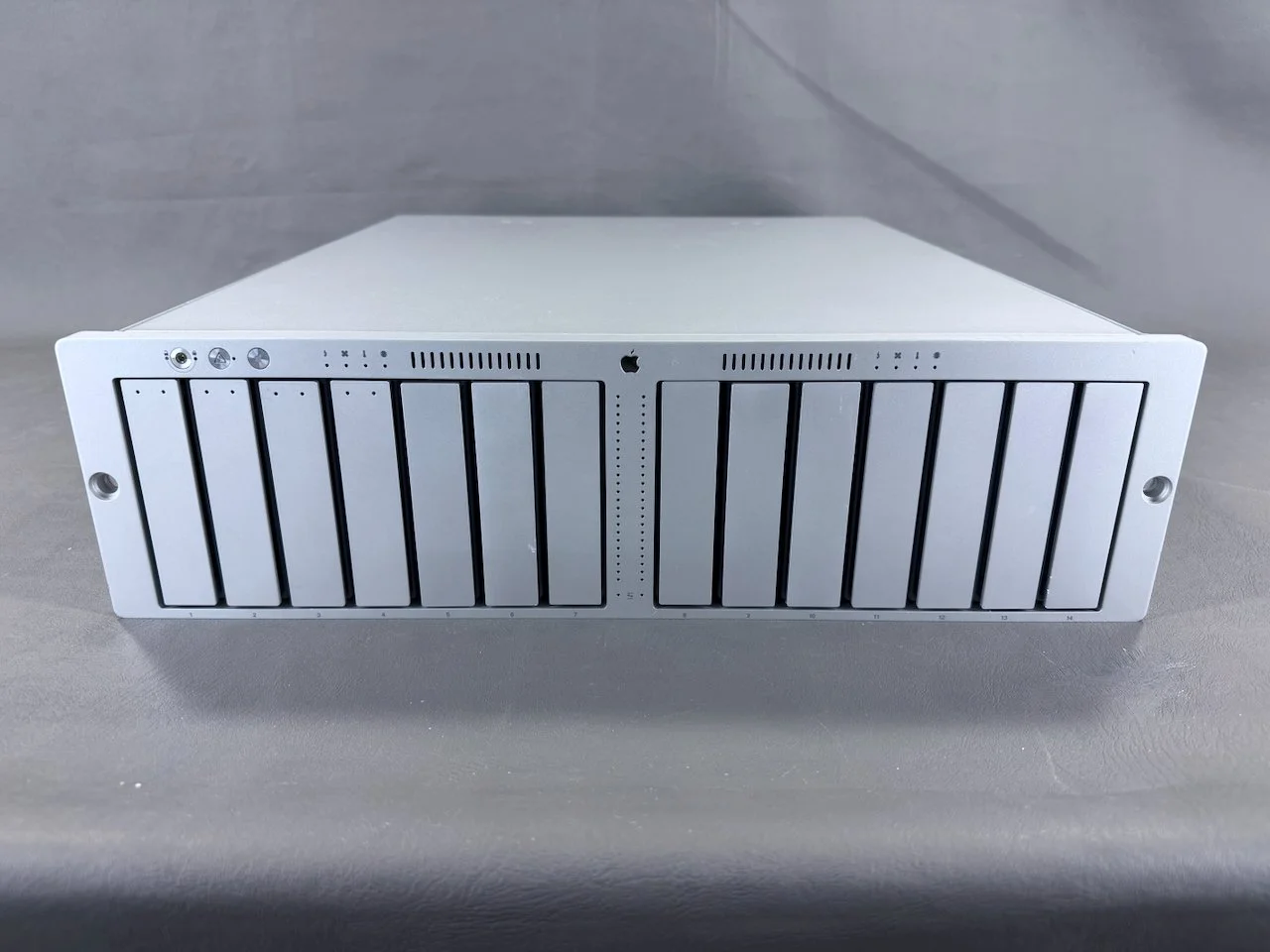
The Xserve RAID is 3U rack-mountable storage solution designed for use with an Xserve or a Power Mac G4 or G5. This particular unit is the later “SFP” model of the Xserve RAID, which was introduced in 2004 and came with SFP connectors for all the fibre channel interfaces. Connecting it to a Power Mac G4, G5, or Xserve requires the Fibre Channel PCI card (I currently have this installed in my G4 Quicksilver).
This is the single largest and heaviest item in my collection at over 70 lbs (32 kg) in weight.
It is currently configured with the four 250 GB HDDs that it originally shipped with, for 1 TB of total storage.
It is in fully working order and is currently used alongside my Power Mac G4 (Quicksilver).
Model Identifier
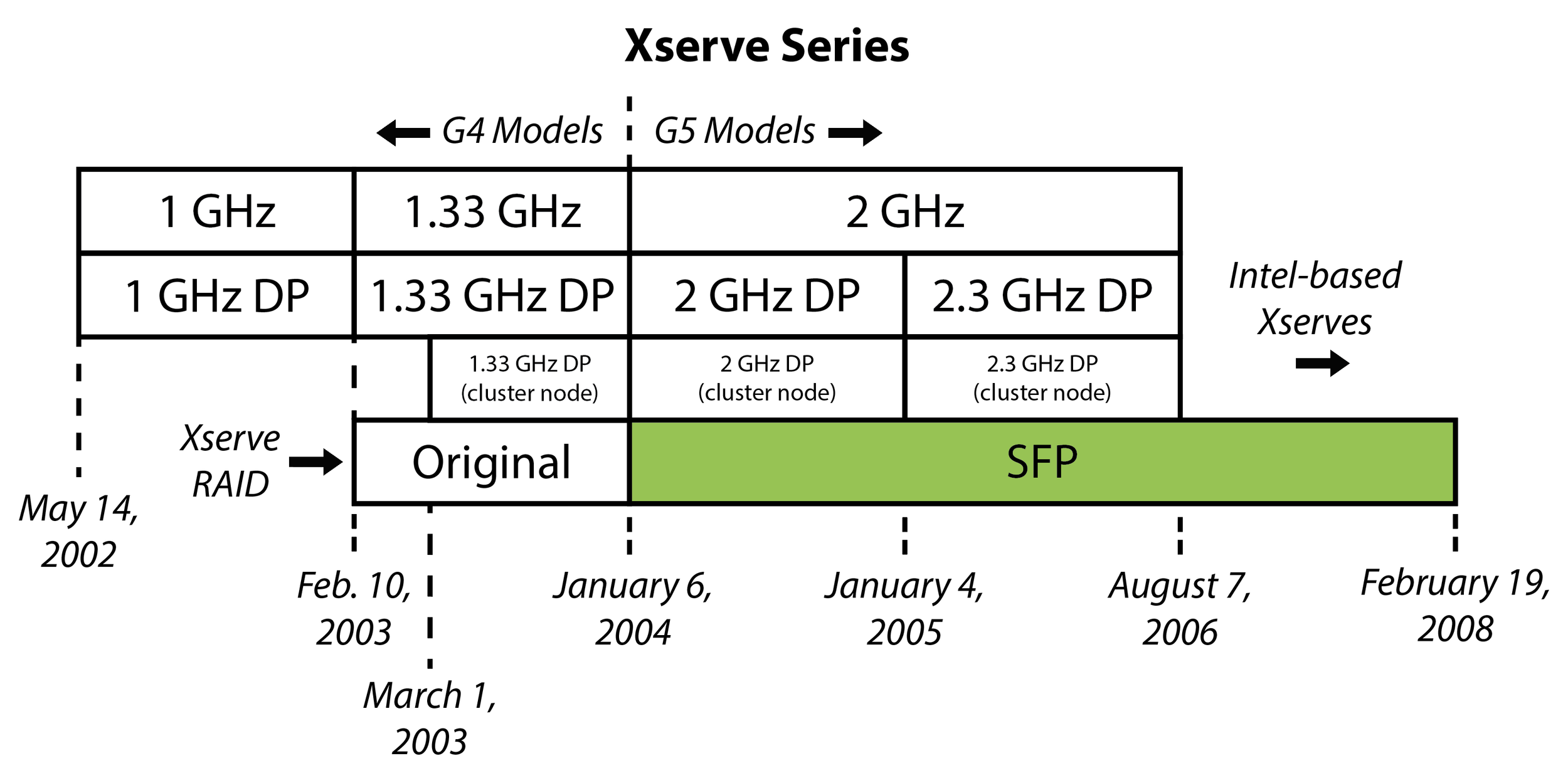
This is the later “SFP” model of the Xserve RAID.
Packaging
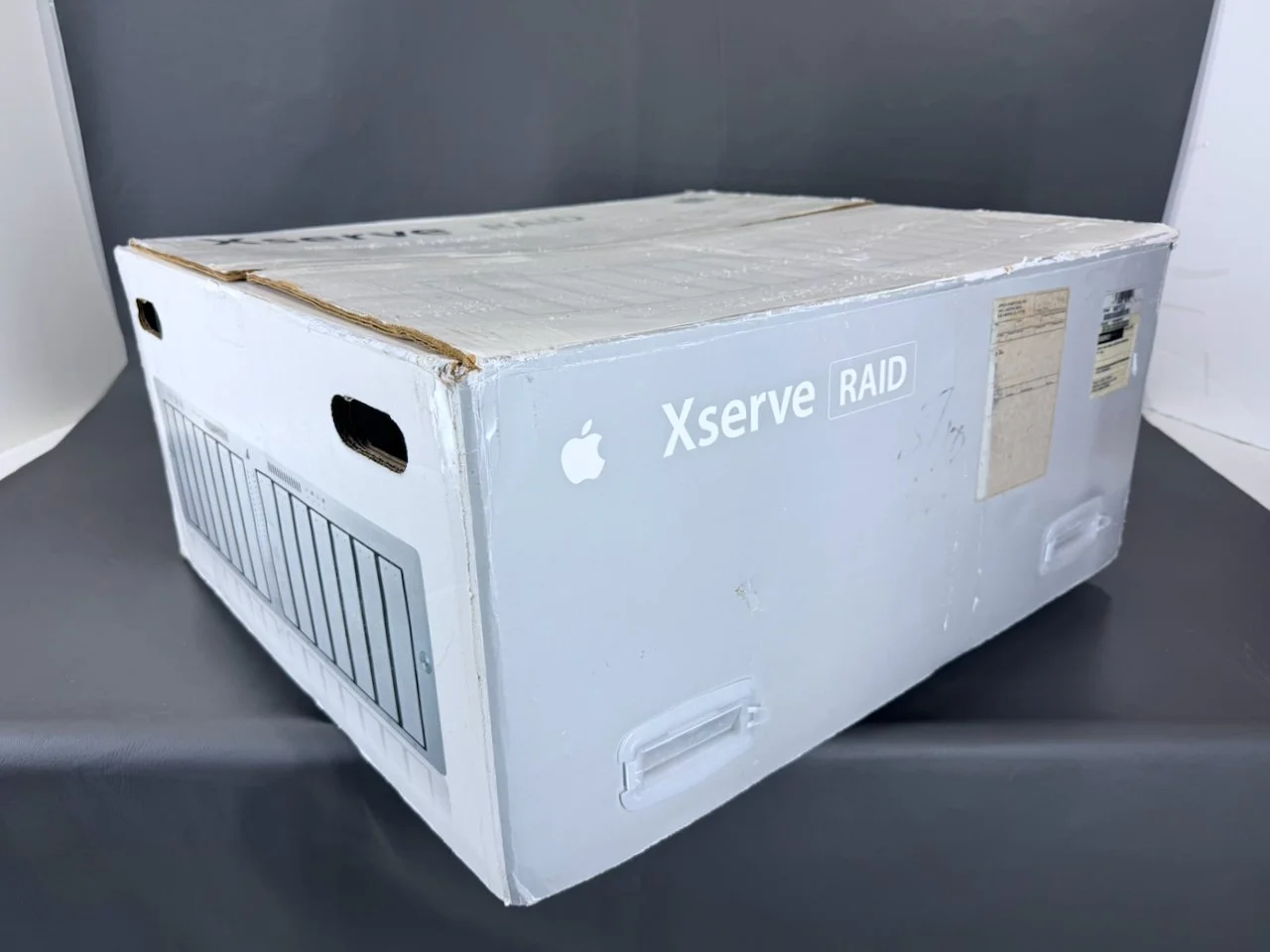
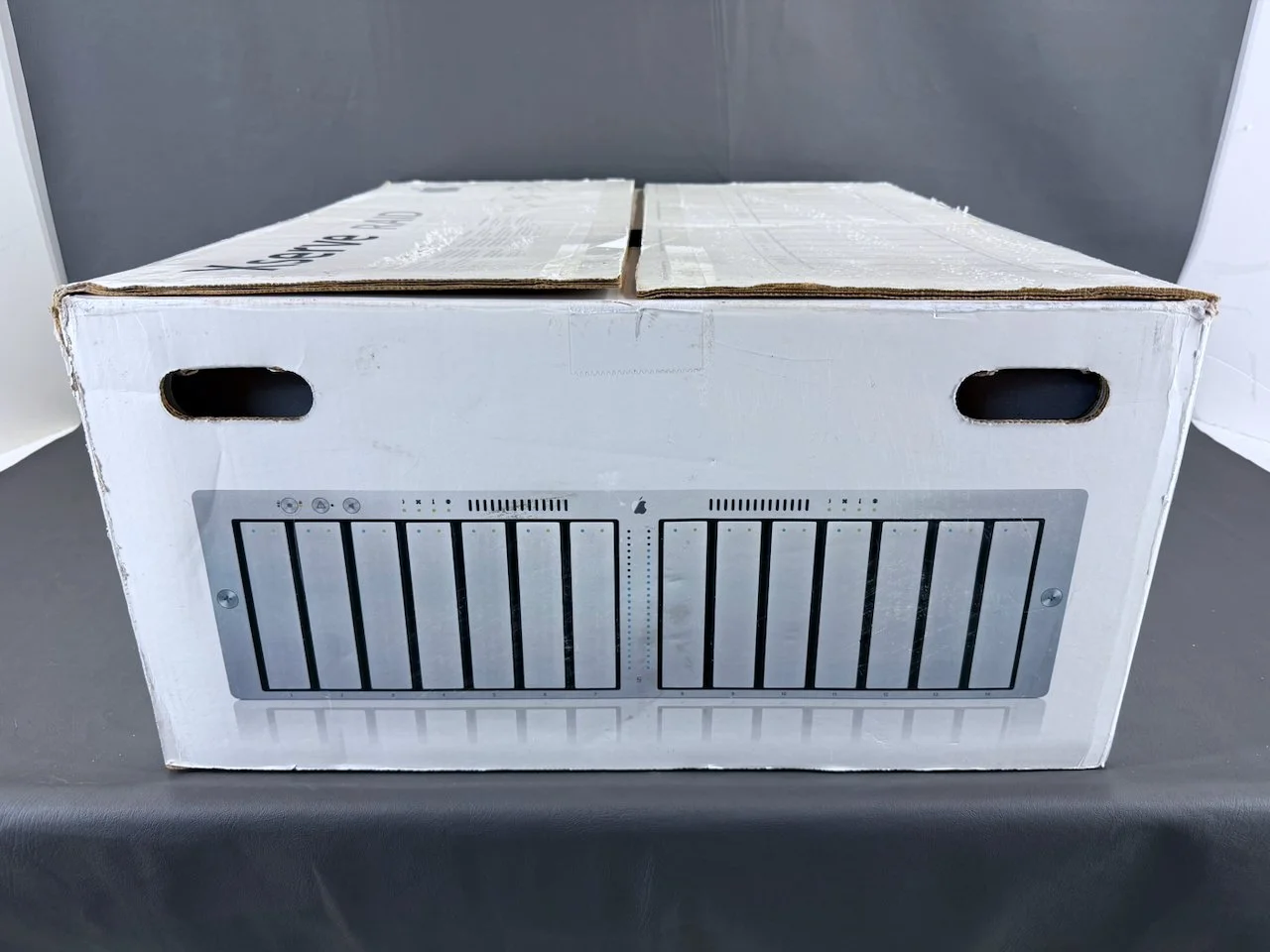
The box for the Xserve RAID is unlike other Apple boxes from the era in that it does not open from the top. Instead, it comes apart in two separate parts or halves.
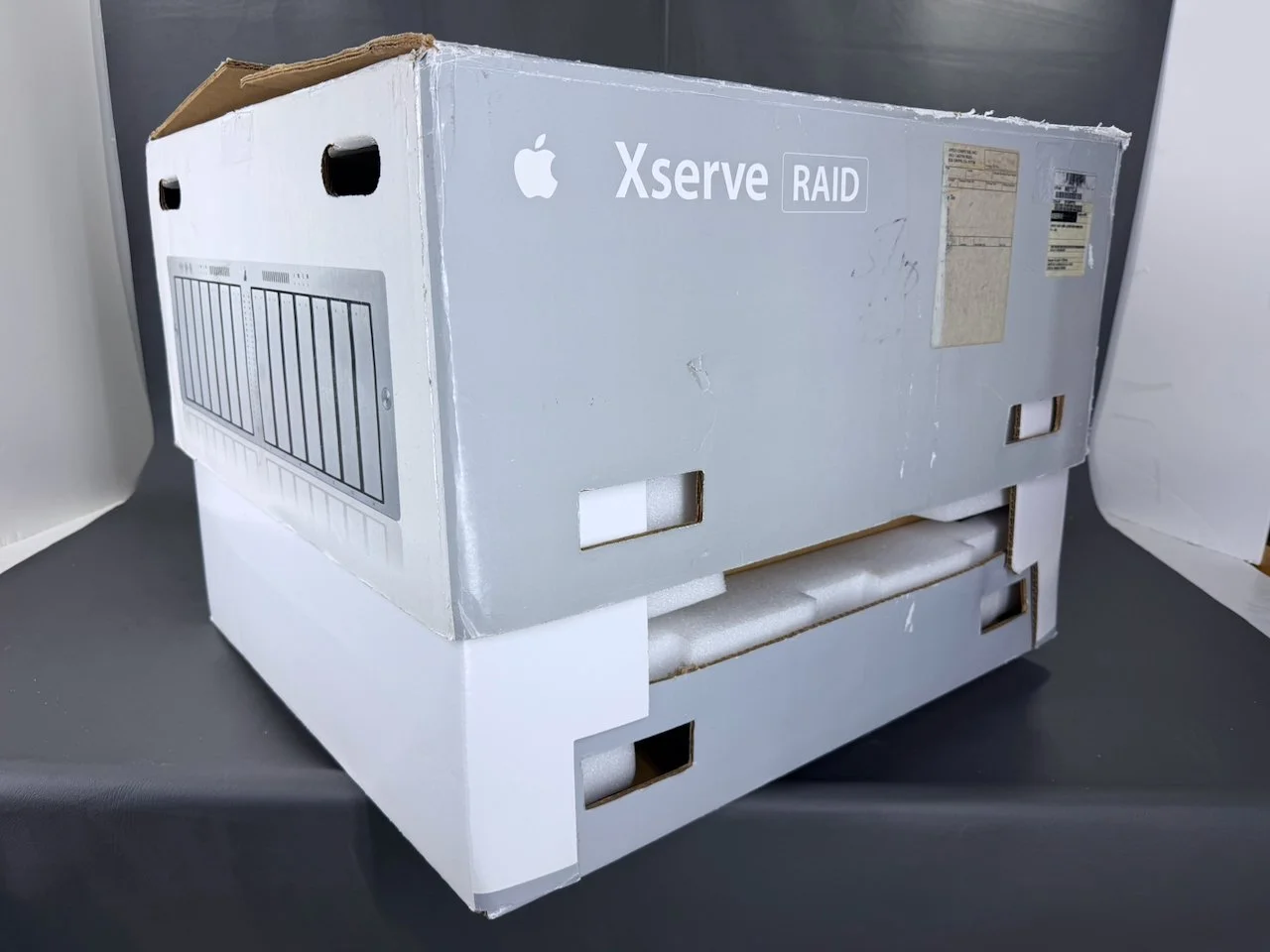
The entire top half of the box can then be lifted away!
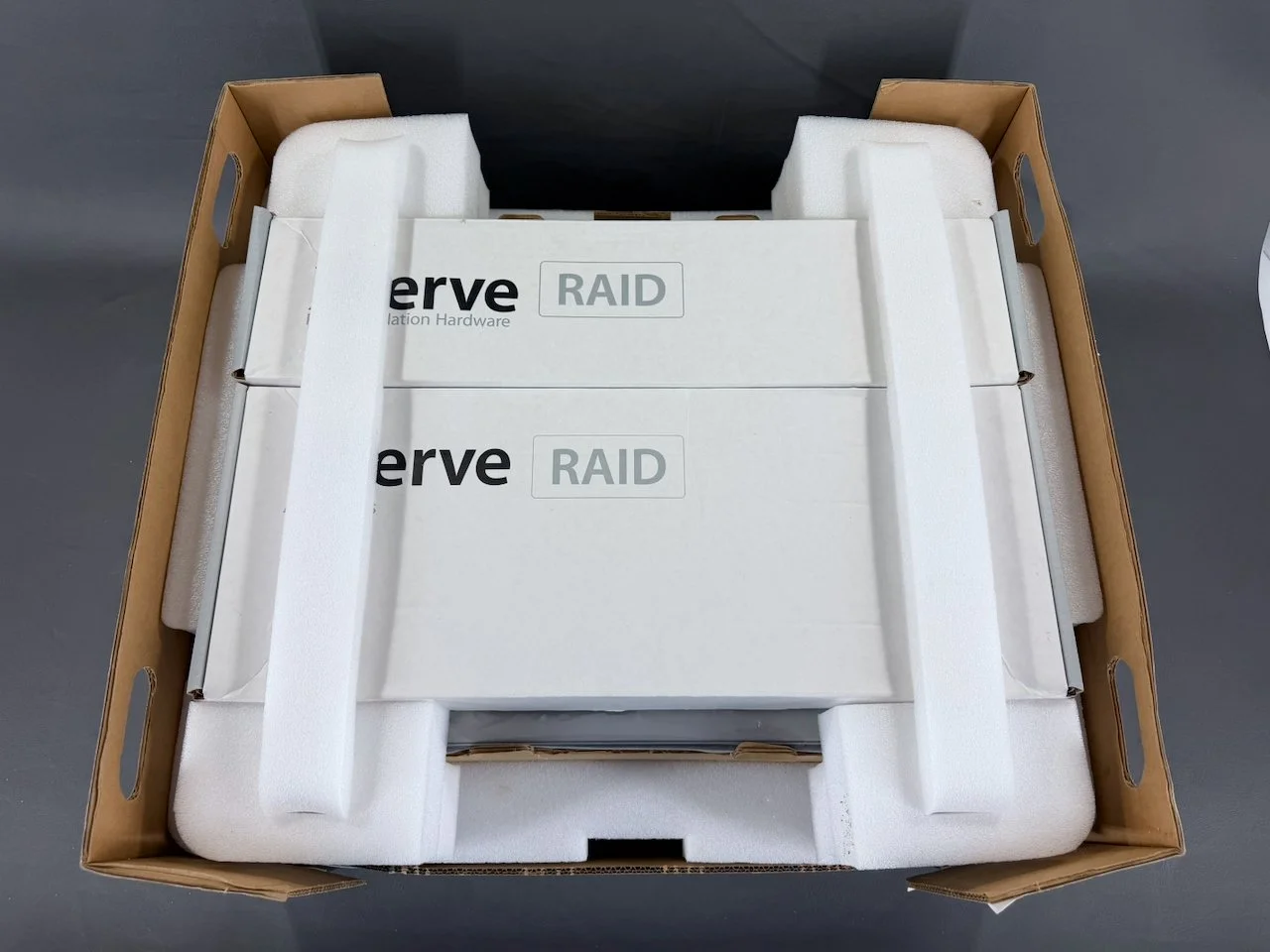
Lots of custom foam in this box. These two long braces hold the two smaller boxes in place, and slot into the end pieces.
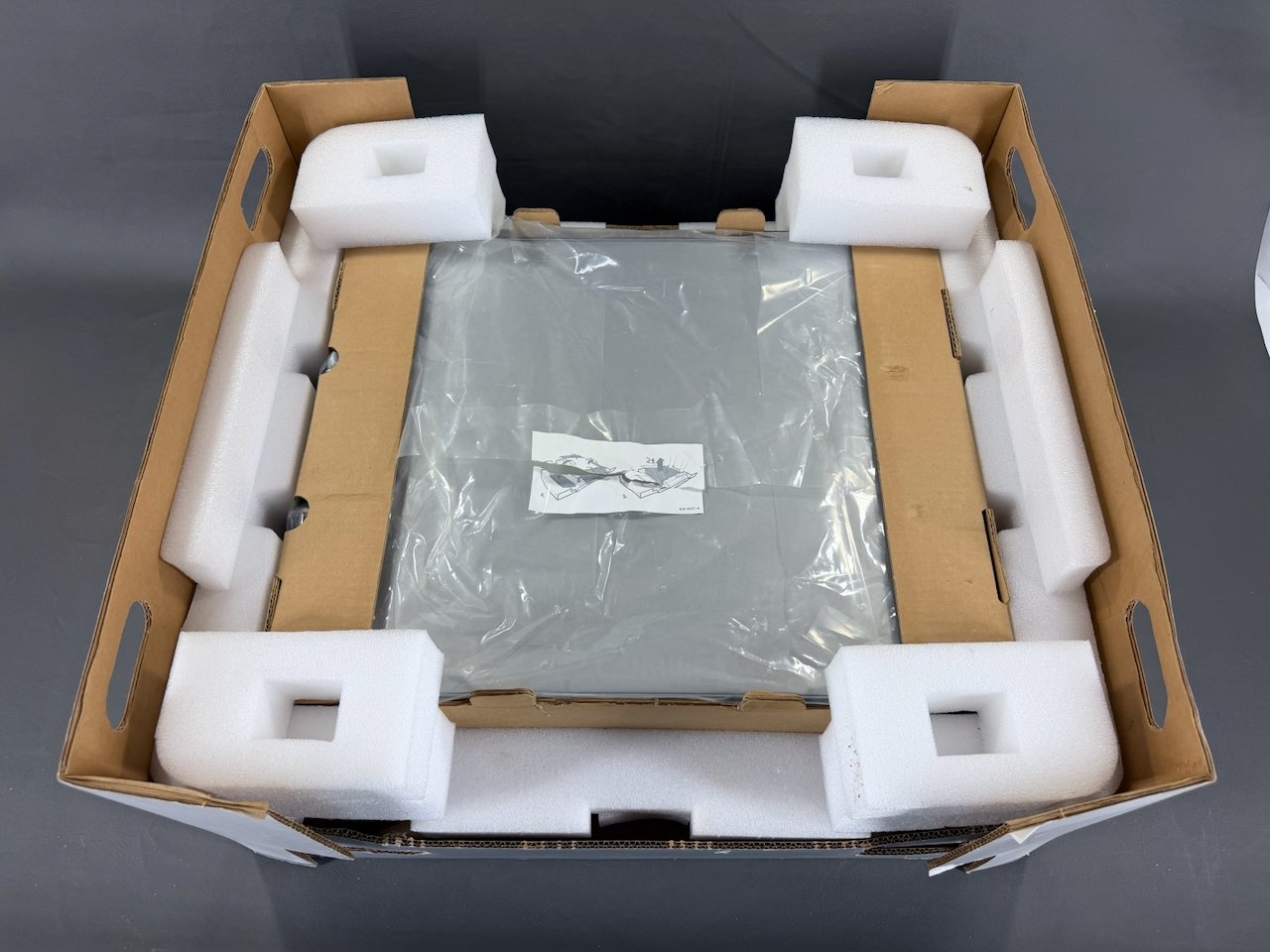
The Xserve RAID itself is visible once the boxes are removed, and the end caps fold away to each side.
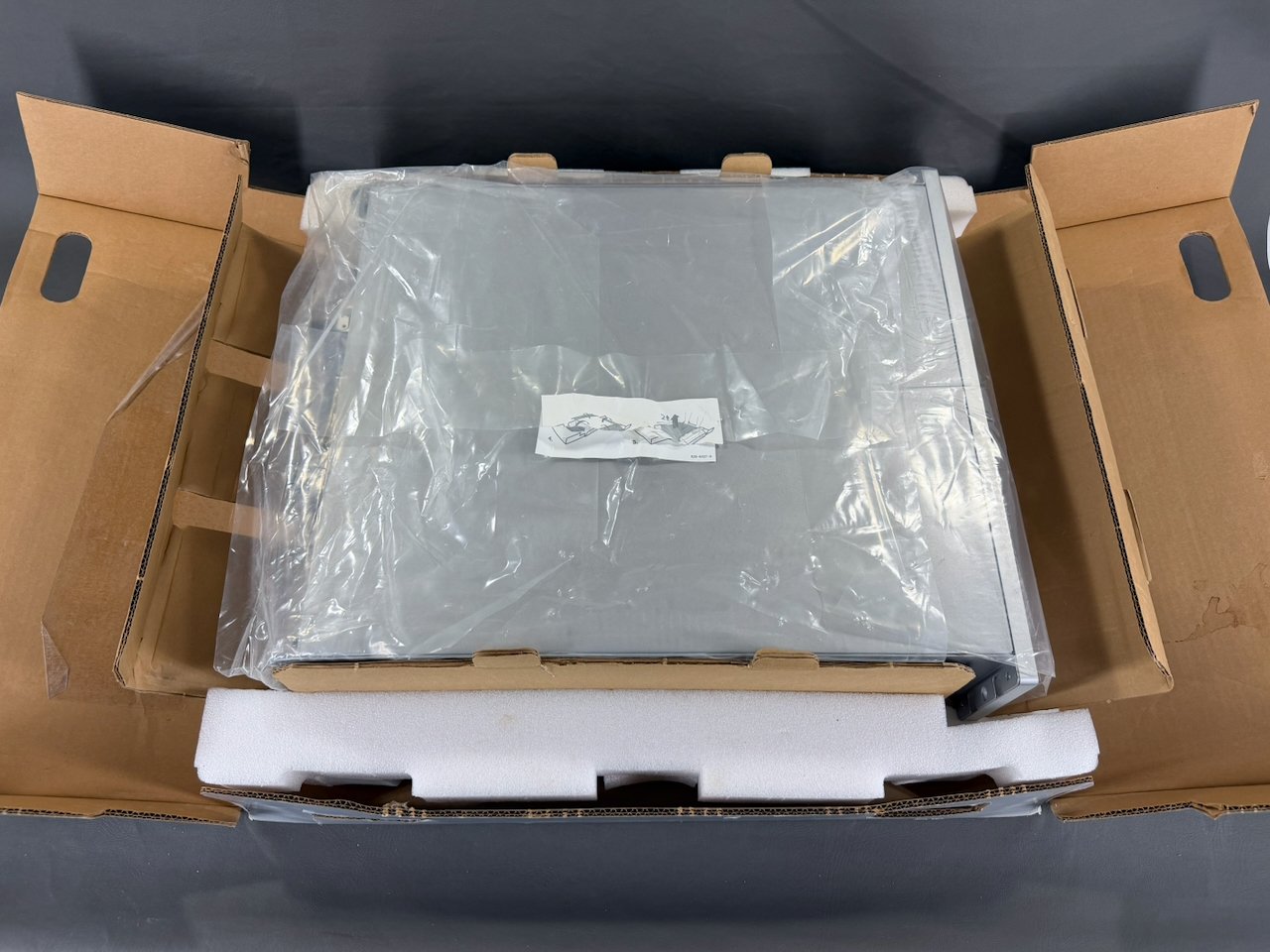
The plastic sheeting is meant to be folded away before removing the unit, unlike other Apple systems of the era.
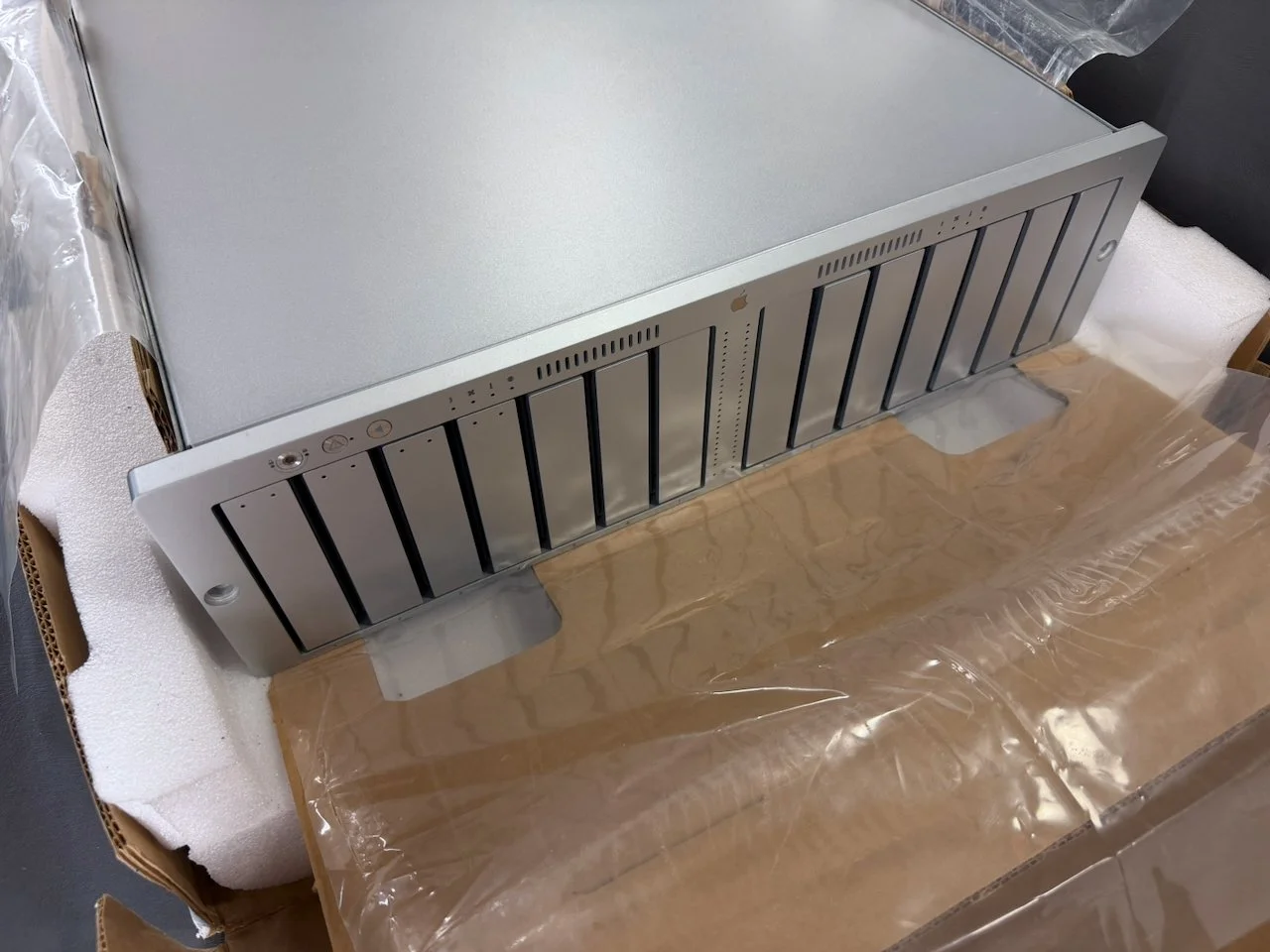
Apple thoughtfully included these cutouts in the underlying cardboard on each side, enabling your hands to slide under the unit and pick it up (it is a 2-person job, one person picking up each side).
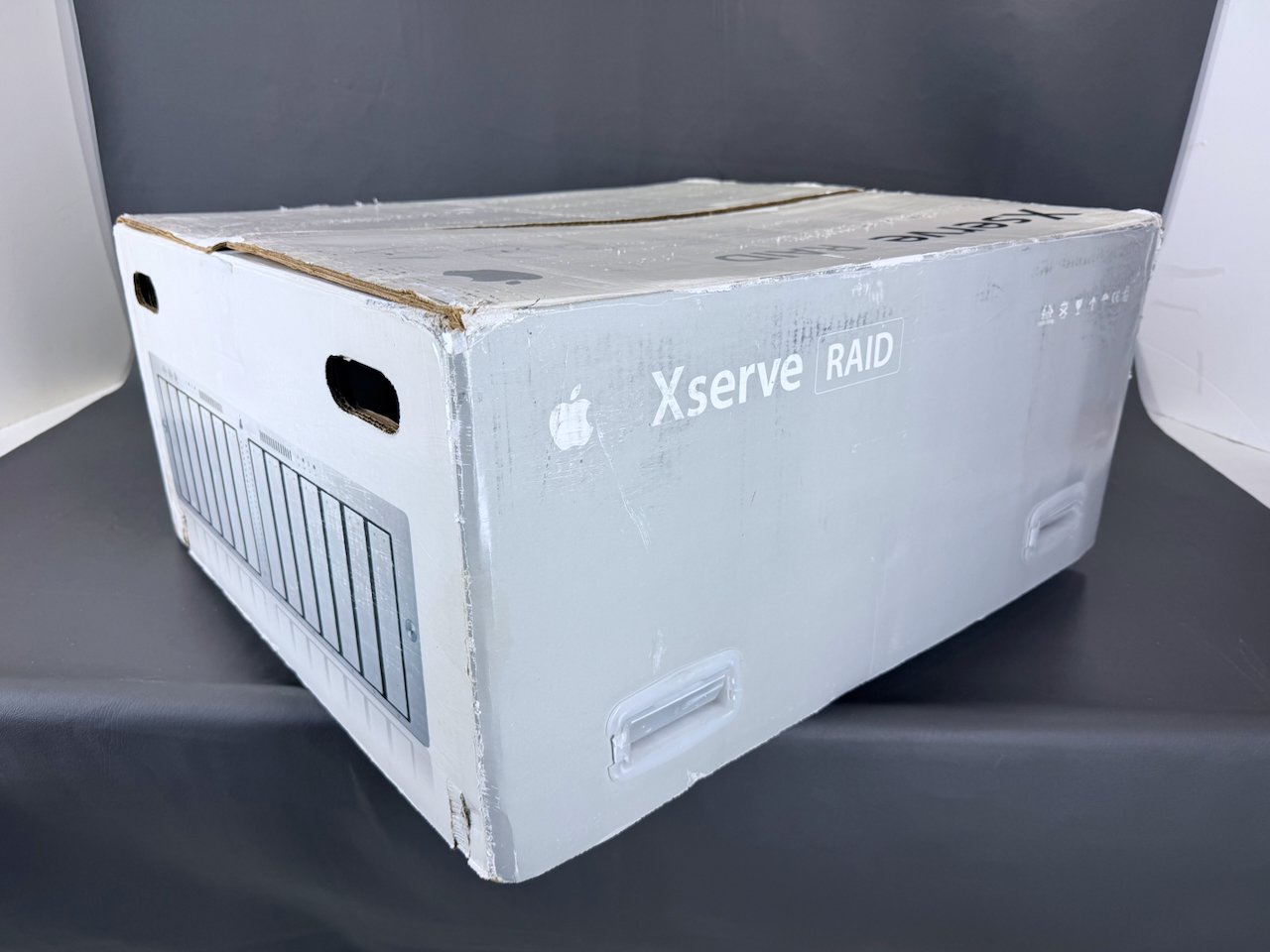
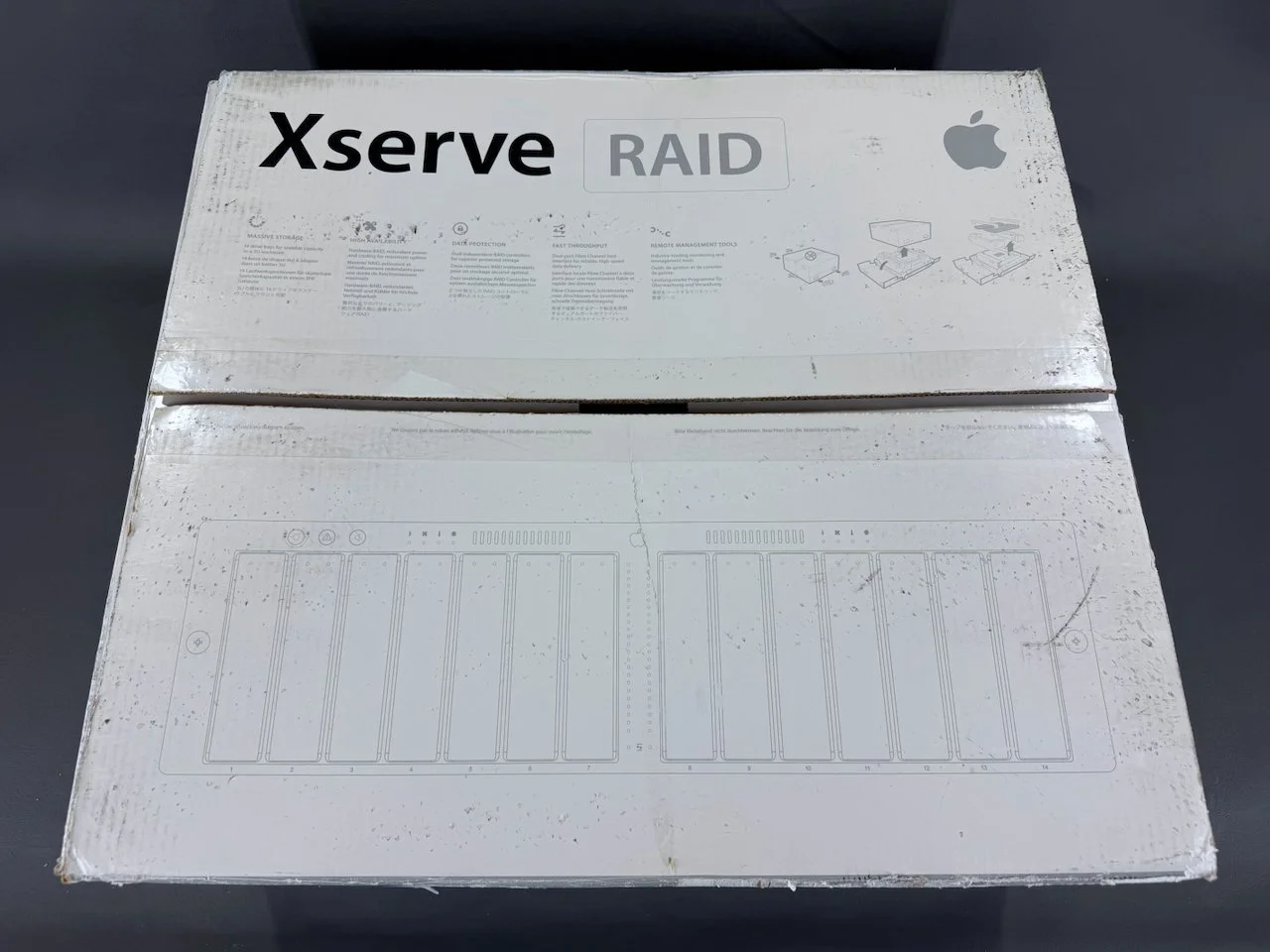
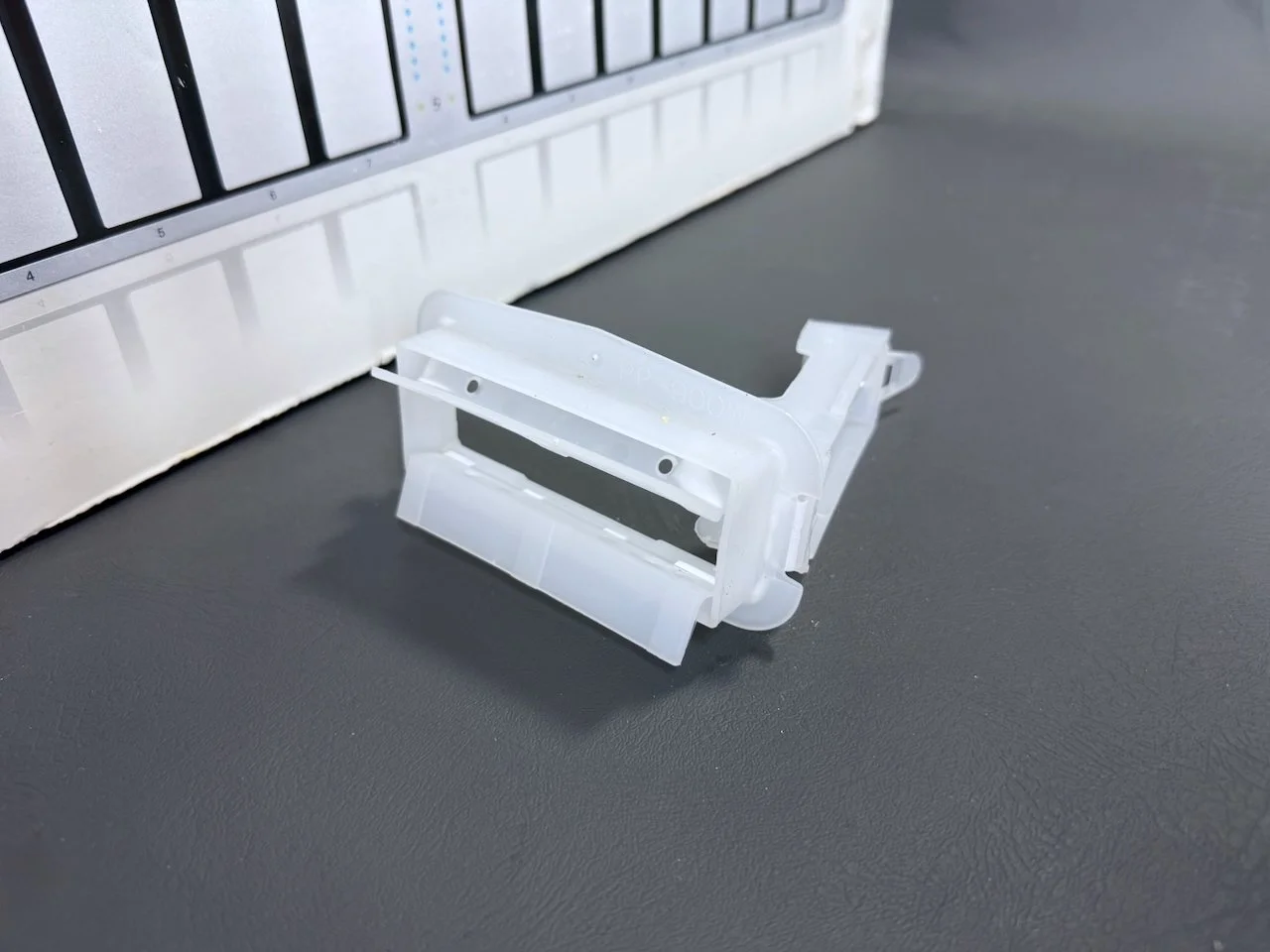
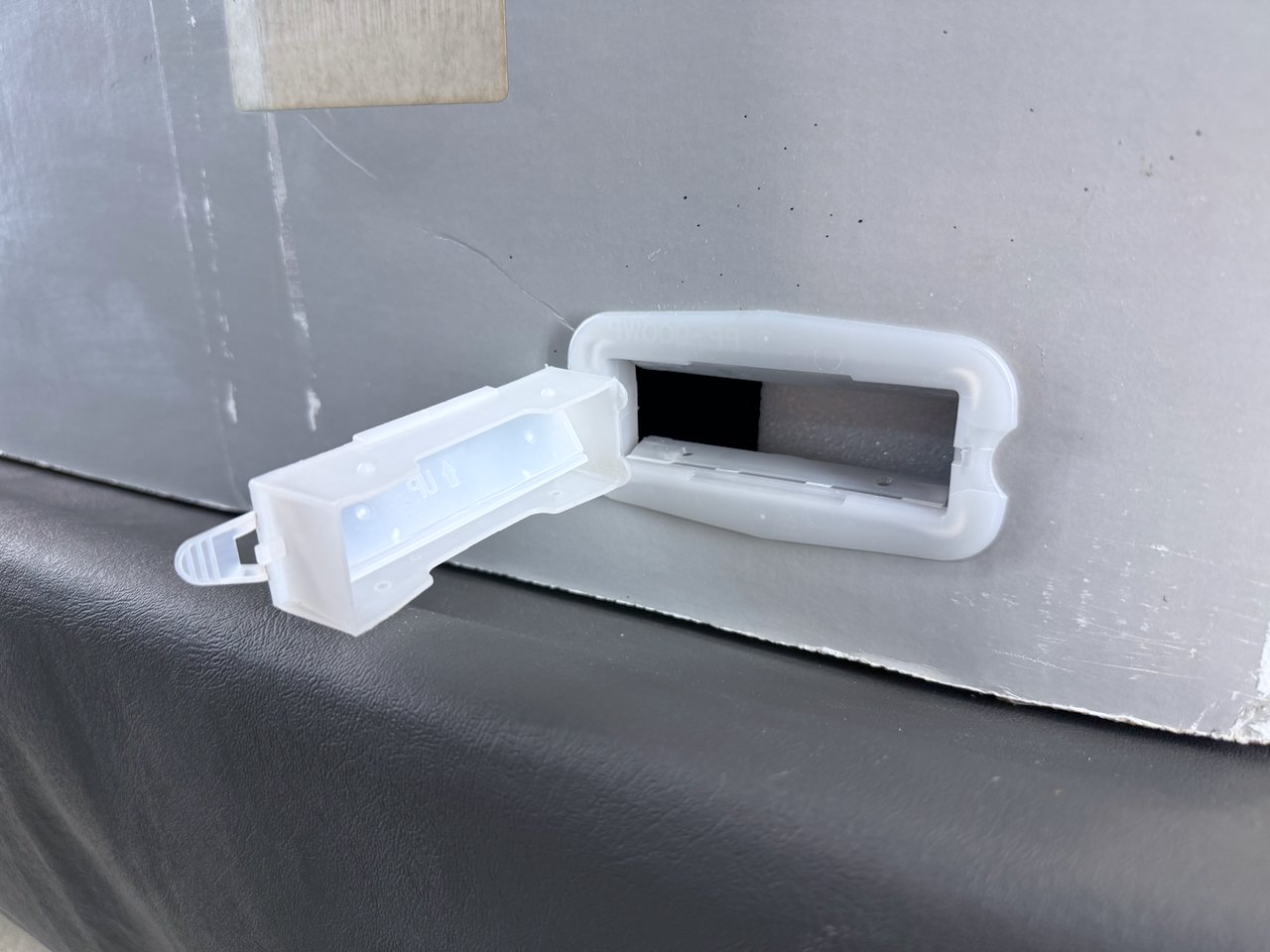
The first step is to remove these four plastic packing handles from the sides. The center pulls out, releasing clips on the rear that hold the two halves of the box together.
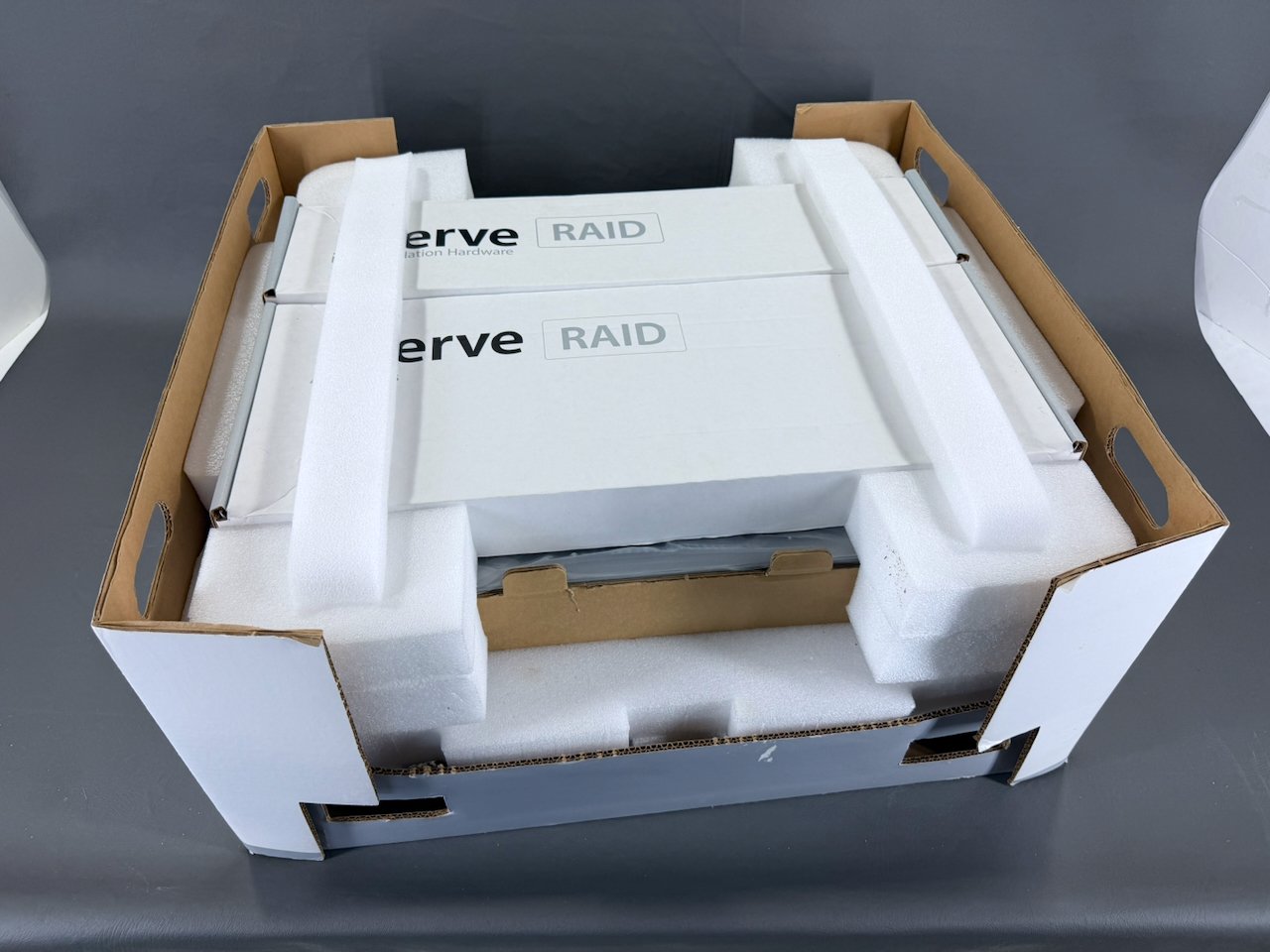
The contents remain in the lower portion of the box.
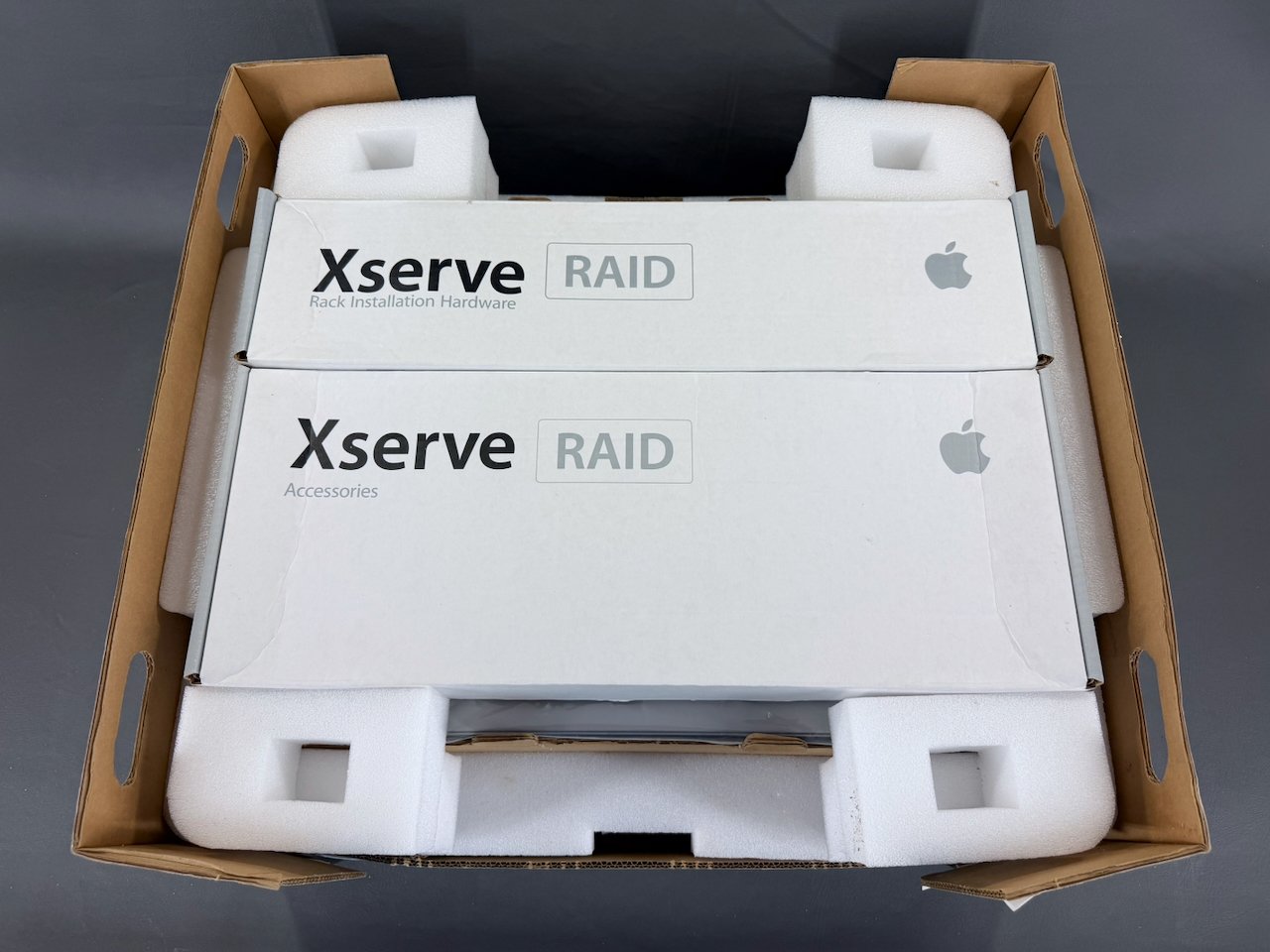
Rack installation hardware box (top) and accessories box (bottom), both of which rest inside a custom foam cradle.
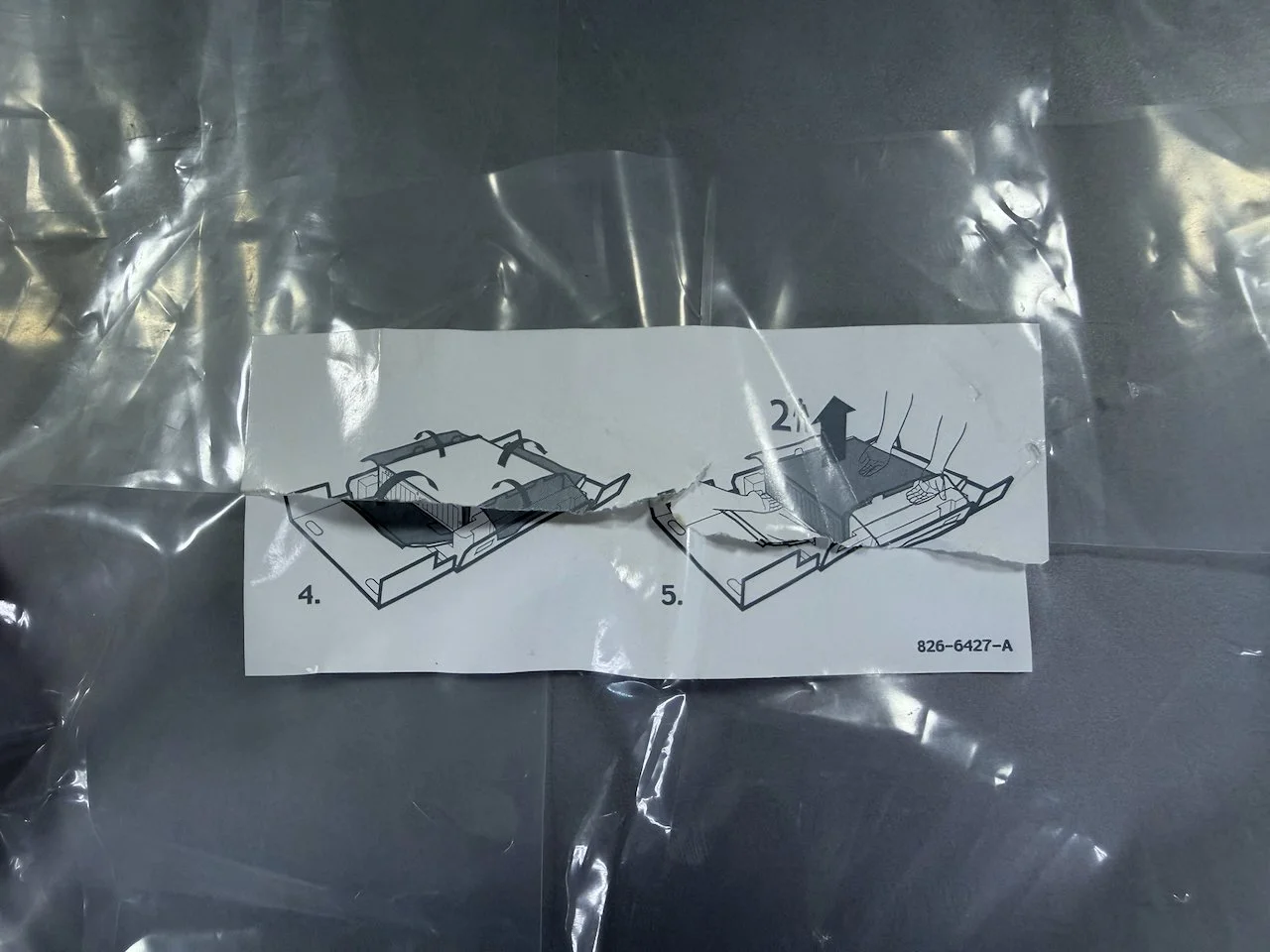
Apple included instructions on this sticker affixed to the plastic sheet, detailing how to unfold it around the unit.
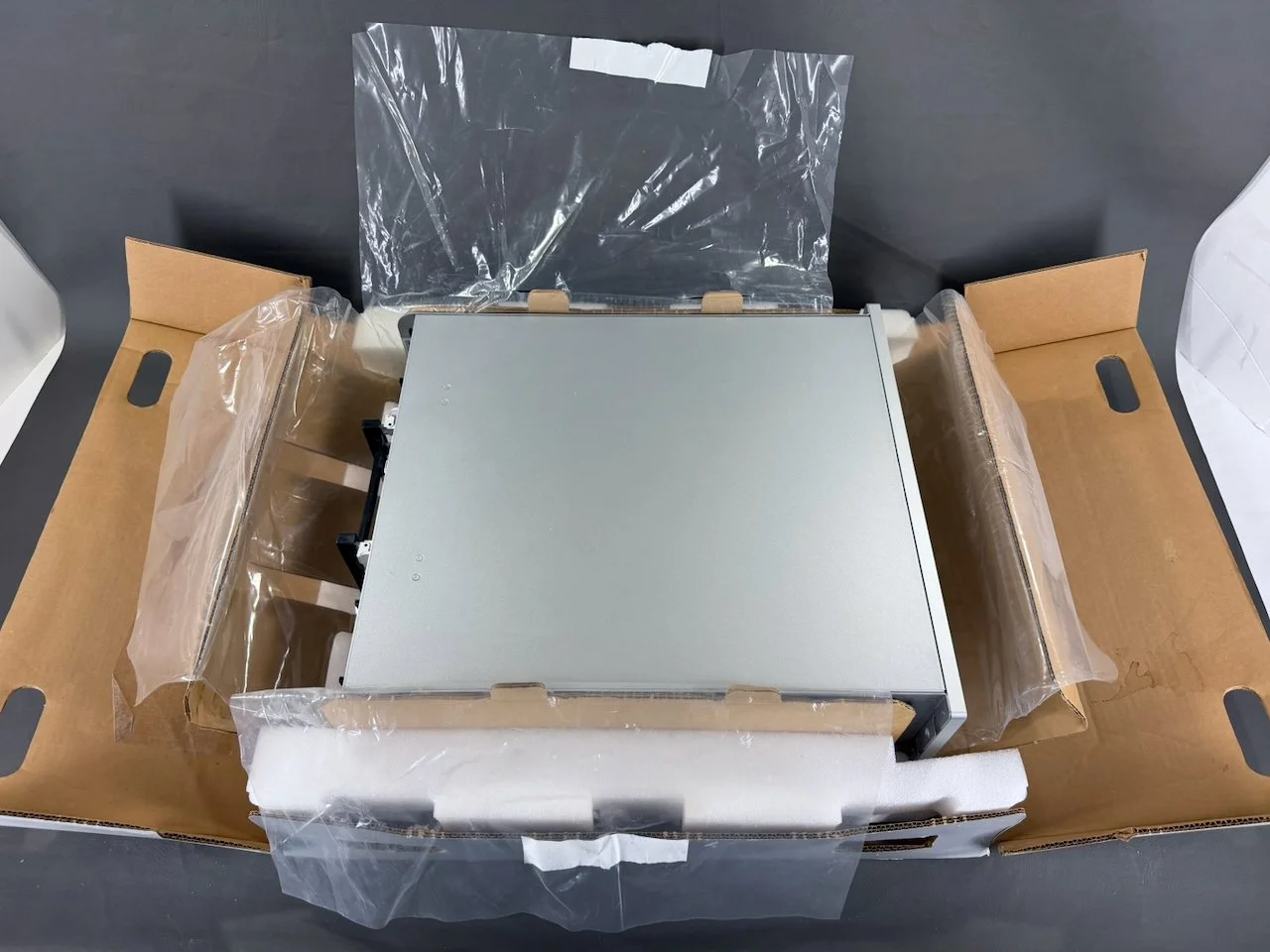
Also unlike other Apple systems, which shipped in a plastic bag, this plastic sheeting folds away from all four sides.
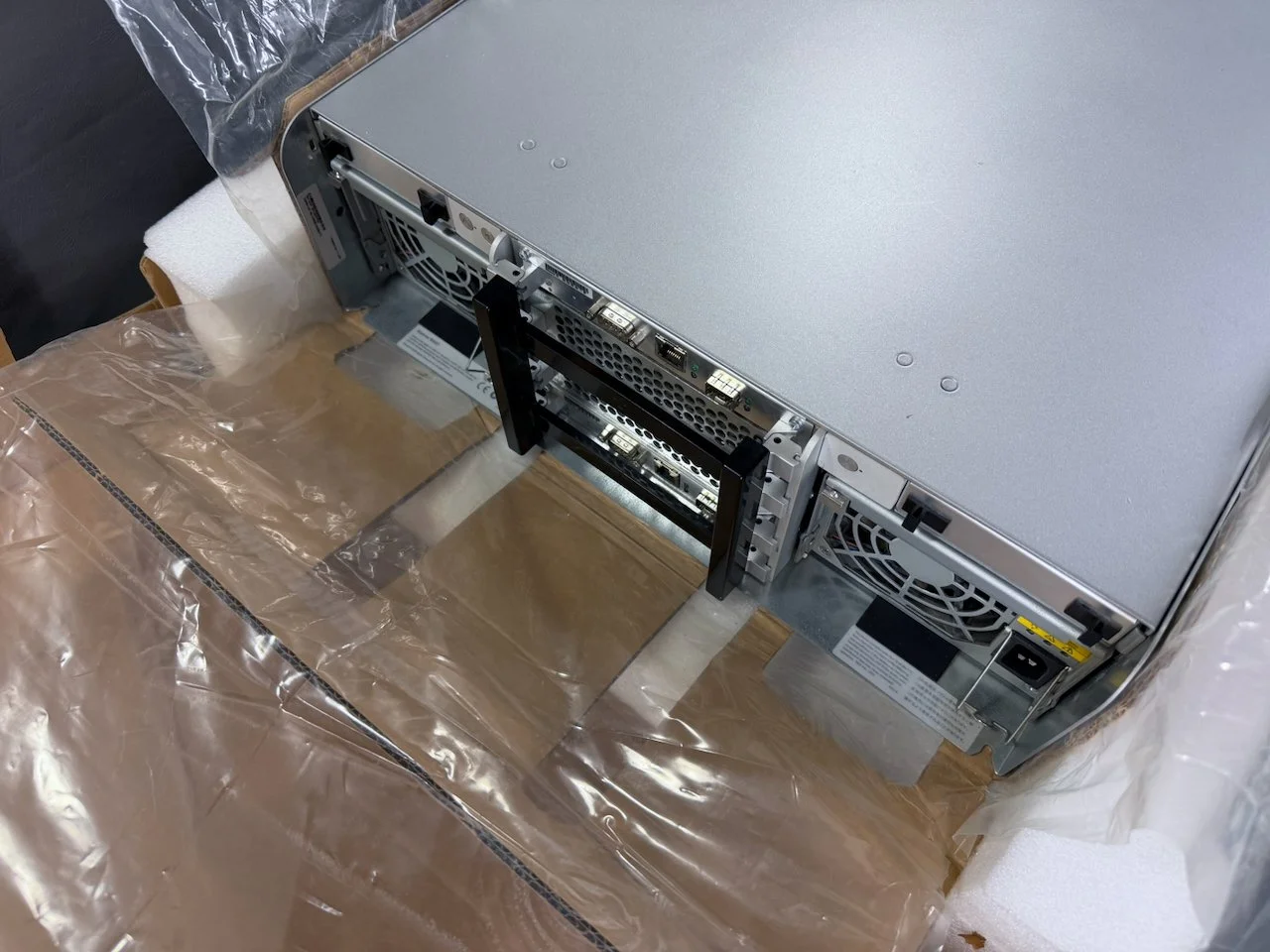
The cutouts are also present at the rear of the unit. Apple also included this black plastic bracket attached to the module latches, which was meant to securely hold them in place during shipping.
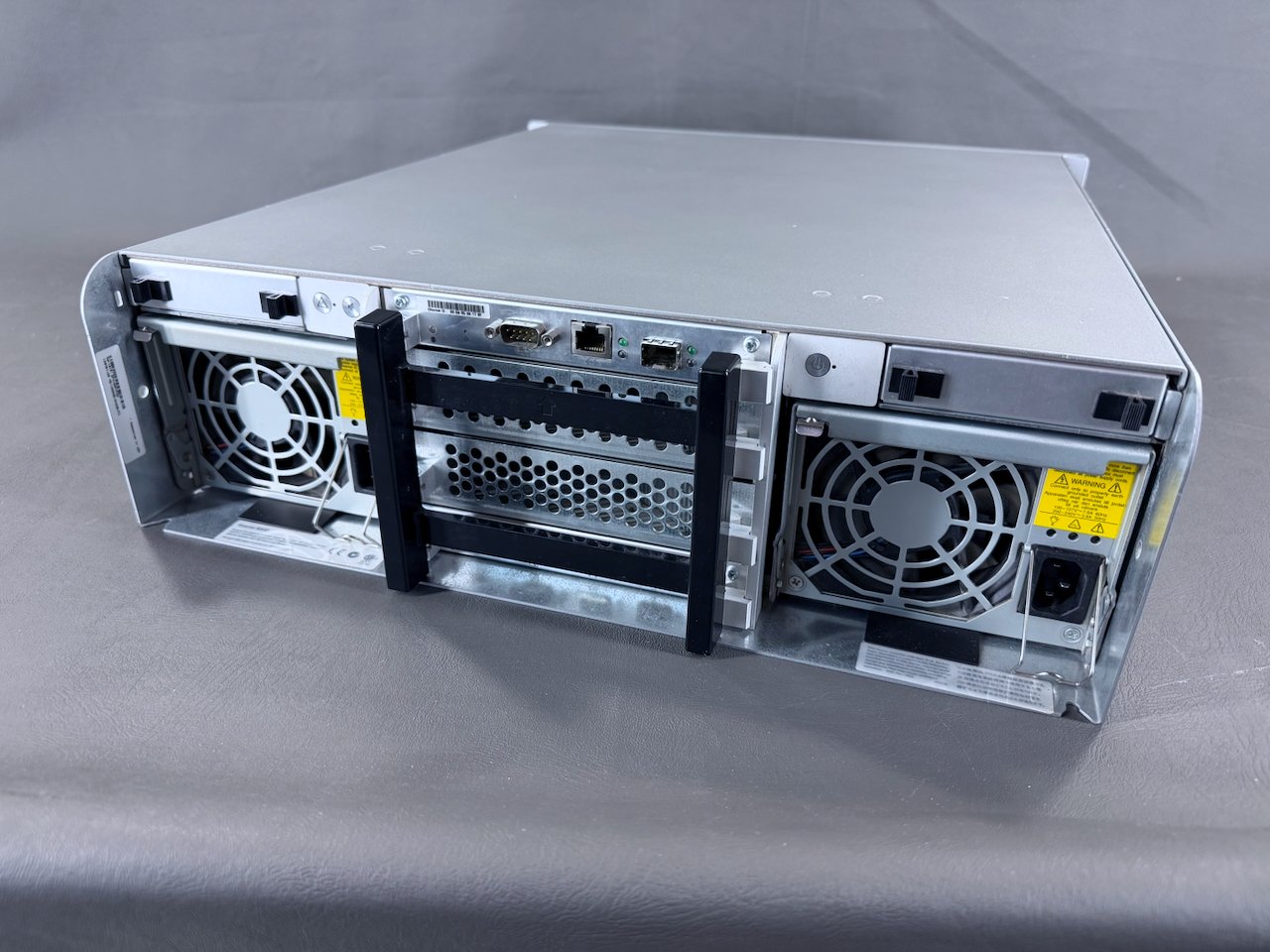
The black plastic shipping bracket prevents the latches from moving and allowing the modules to loosen or slide out during shipping.
Rack Installation Hardware Box
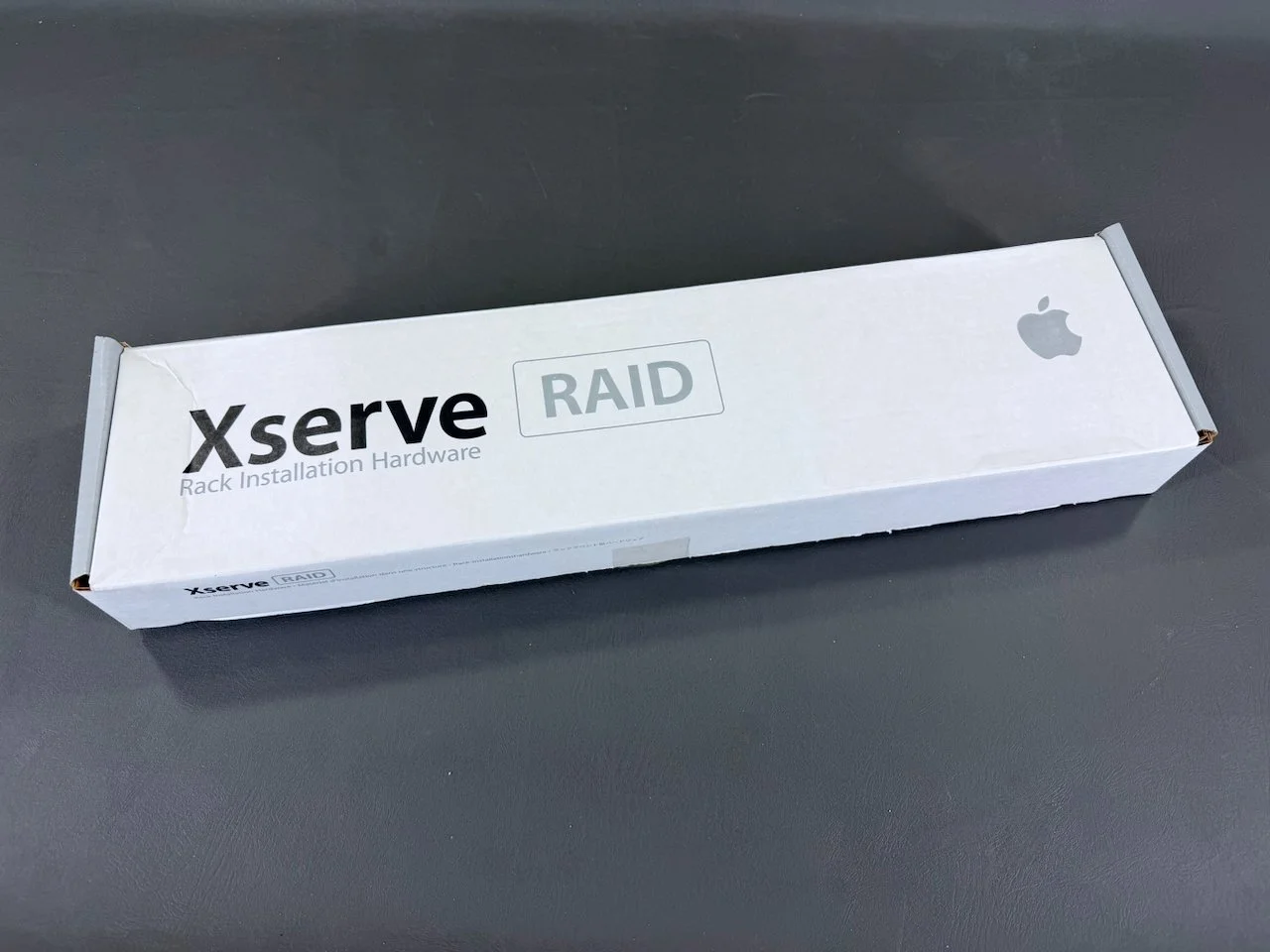
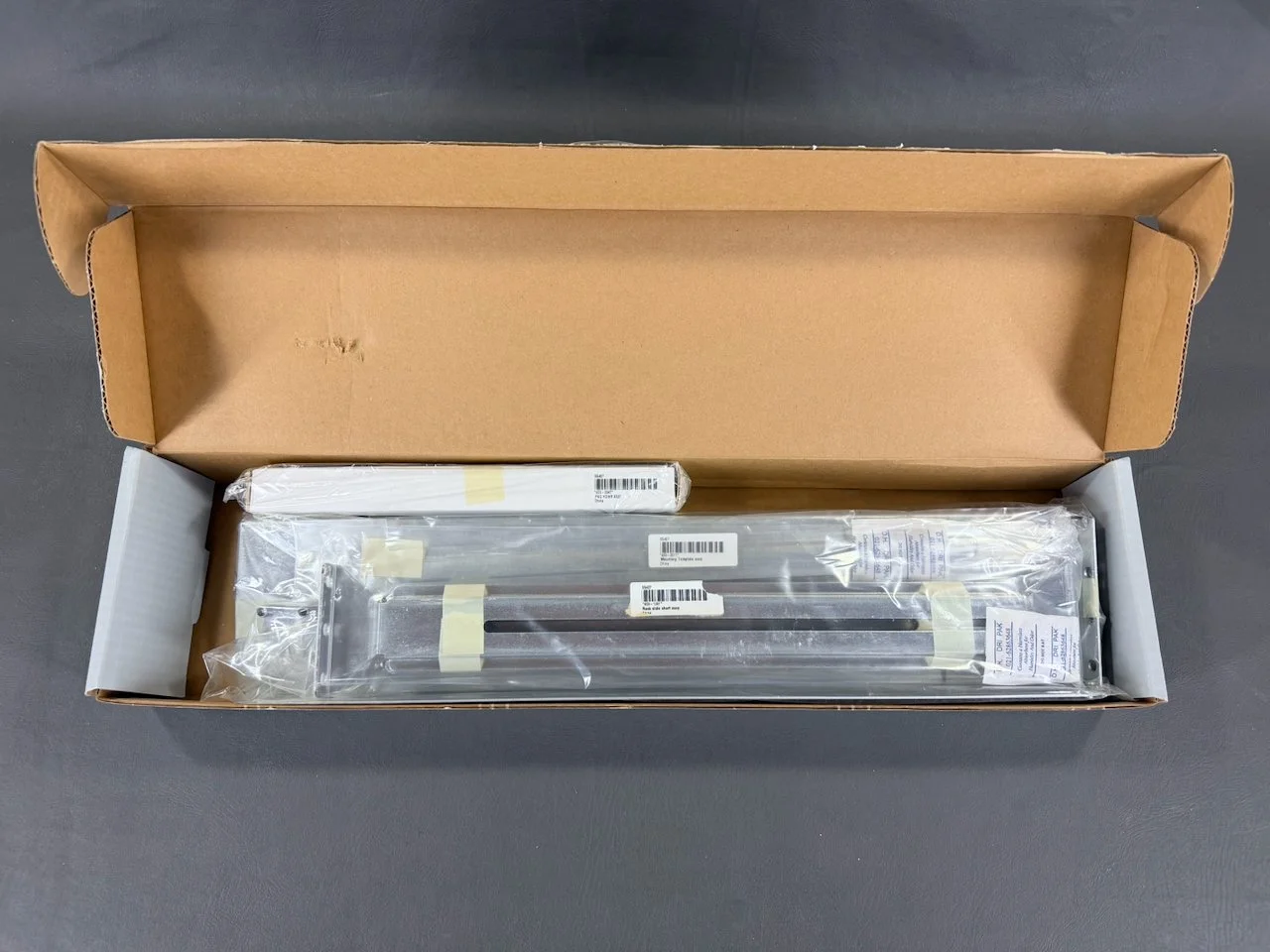
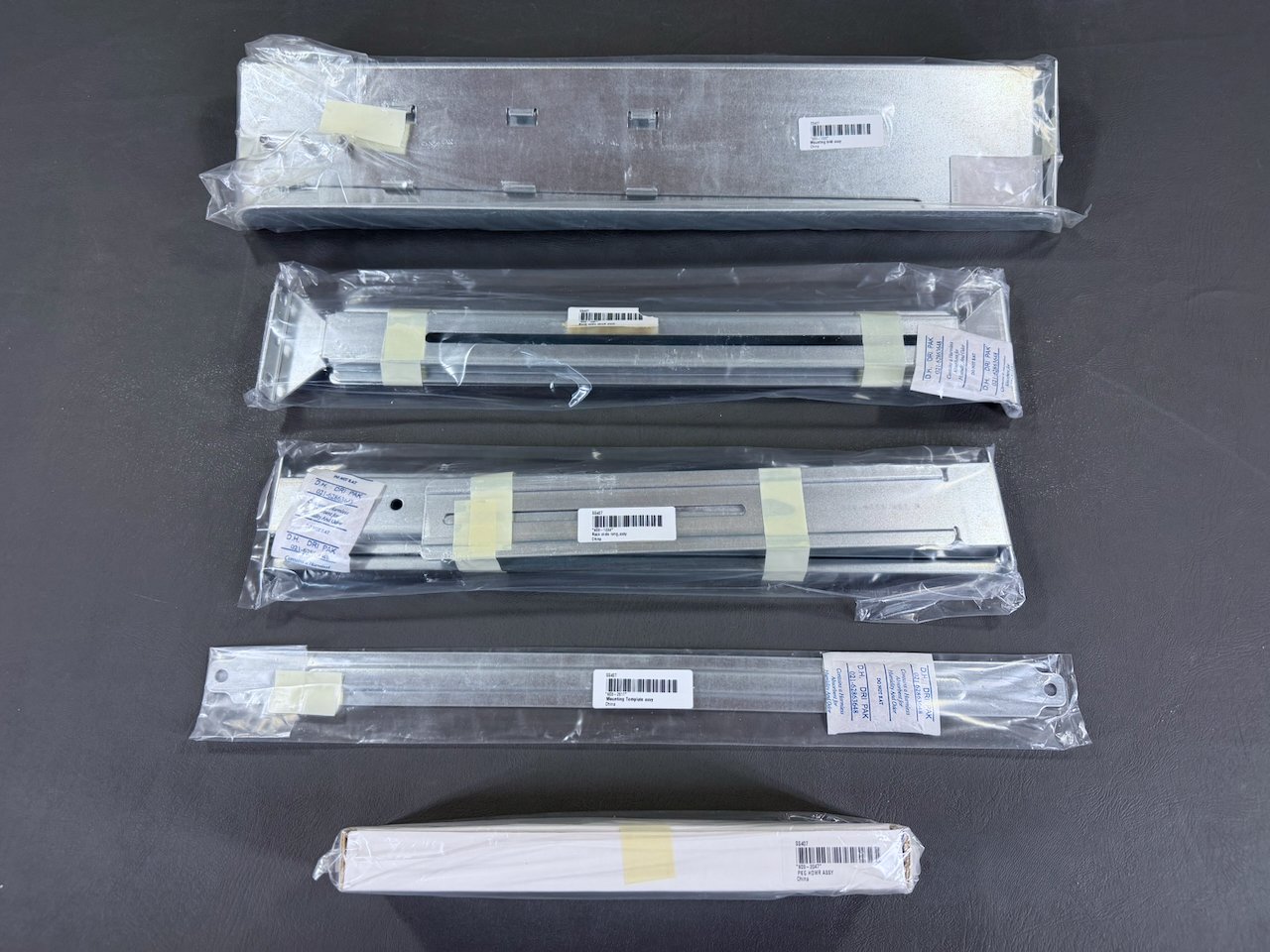
This hardware is all obviously still sealed (NOS) and has never been used.
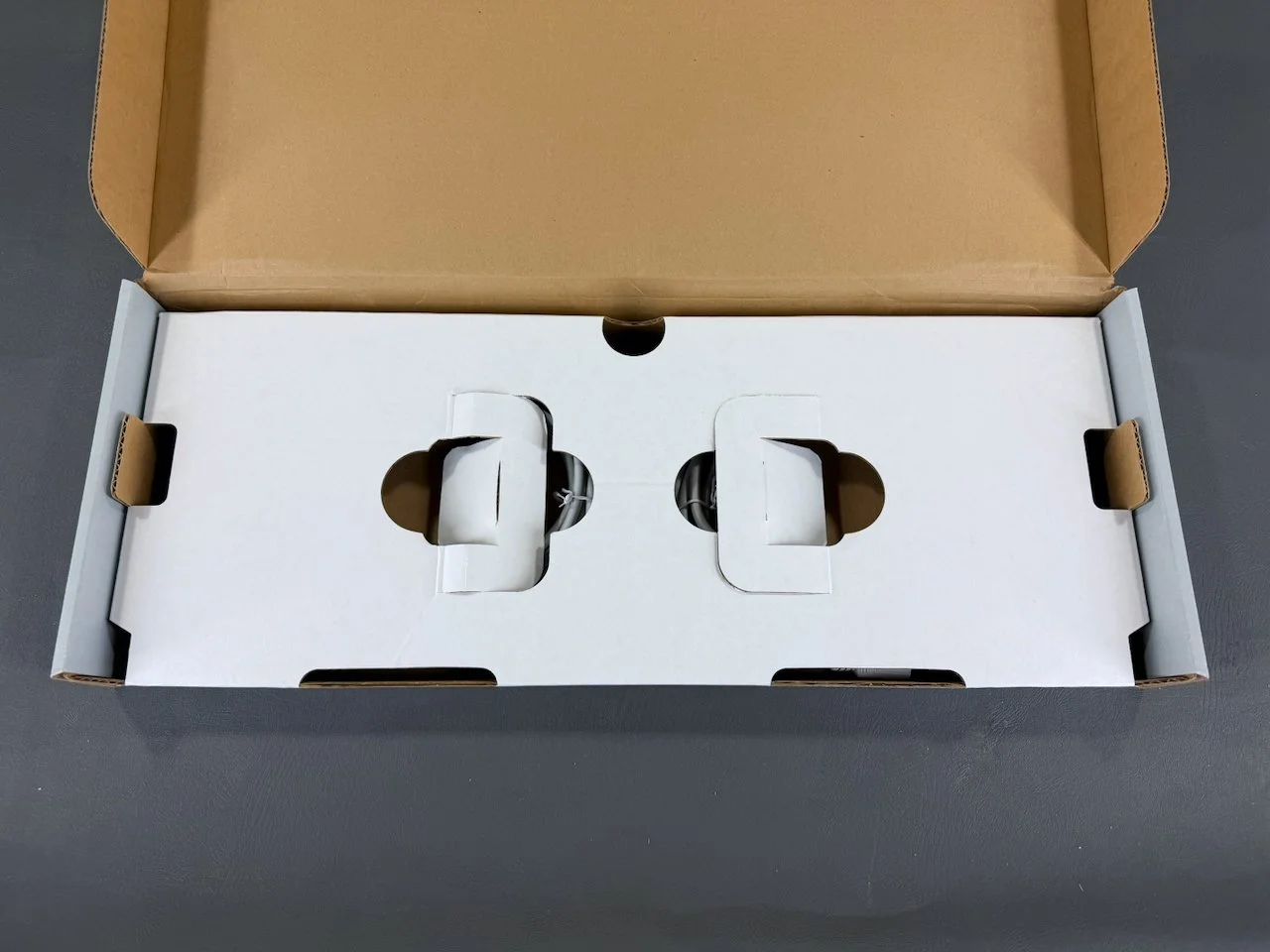
Accessories Box
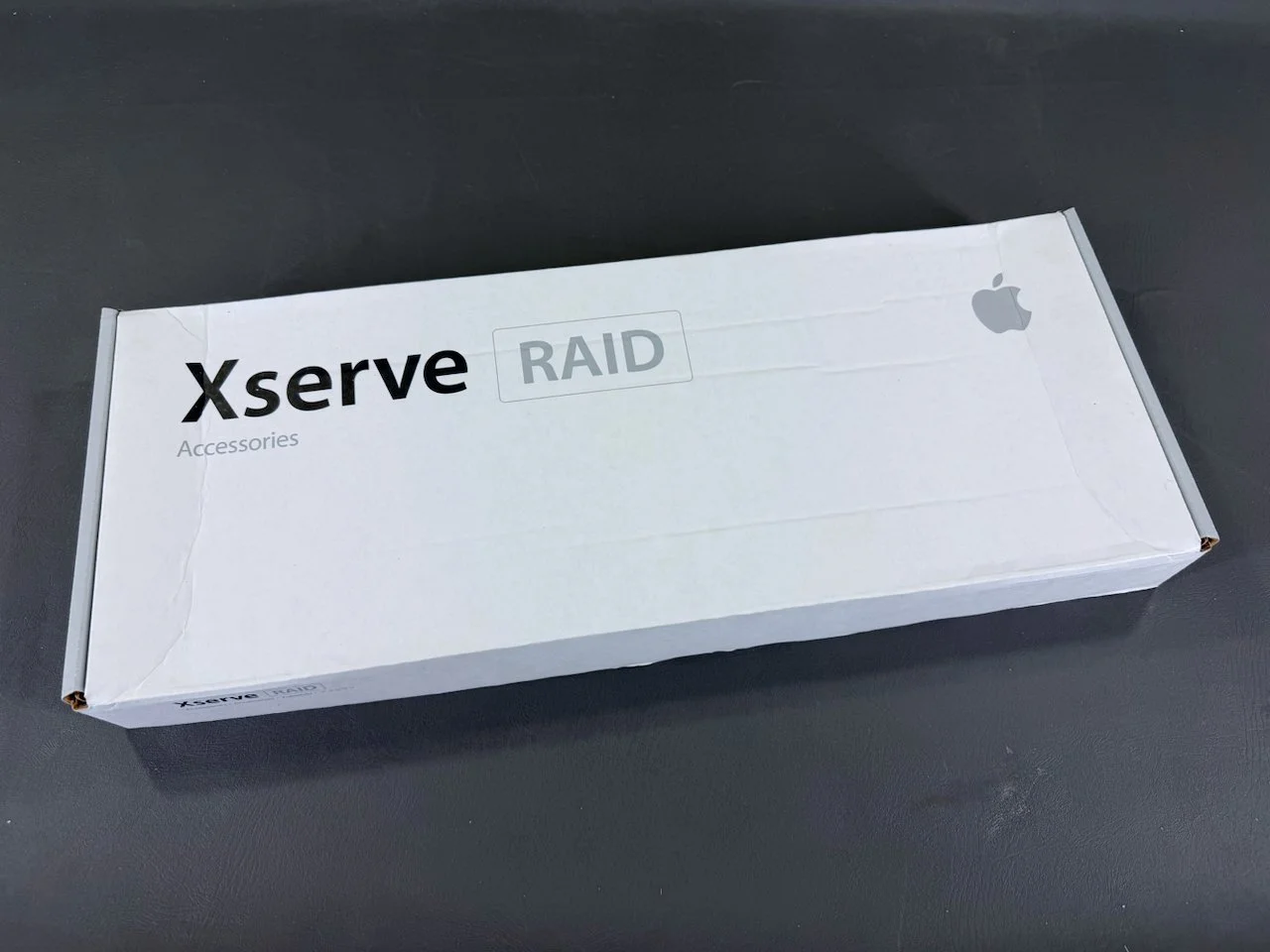
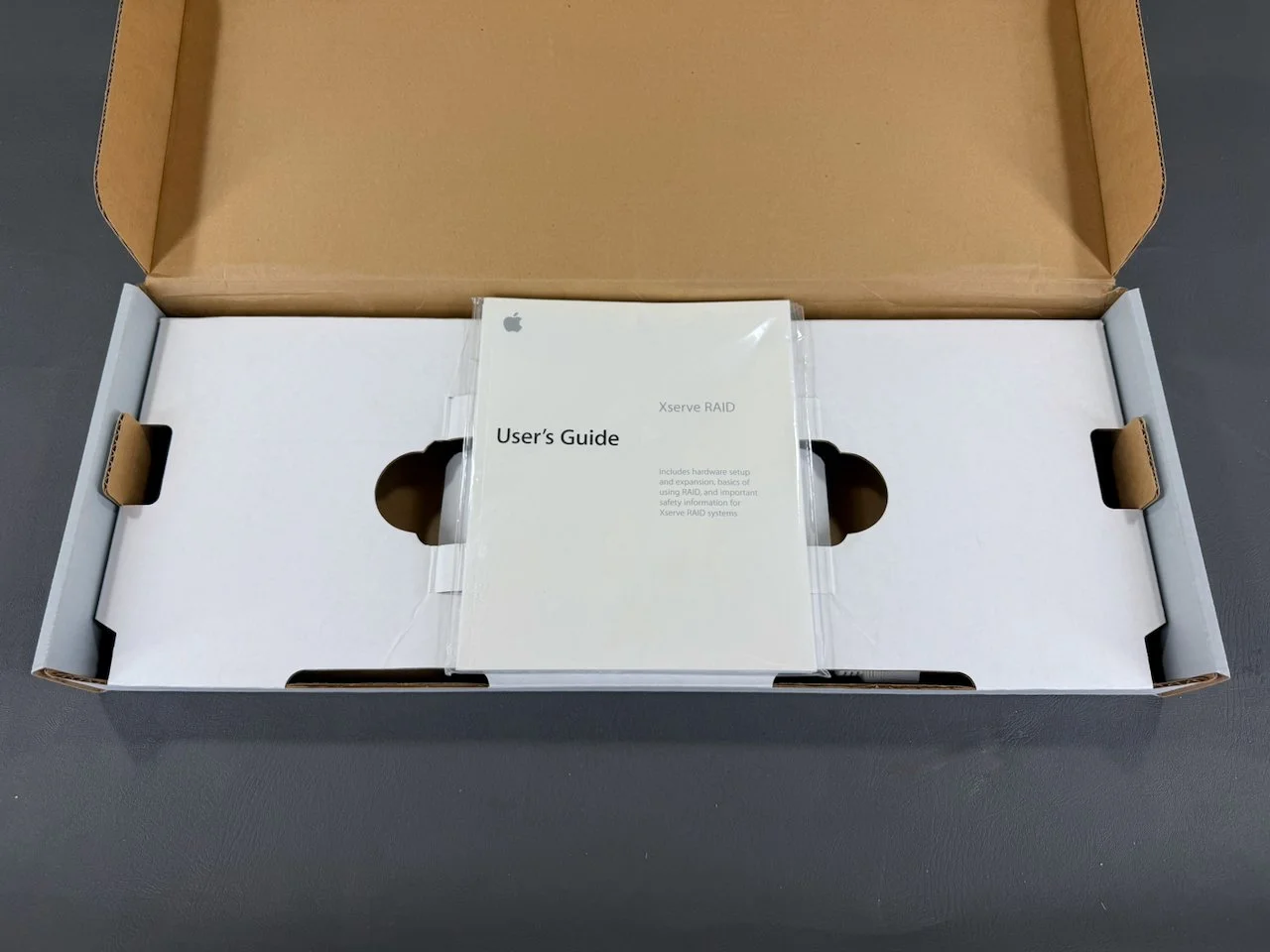
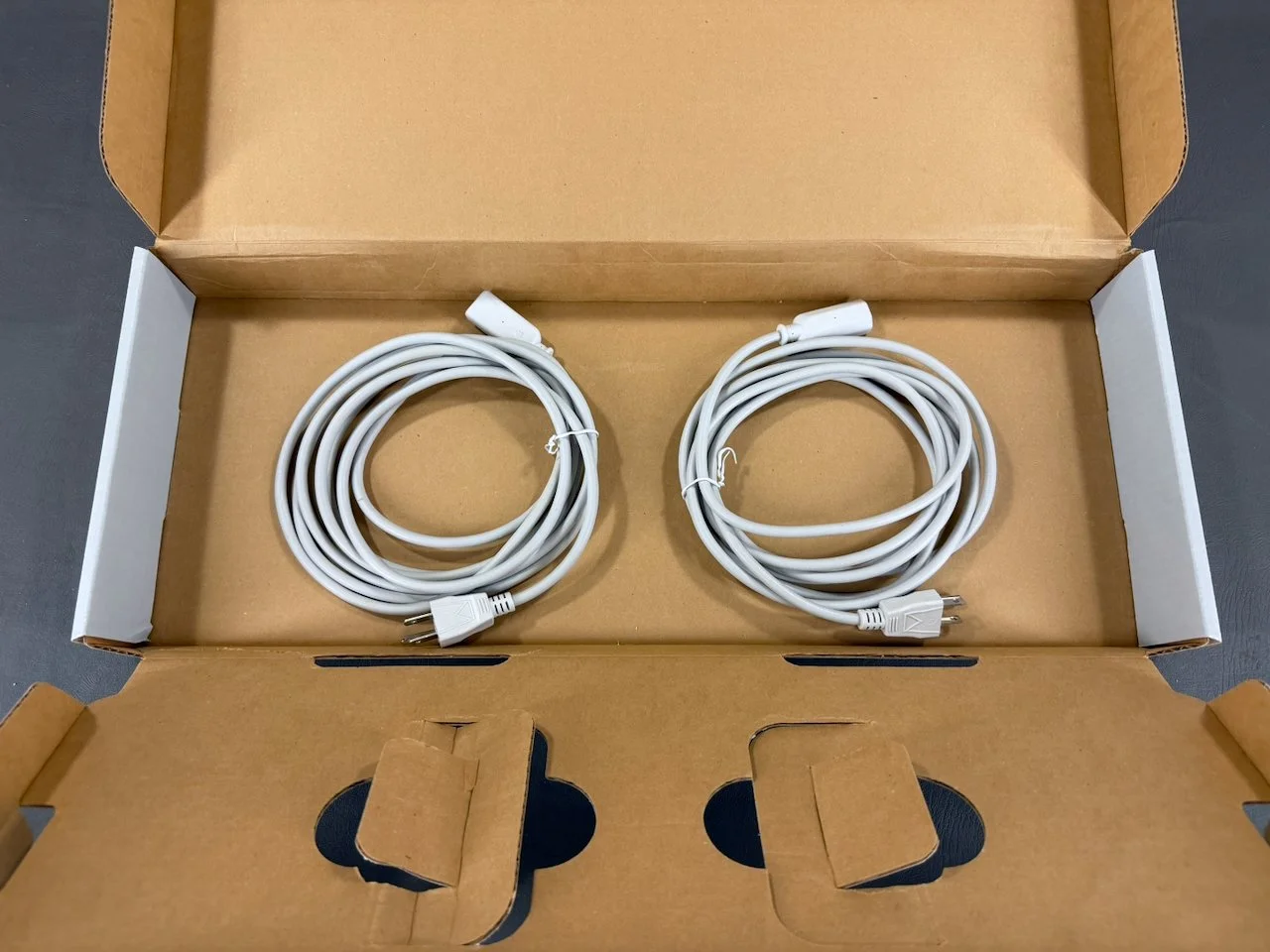
The documentation packet and (two) power cables are all that seem to have shipped in this box, and these are the only components mentioned in the User’s Guide. It’s not clear what the cutouts in the intermediary cardboard separator are for, or if other items originally shipped here (which are missing from my system).
If you can provide clarity on this, please shoot me an email using the blue button at the top-right!
Xserve RAID
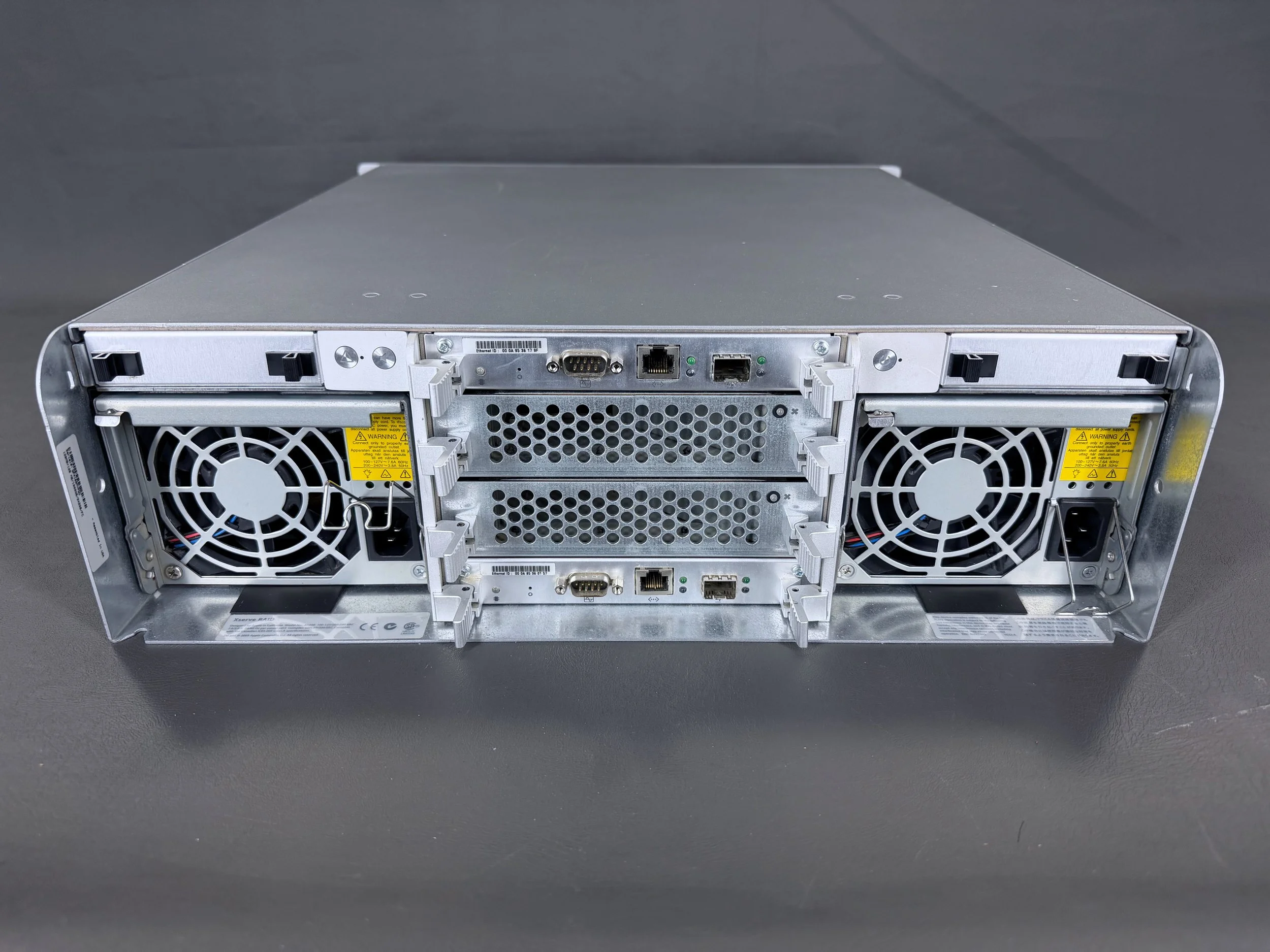
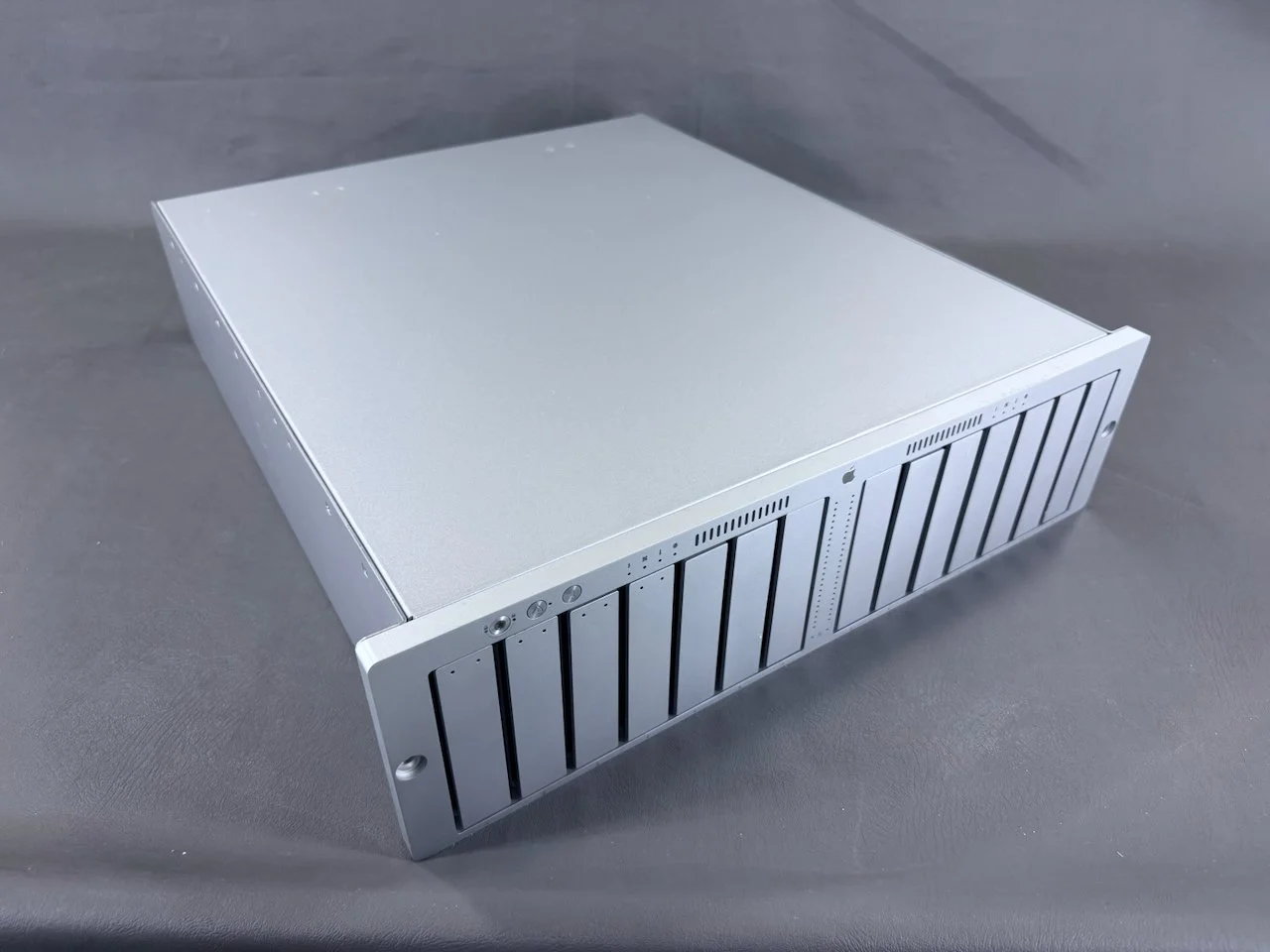
The Xserve RAID has two power supplies (left and right), along with the stack of four modules in the center.
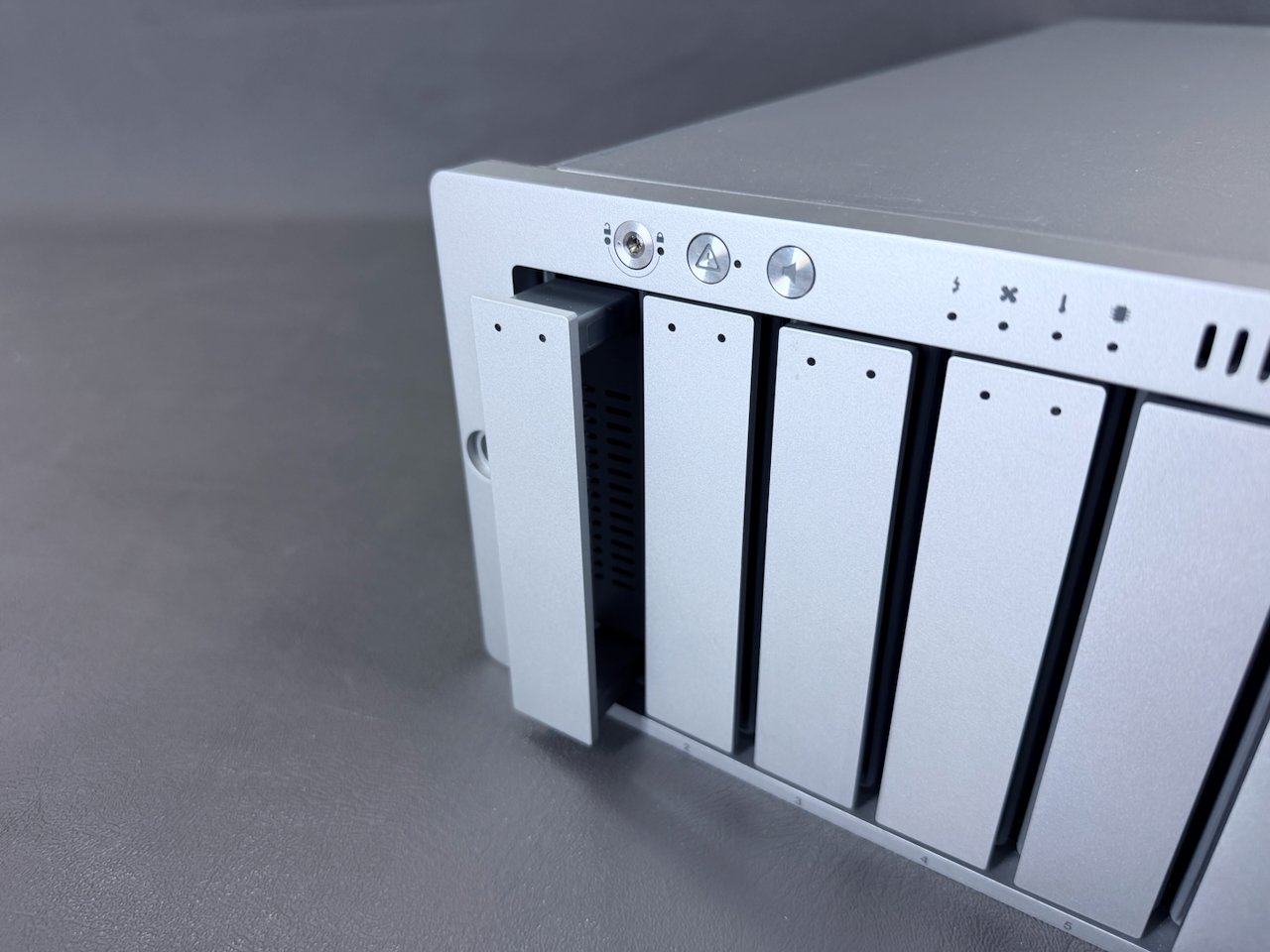
Each of the drives is removed by first pressing inwards, causing a handle to pop out.
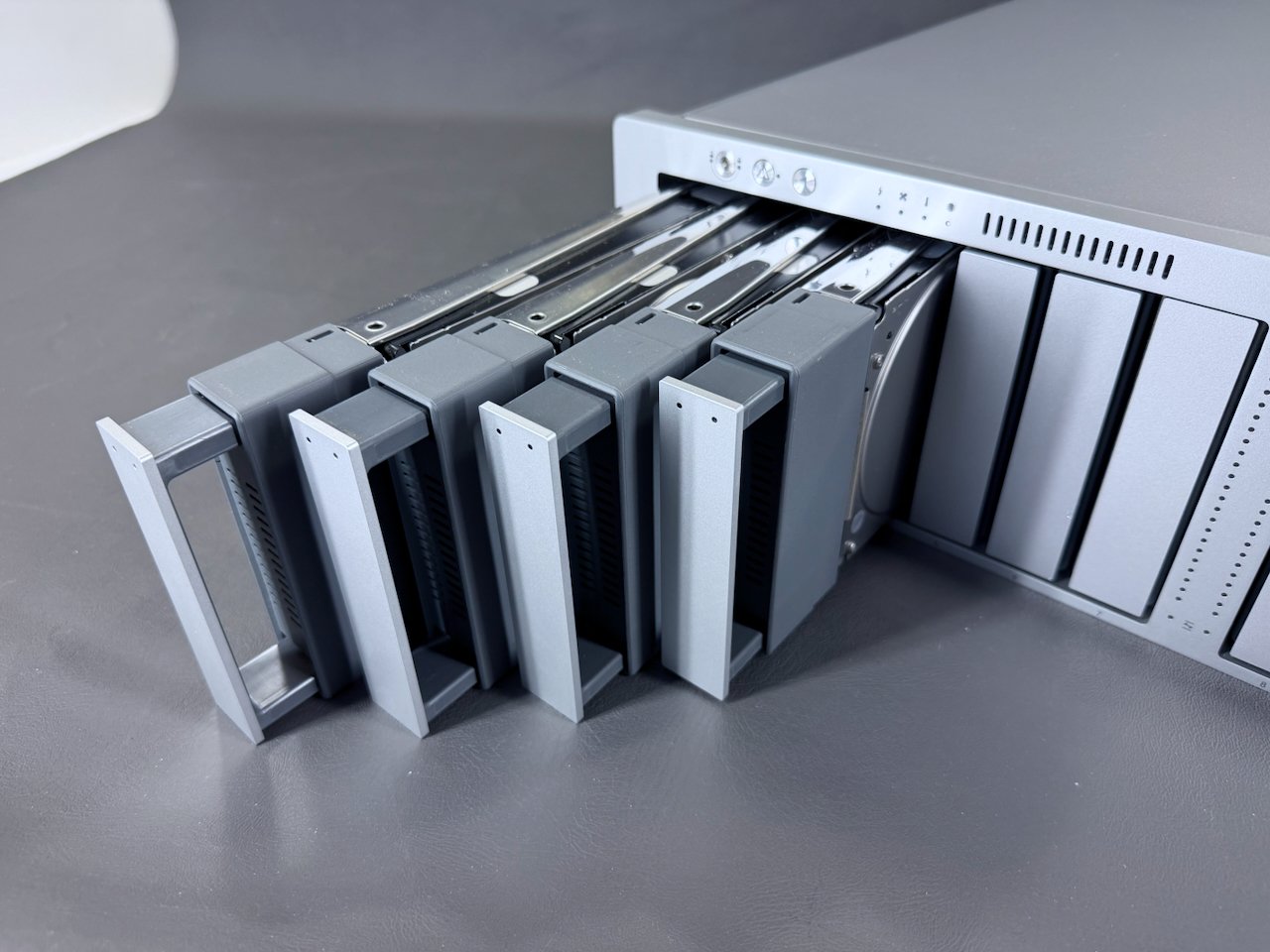
This unit is currently equipped with the four 250 GB HDDs it shipped with from the factory, for a total of 1 TB of storage.
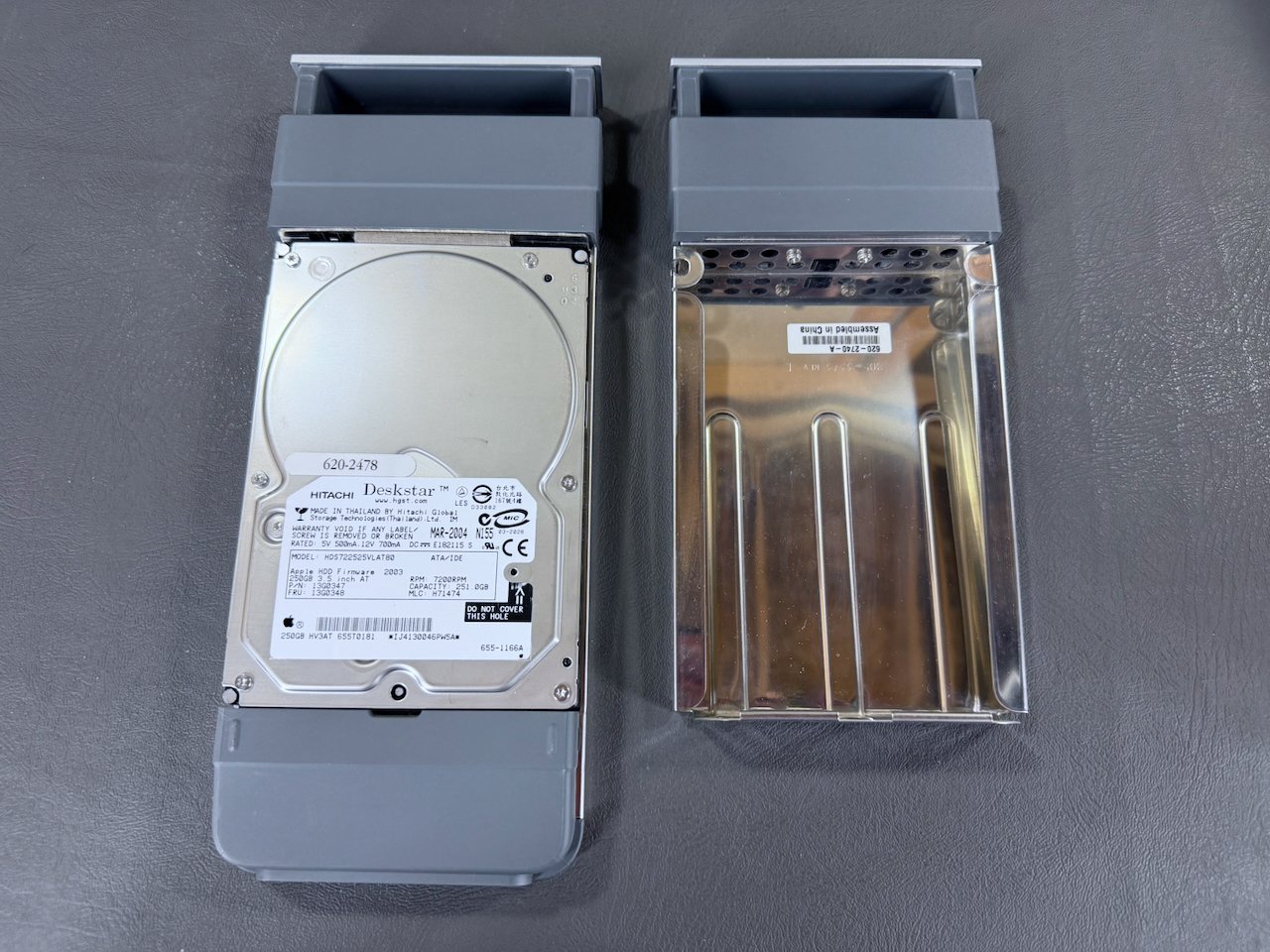
Drive module (left) and blank module (right).
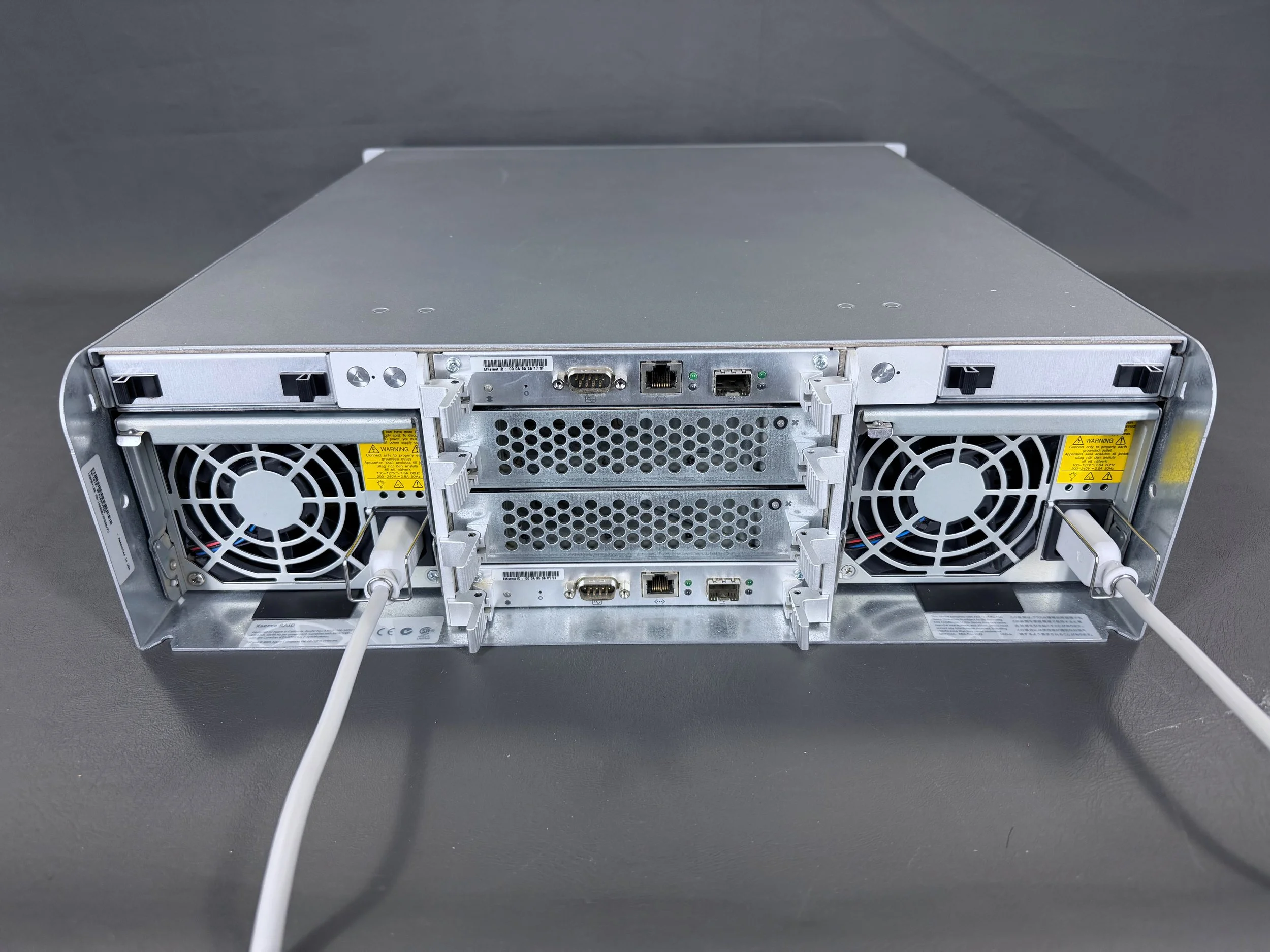
All hooked up with both power cables for redundant power.
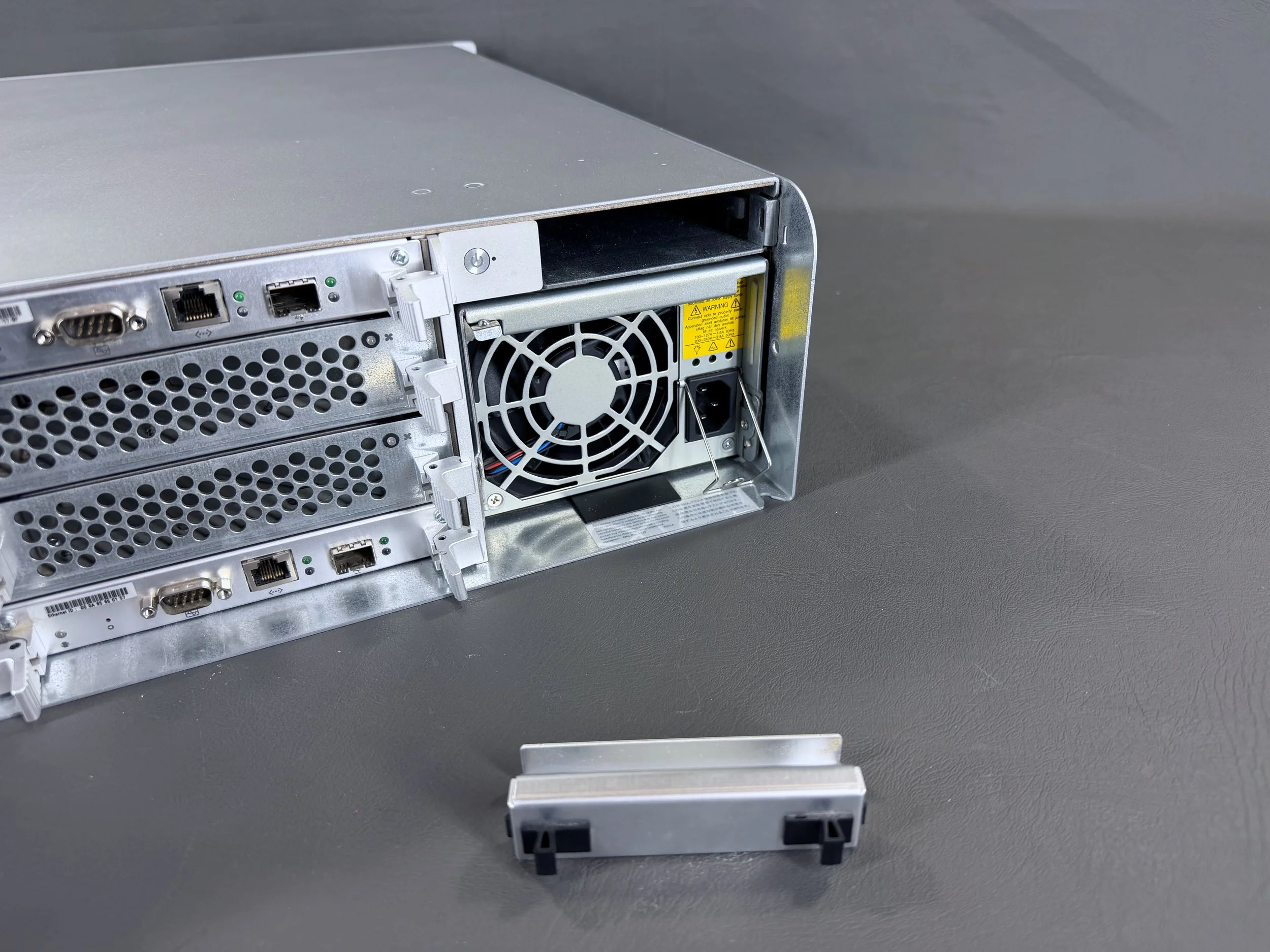
These upper slots on each side are for an optional battery module, which protects the data in the Xserve RAID’s cache in the event of a power failure. When not installed, these blanking plates cover the slots.
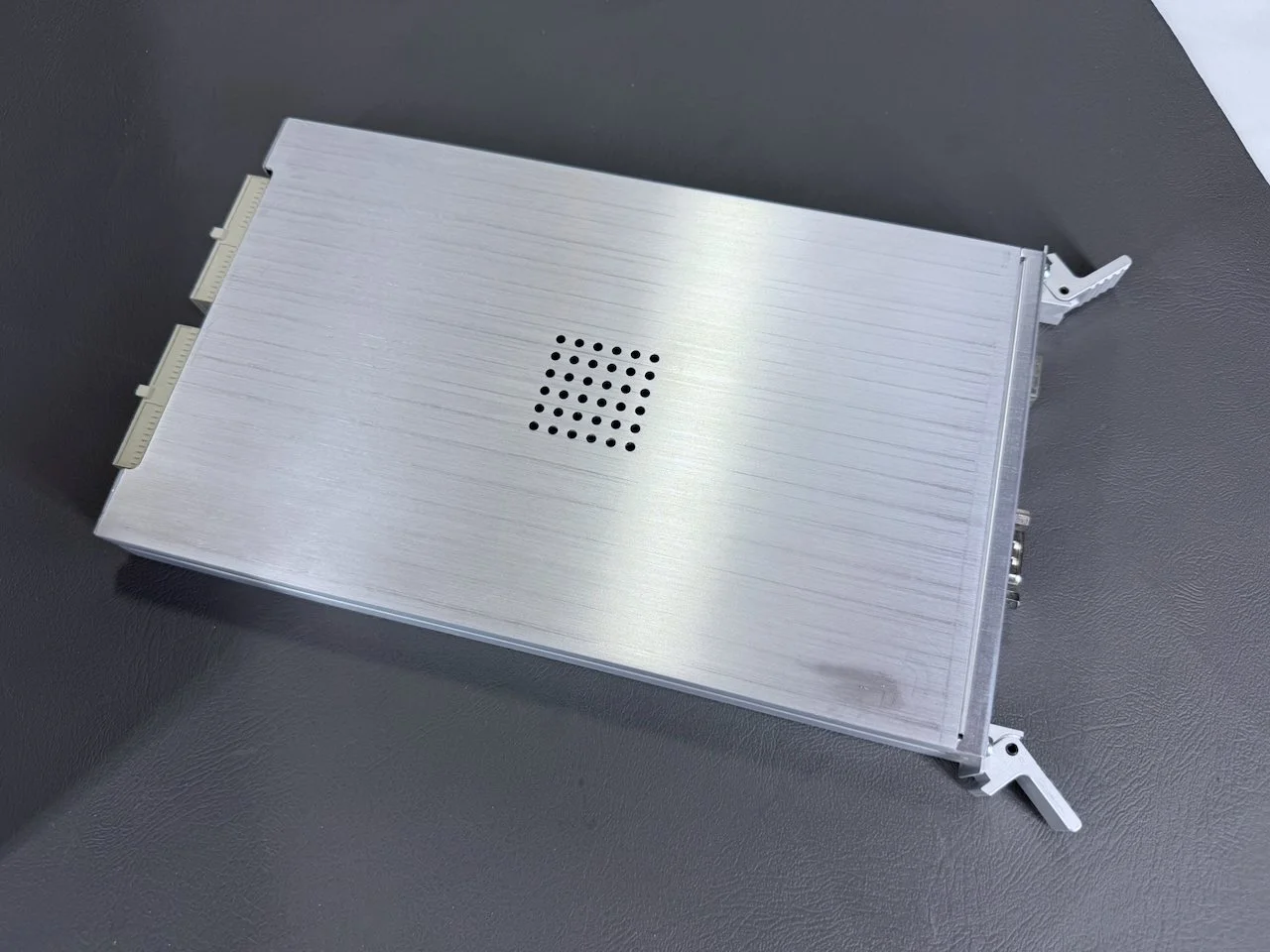
RAID interface module.
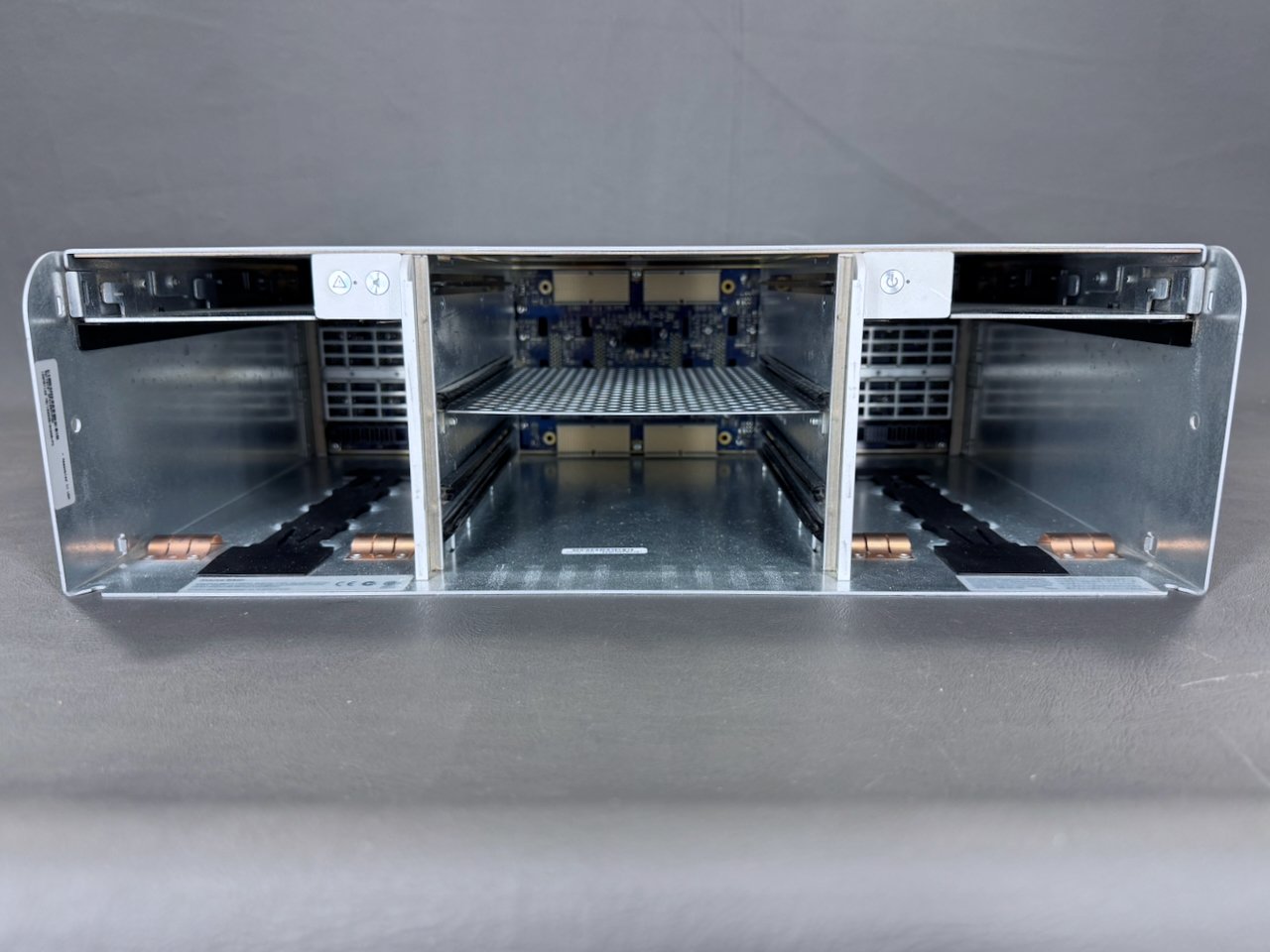
With everything removed from the rear, the backplane board that everything connects to is visible in the center of the unit.
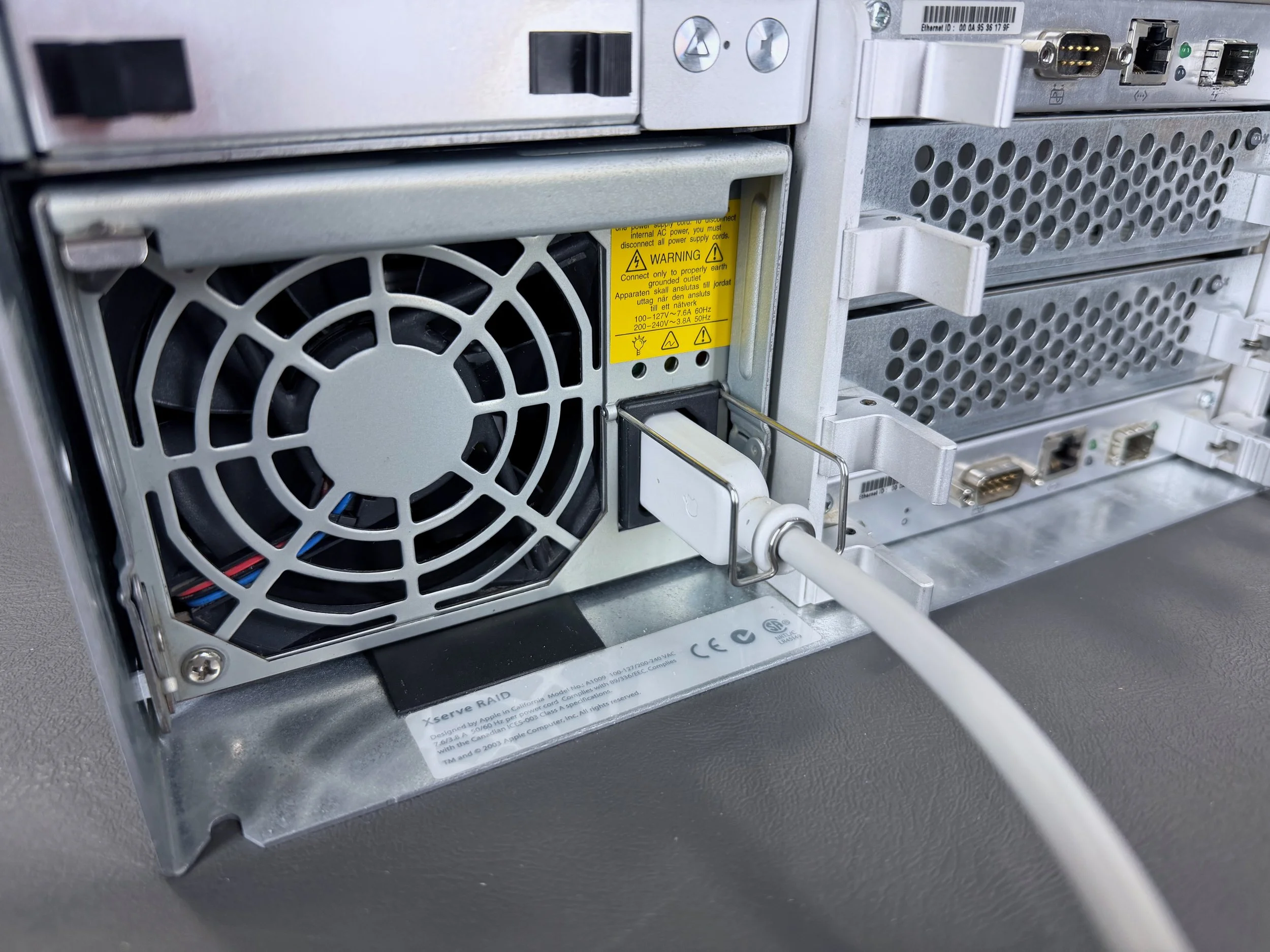
Each of the power cables is held securely in place with a metal clip to prevent accidental disconnection.
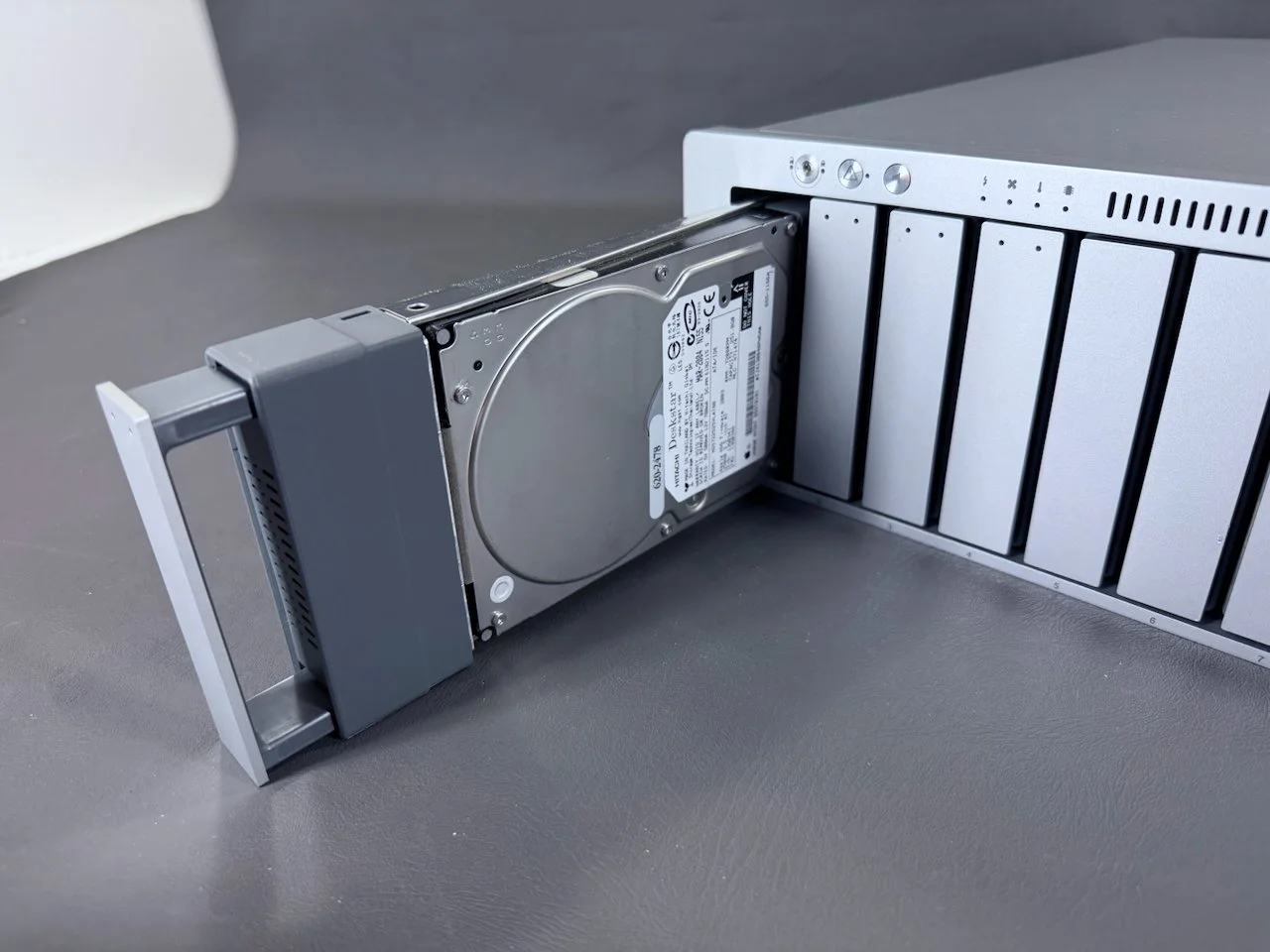
The drive module then simply slides out, no cables involved. Very modular for easy servicing.
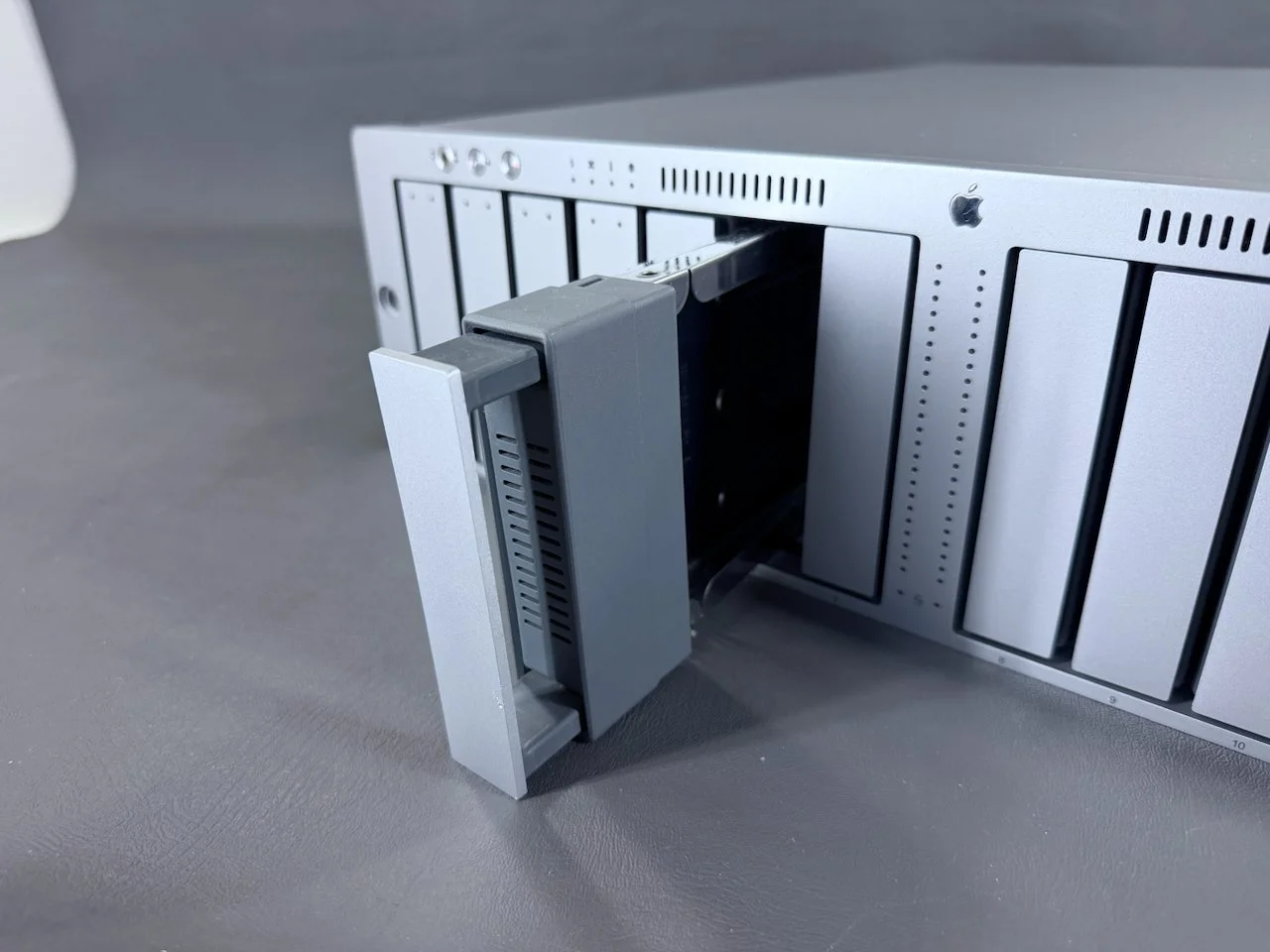
All of the unpopulated drive bays are filled with blank modules, which are removed in the same way.
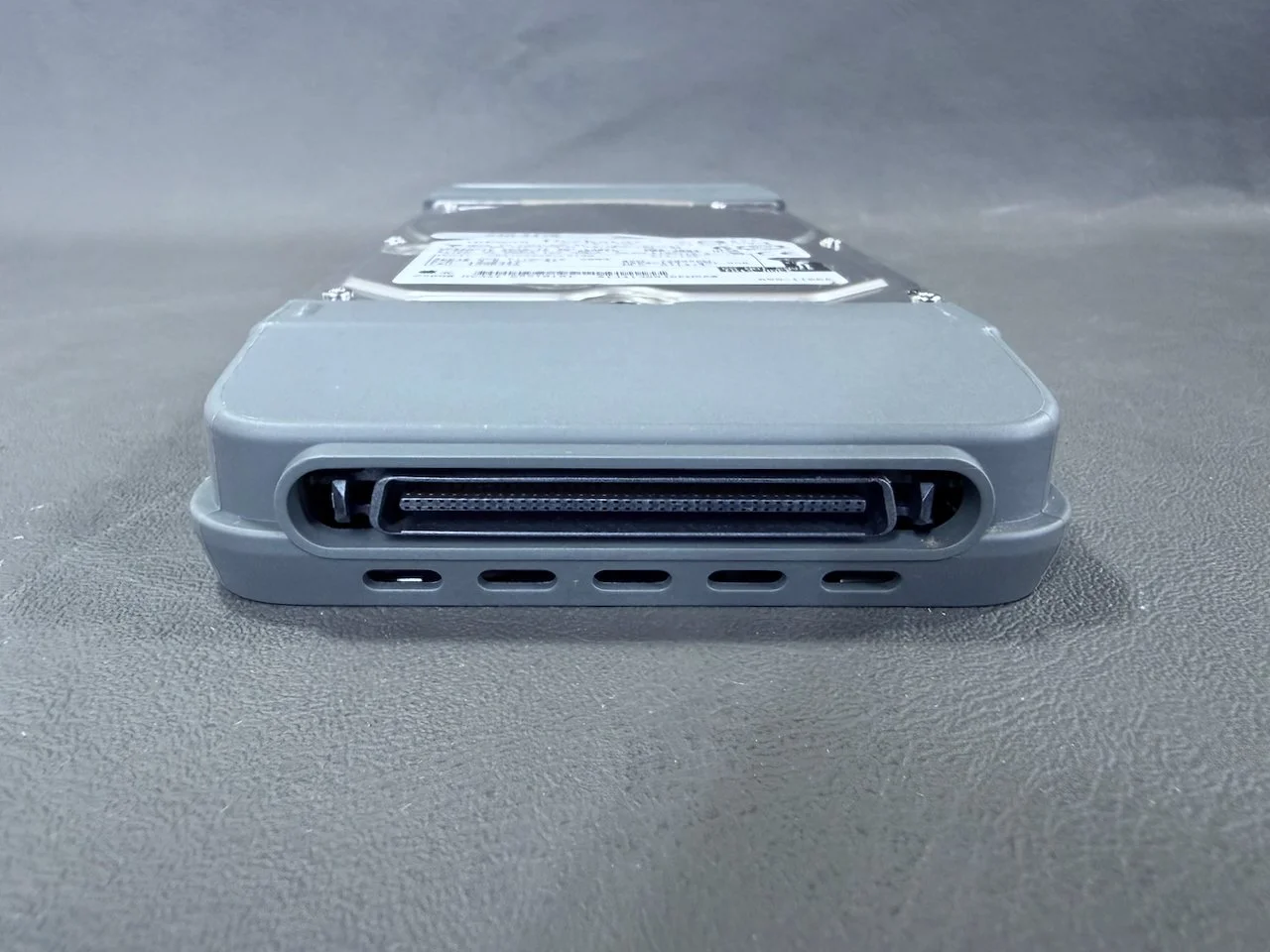
Connector on the rear of the drive module.
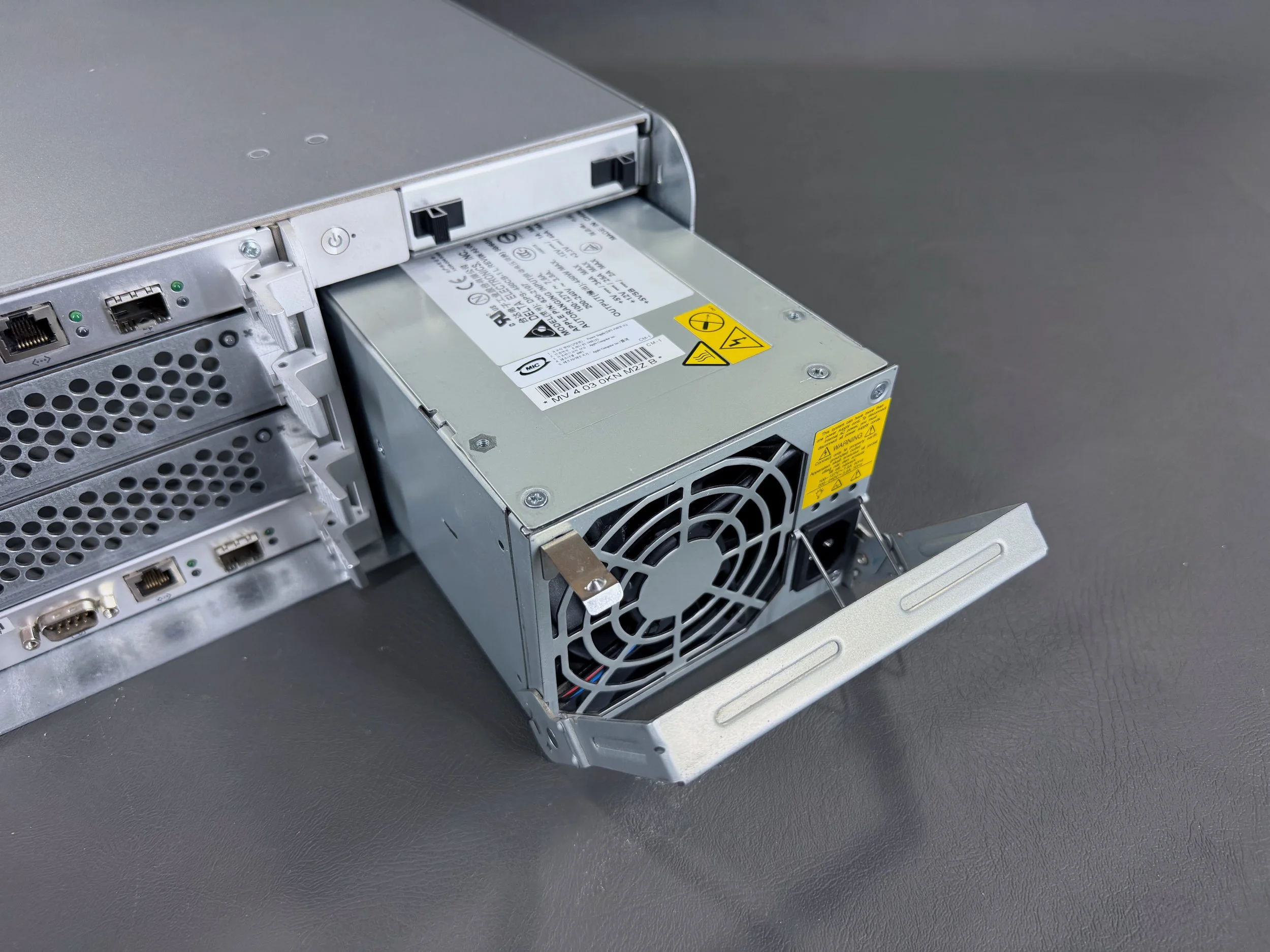
The PSUs are also modular and easily removed/installed.
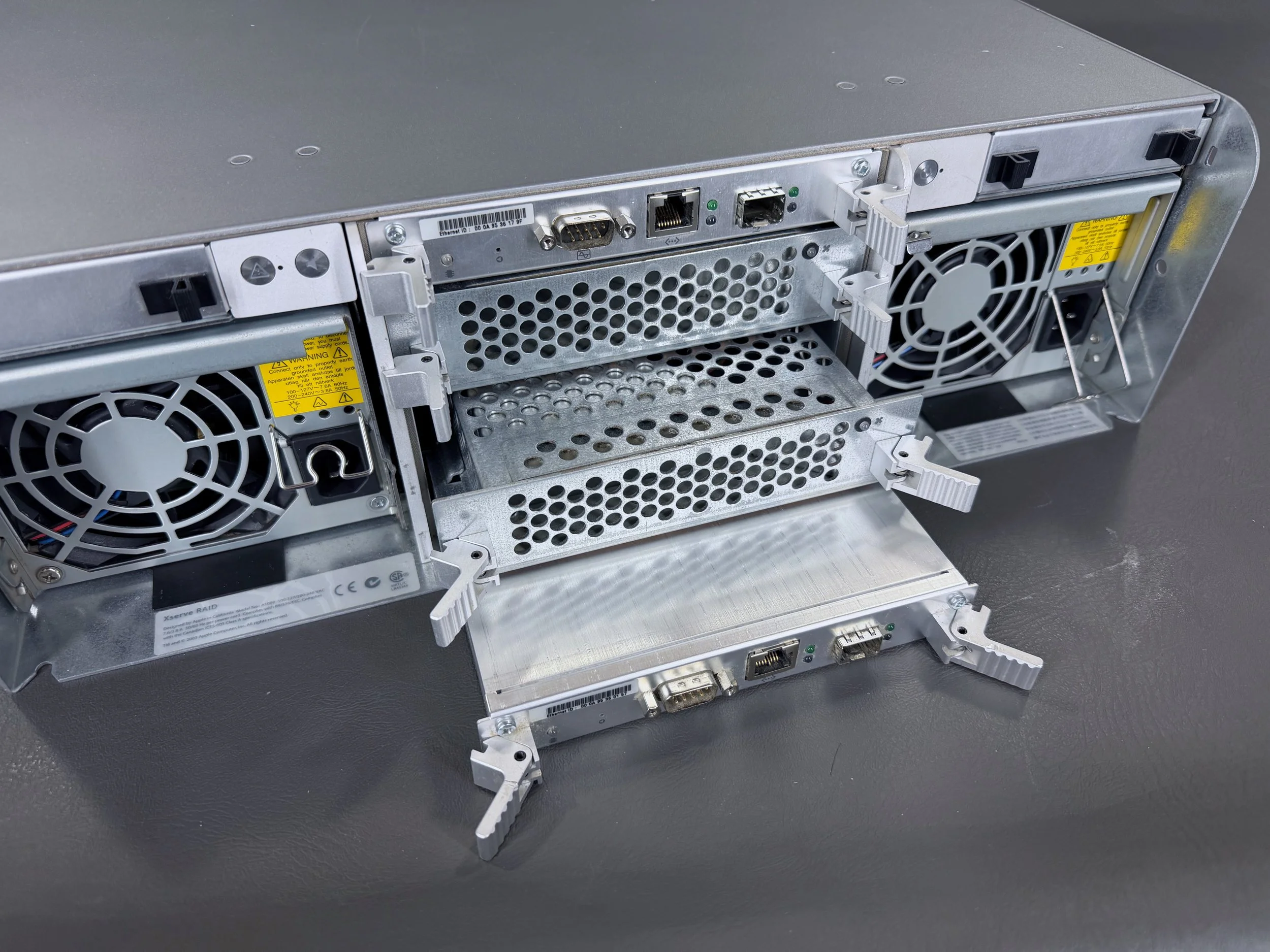
The modules in the rear-center are removed by pressing outwards on the two latches. The uppermost and lowermost modules are RAID interface modules, and the center two are cooling modules.
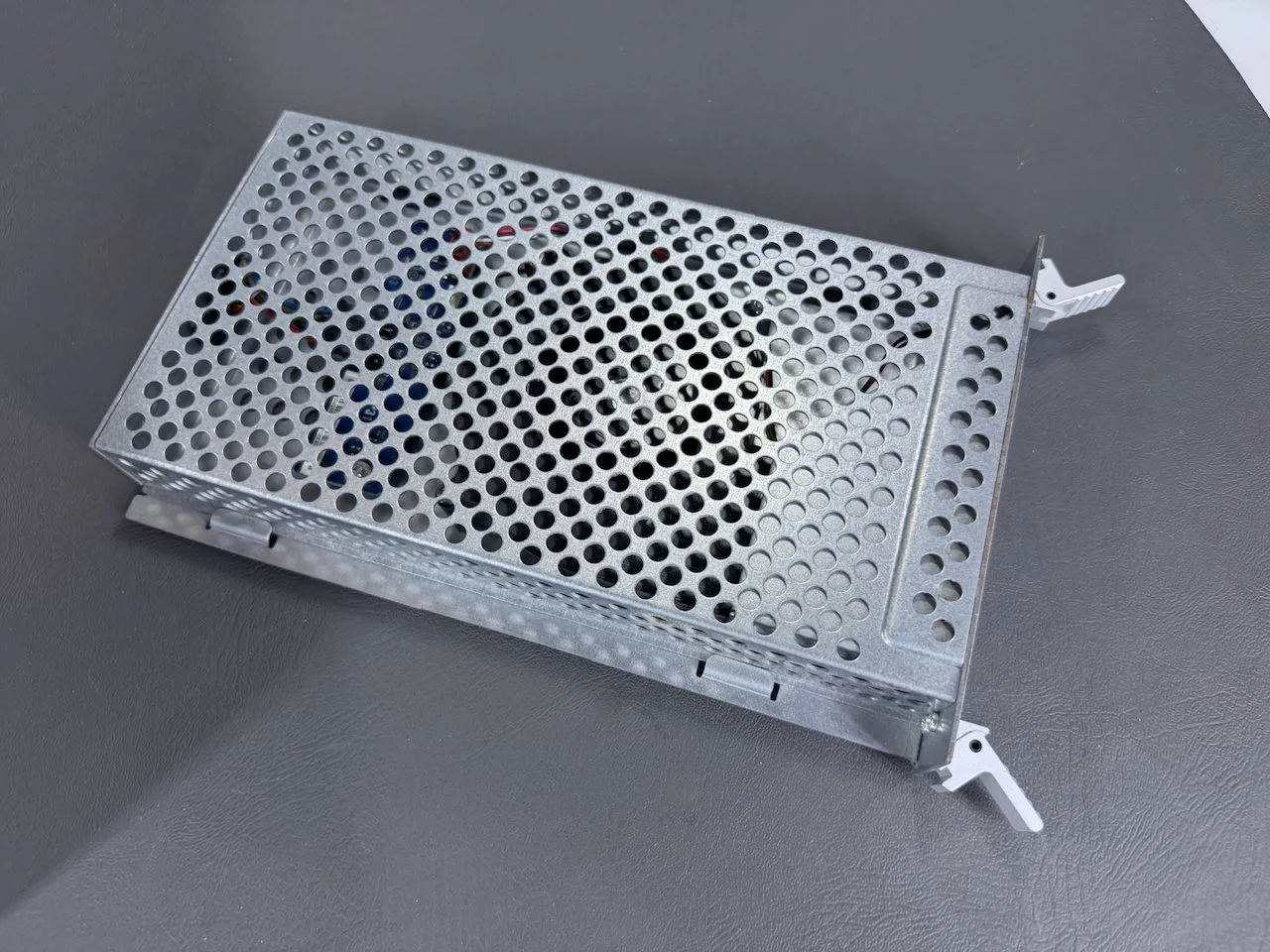
Cooling module, which is basically just a fan in a cage.
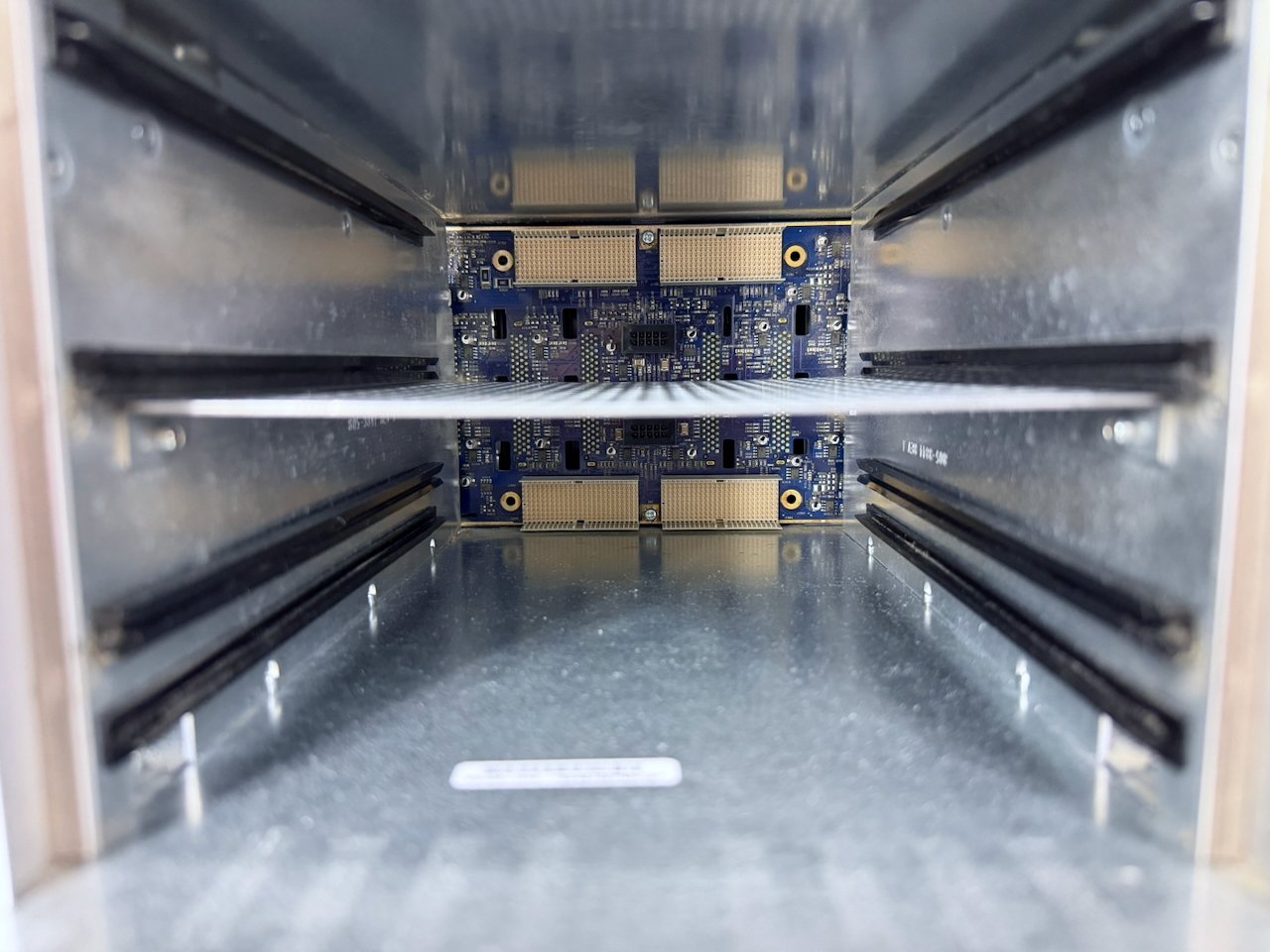
In the center, the two large connectors (top and bottom) for the RAID interface modules and small ones (center, black) for the cooling modules.
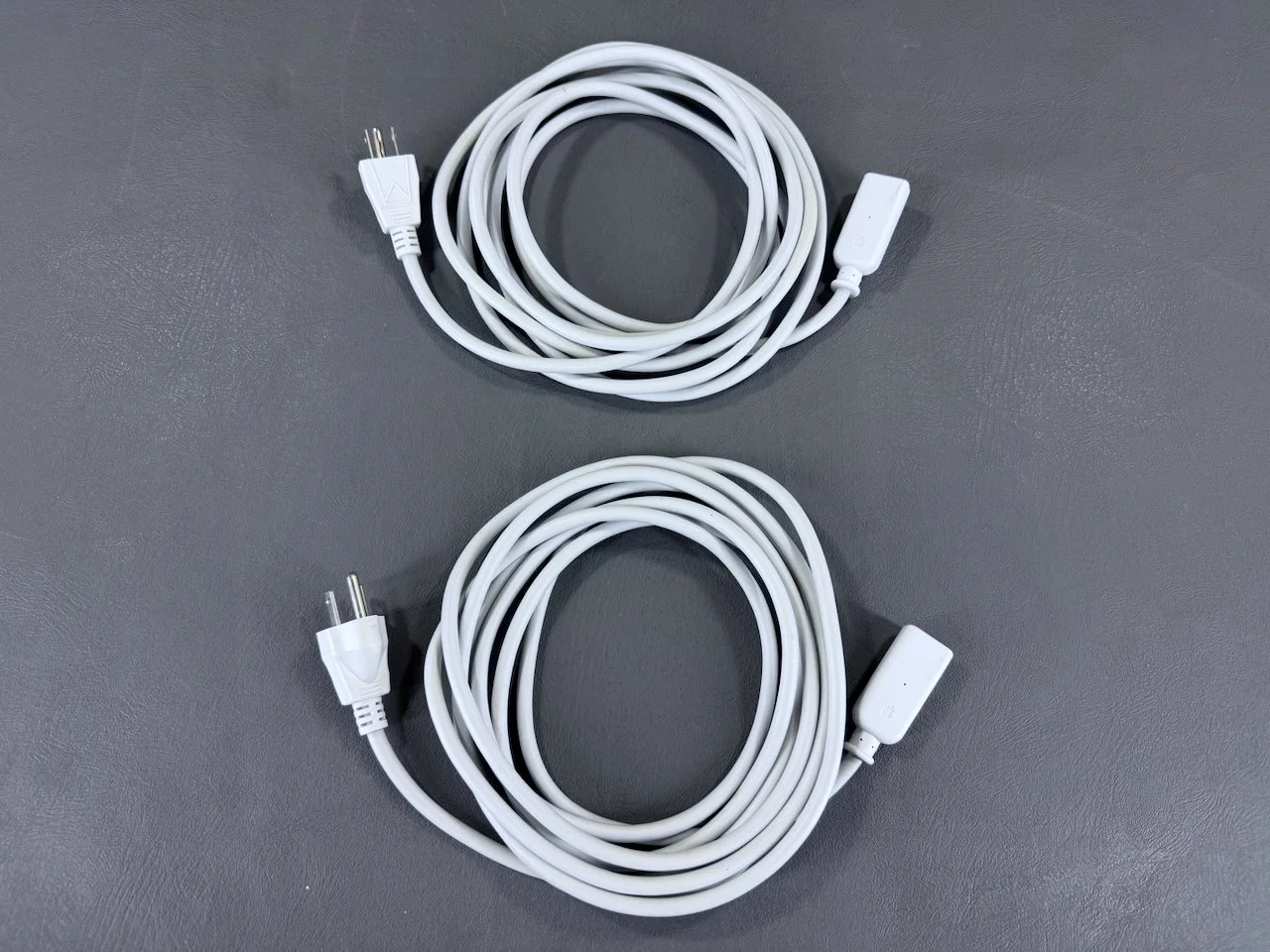
The two power cables for the Xserve RAID. They are almost identical to the ones for the “Mirrored Drive Doors” Power Mac G4s from this era, but are much longer.
Documentation
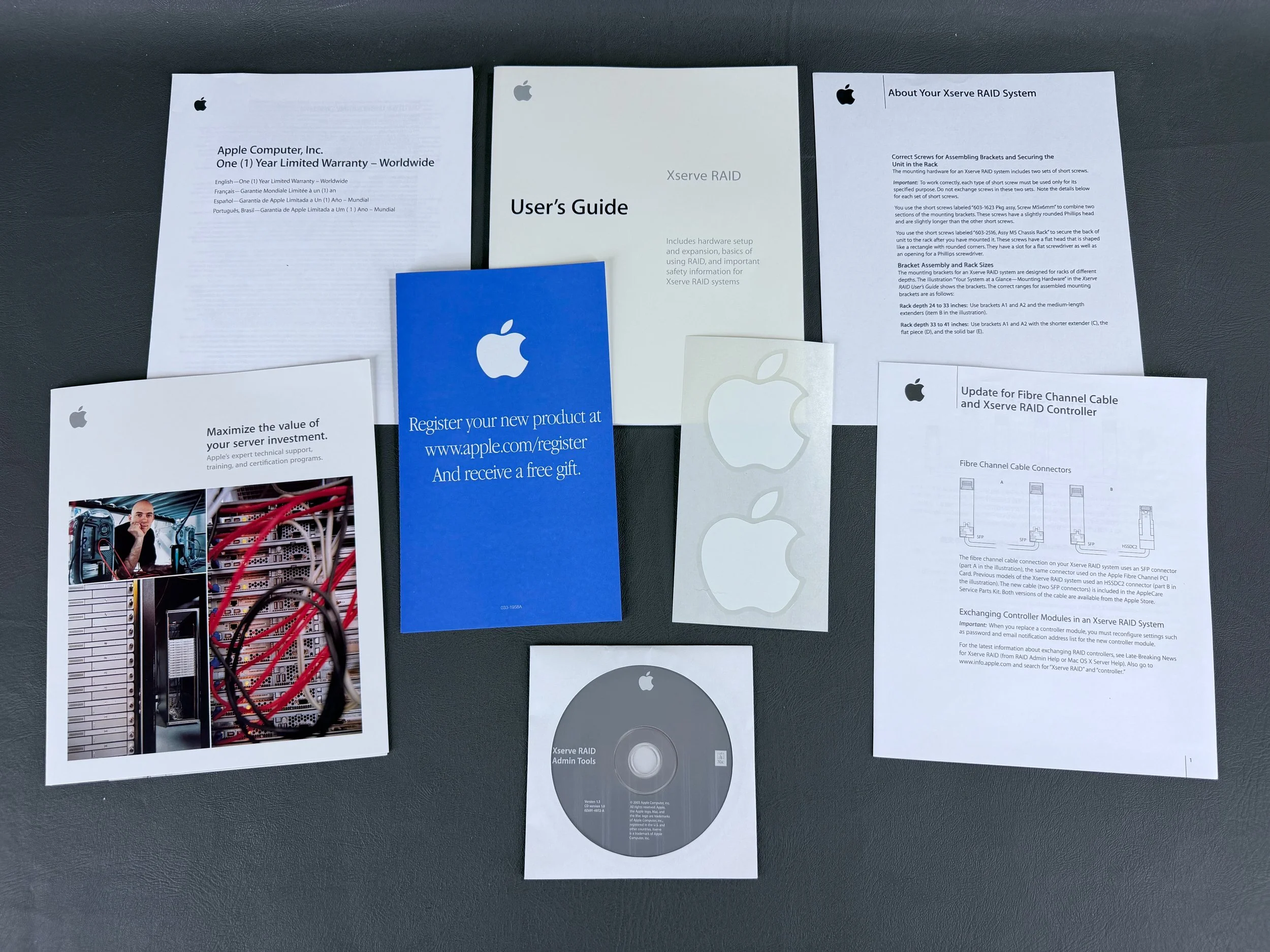
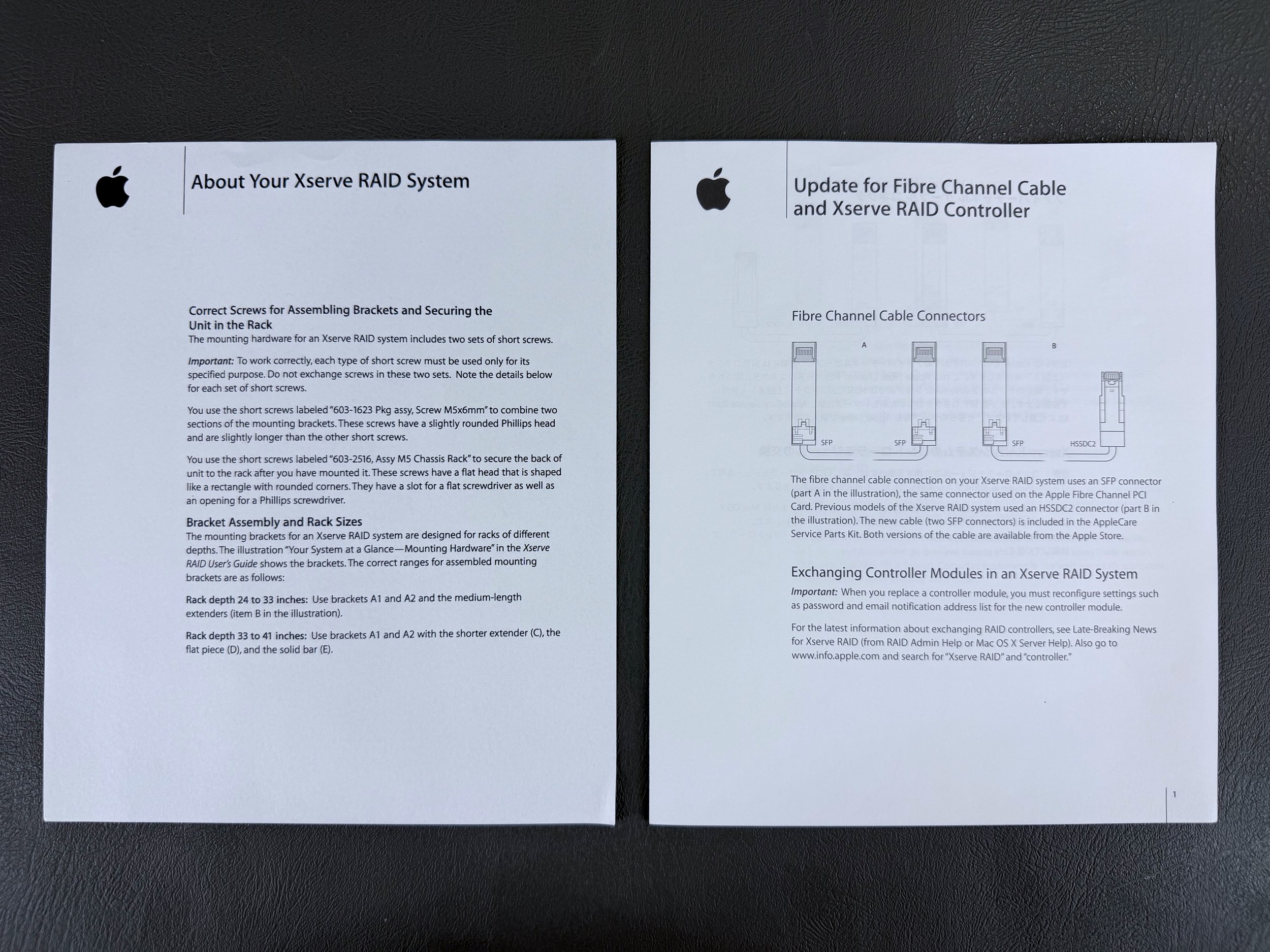
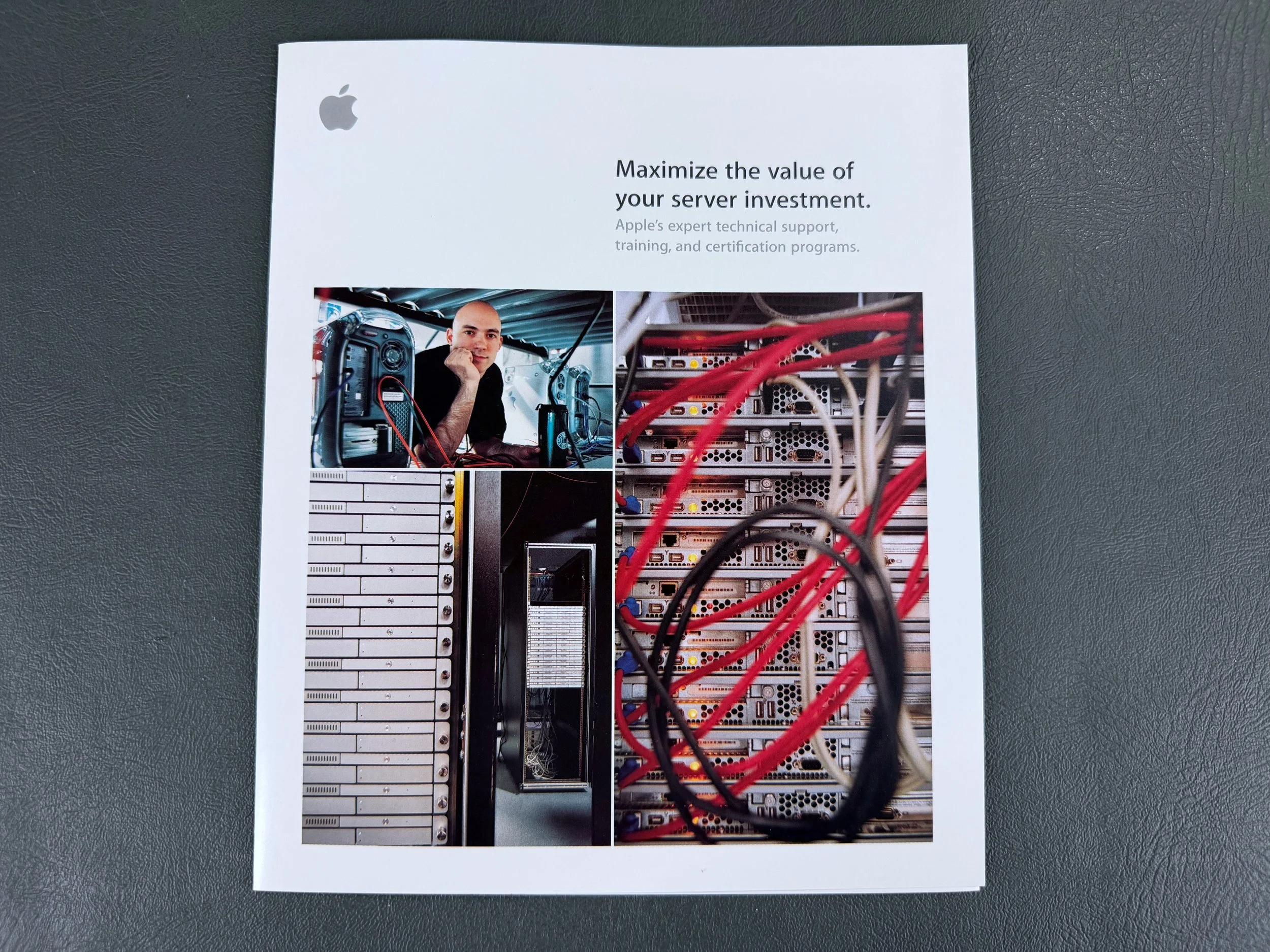
User’s Guide, About Your Xserve RAID System insert, SFP connector info, server support brochure, registration pamphlet, warranty pamphlet, Apple stickers, and software disc.
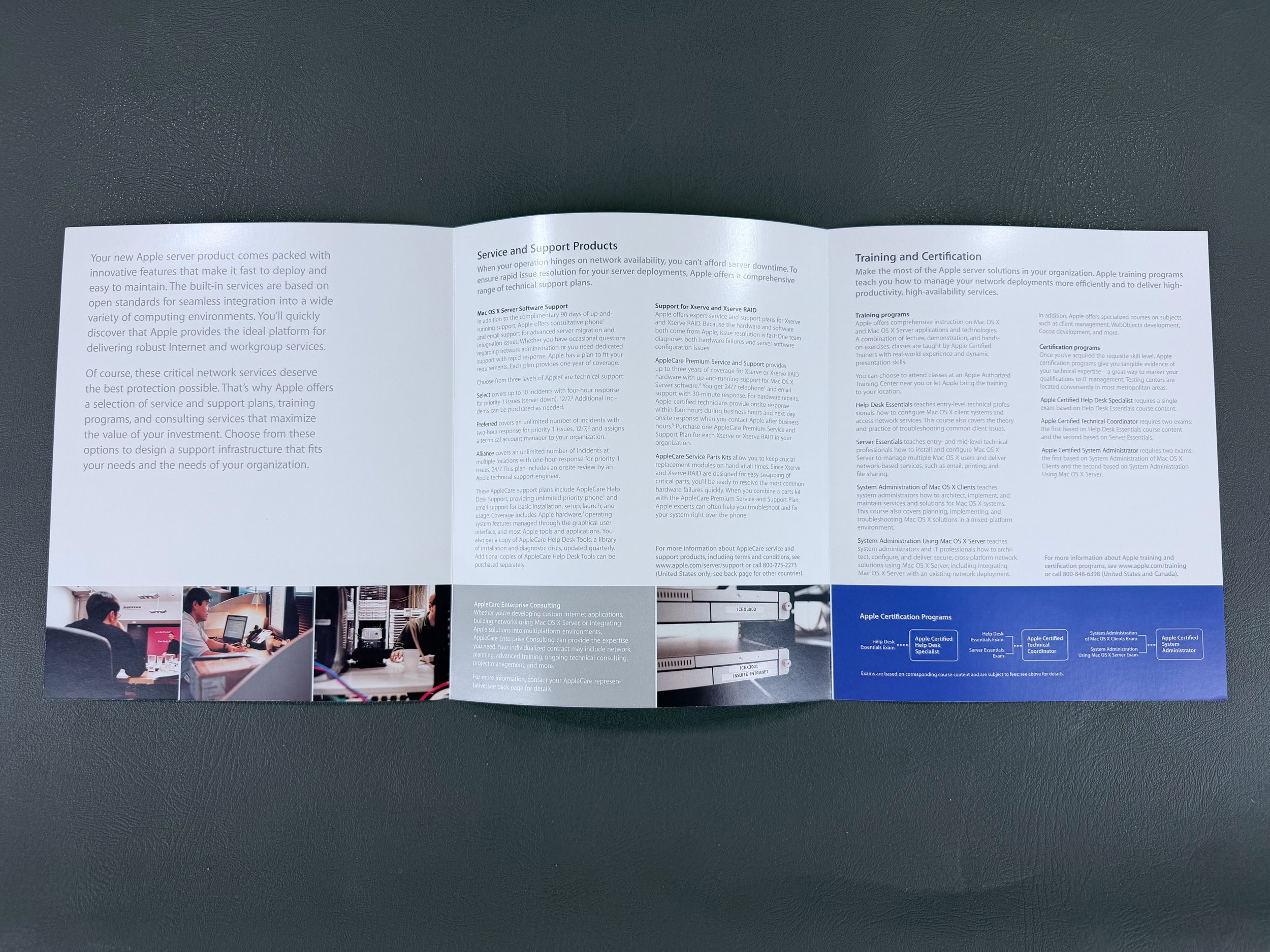
Inside the service & support trifold.
With Power Mac G4
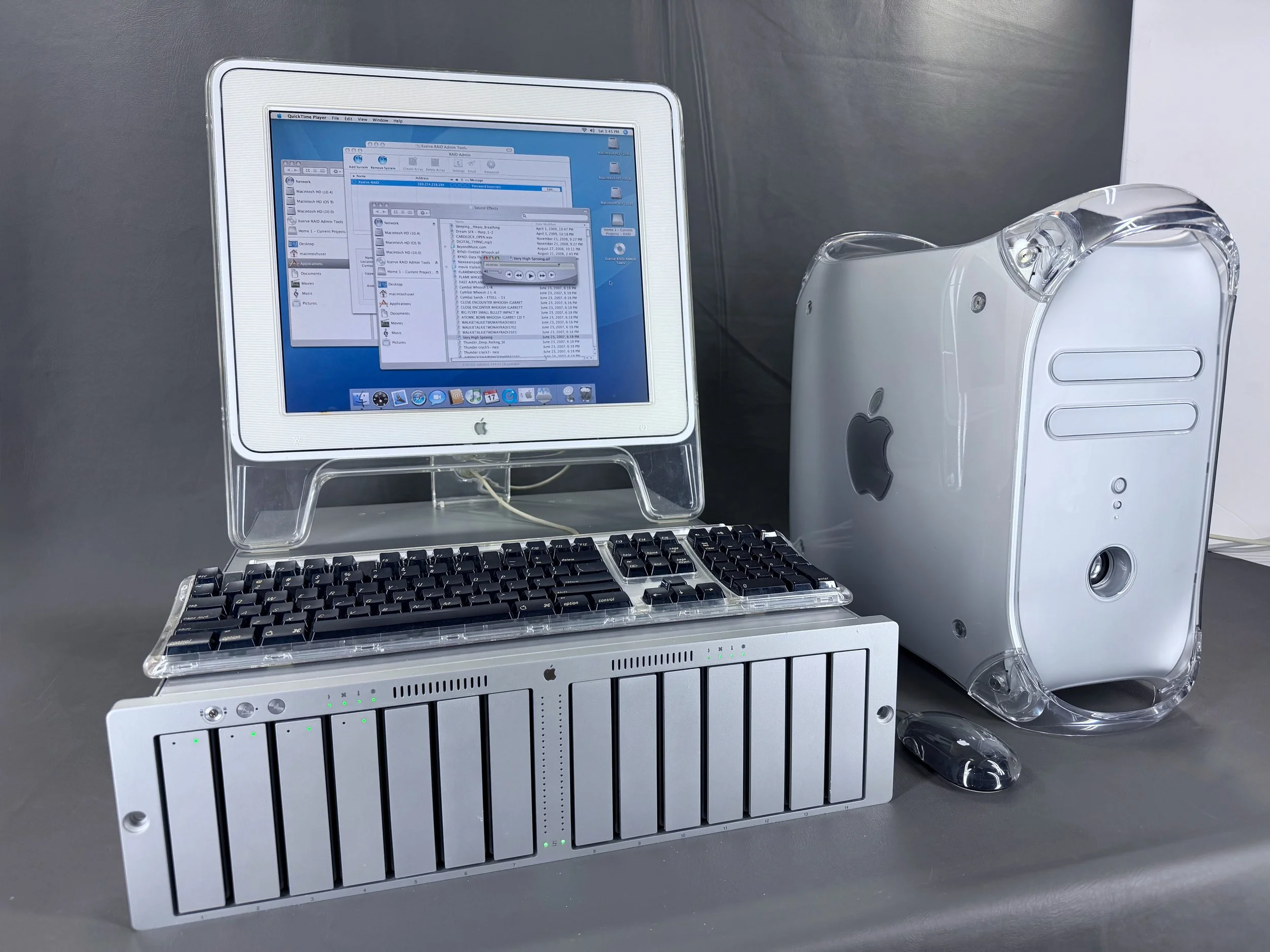
Seen here with my Power Mac G4 Quicksilver, running the RAID Admin software on OS X Tiger.
I don’t own any rack-mounting equipment (racks) and don’t plan to; this is just something I take out and use occasionally.
Fibre Channel PCI Card
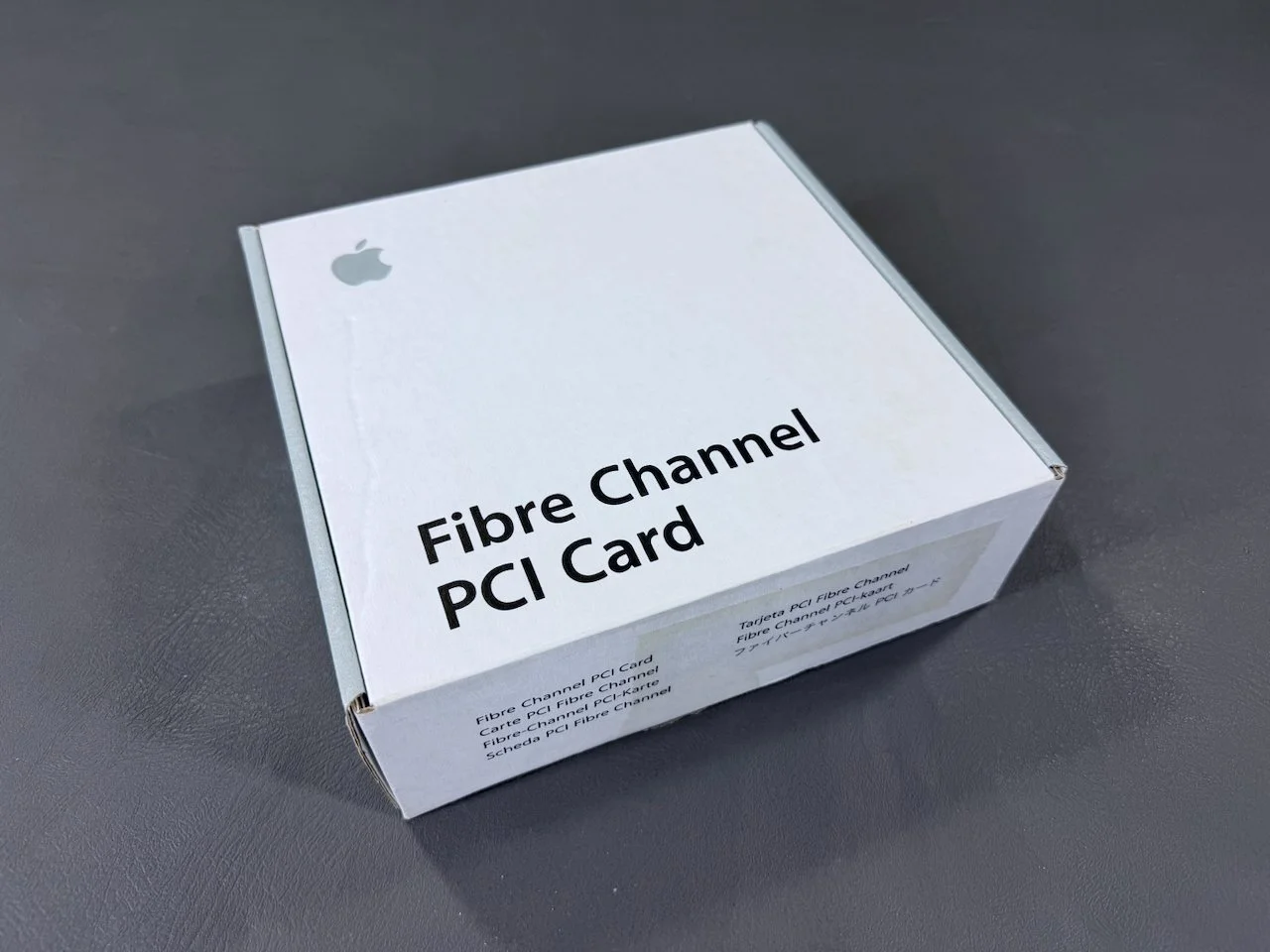
This card is required to operate the Xserve RAID. It was originally a separate purchase from Apple.
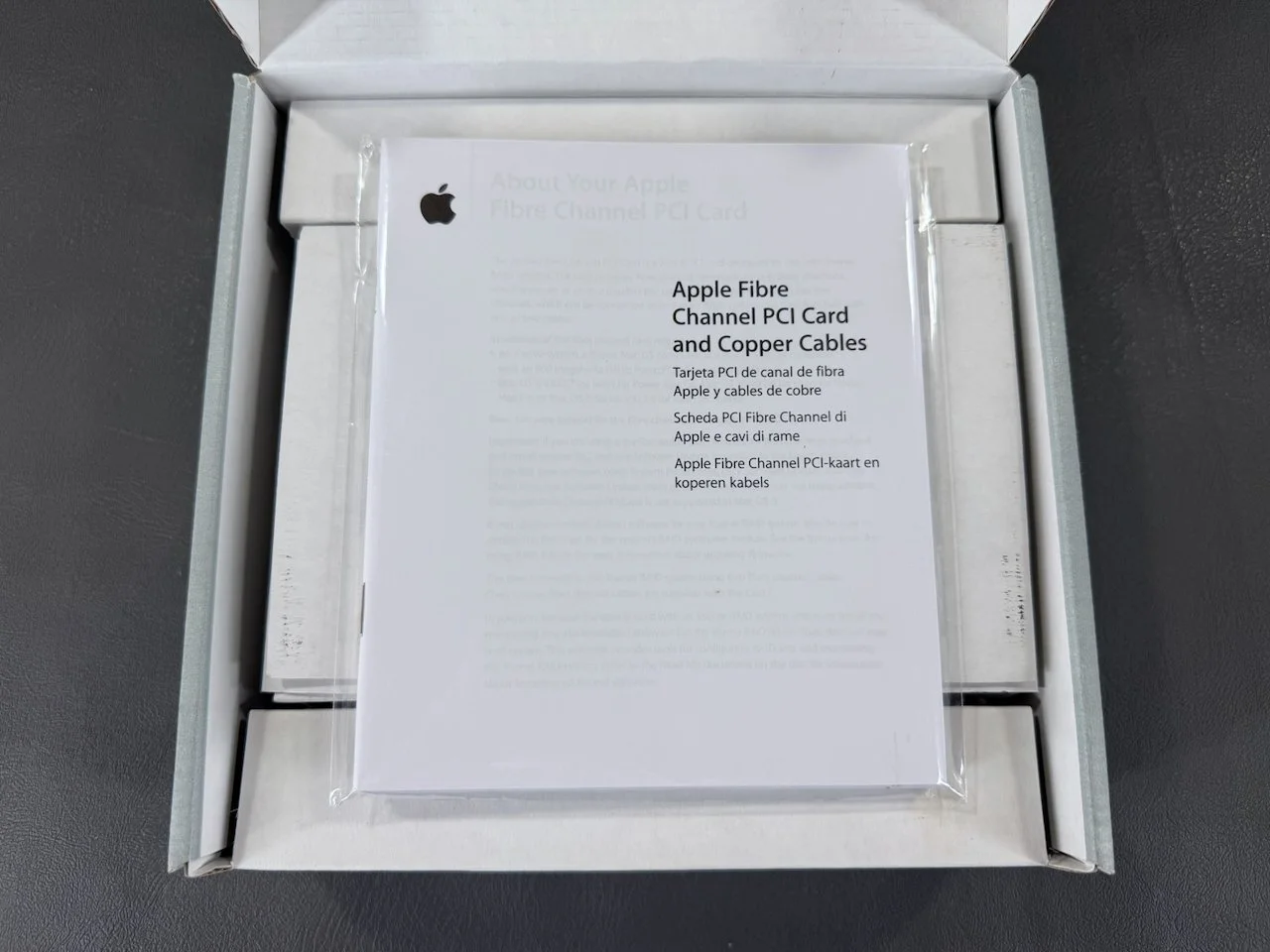
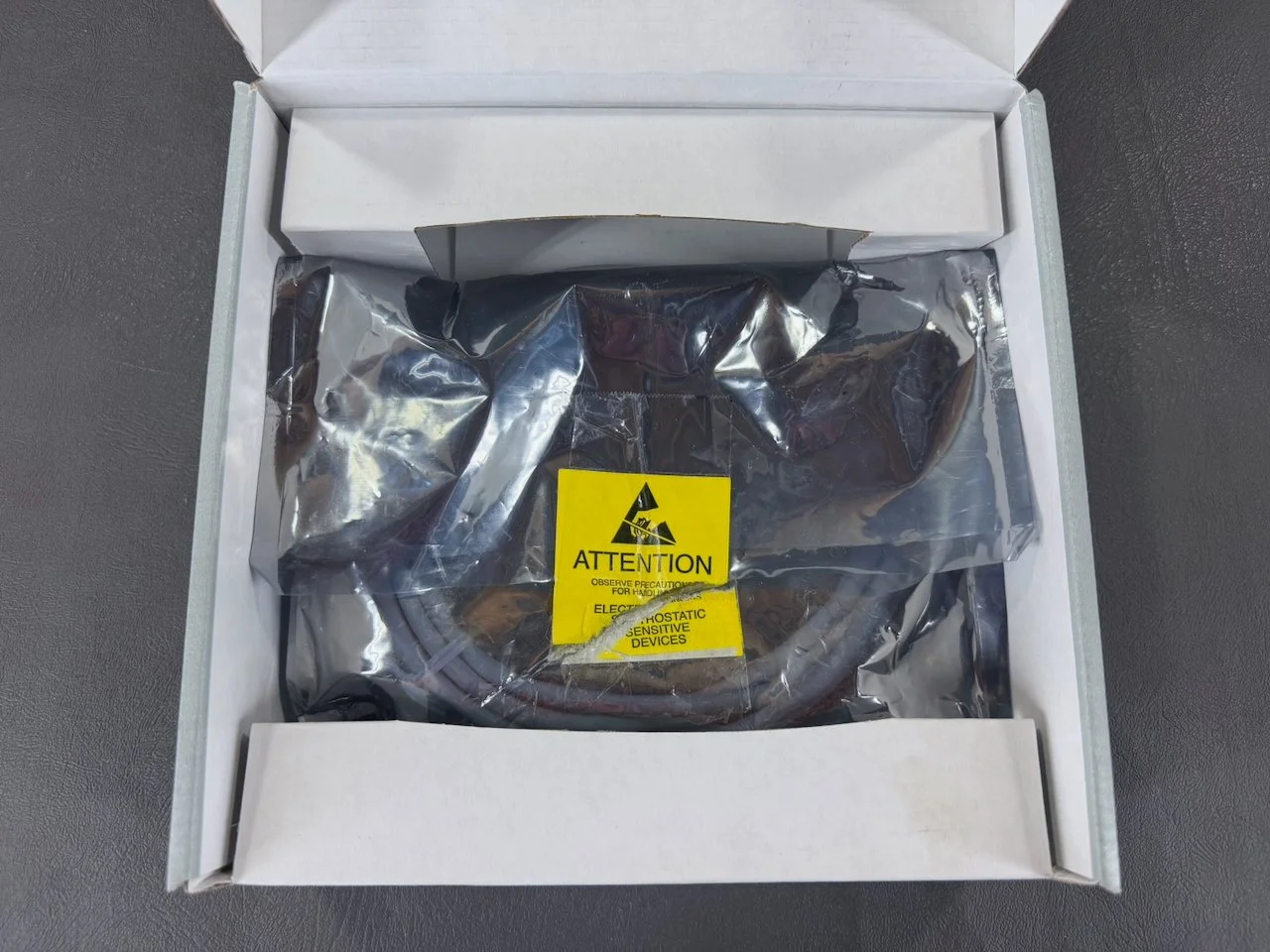
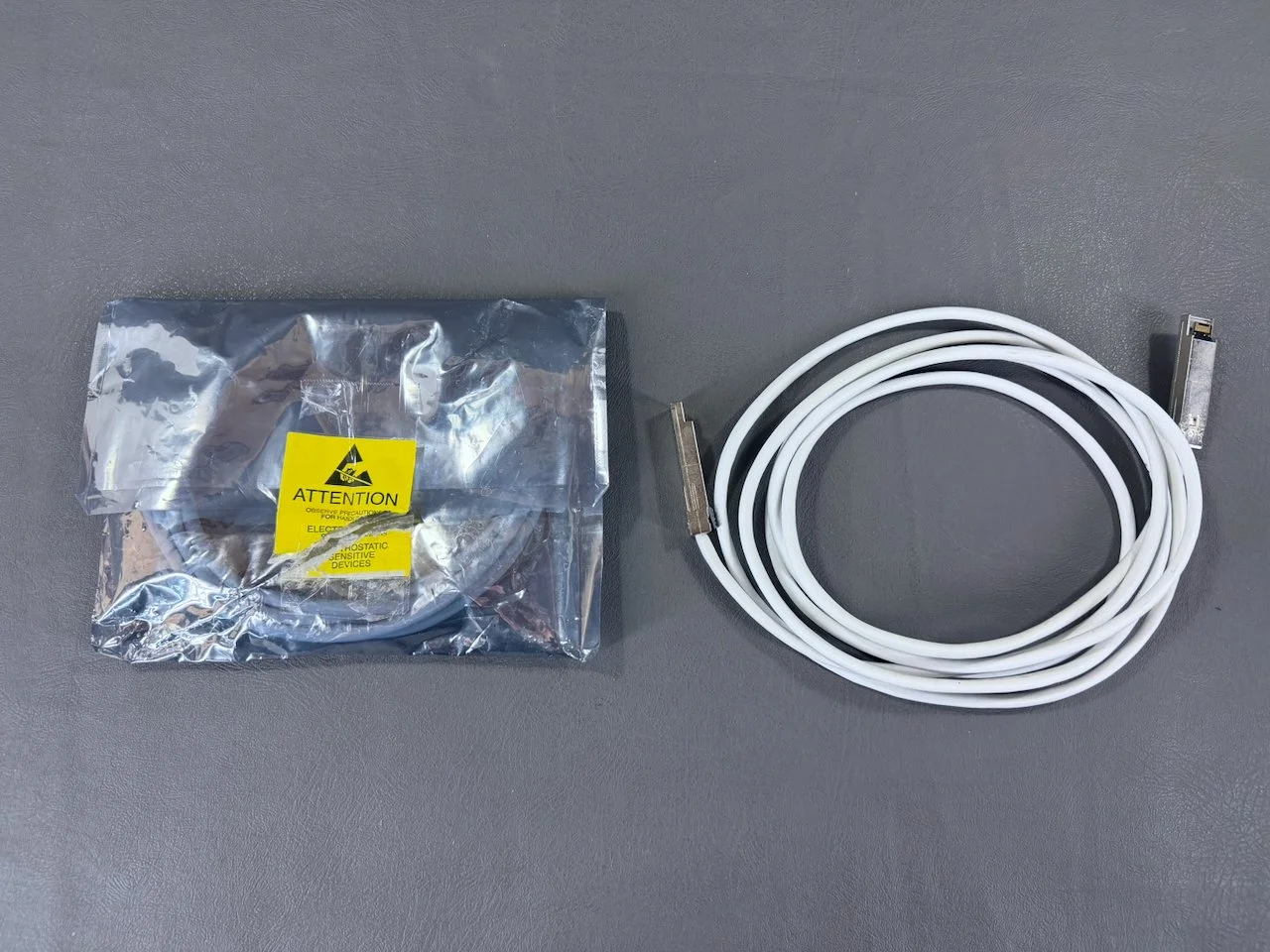
The Xserve RAID uses dual-channel copper cabling, which is why two cables are included (the one on the left still has its original antistatic bag).
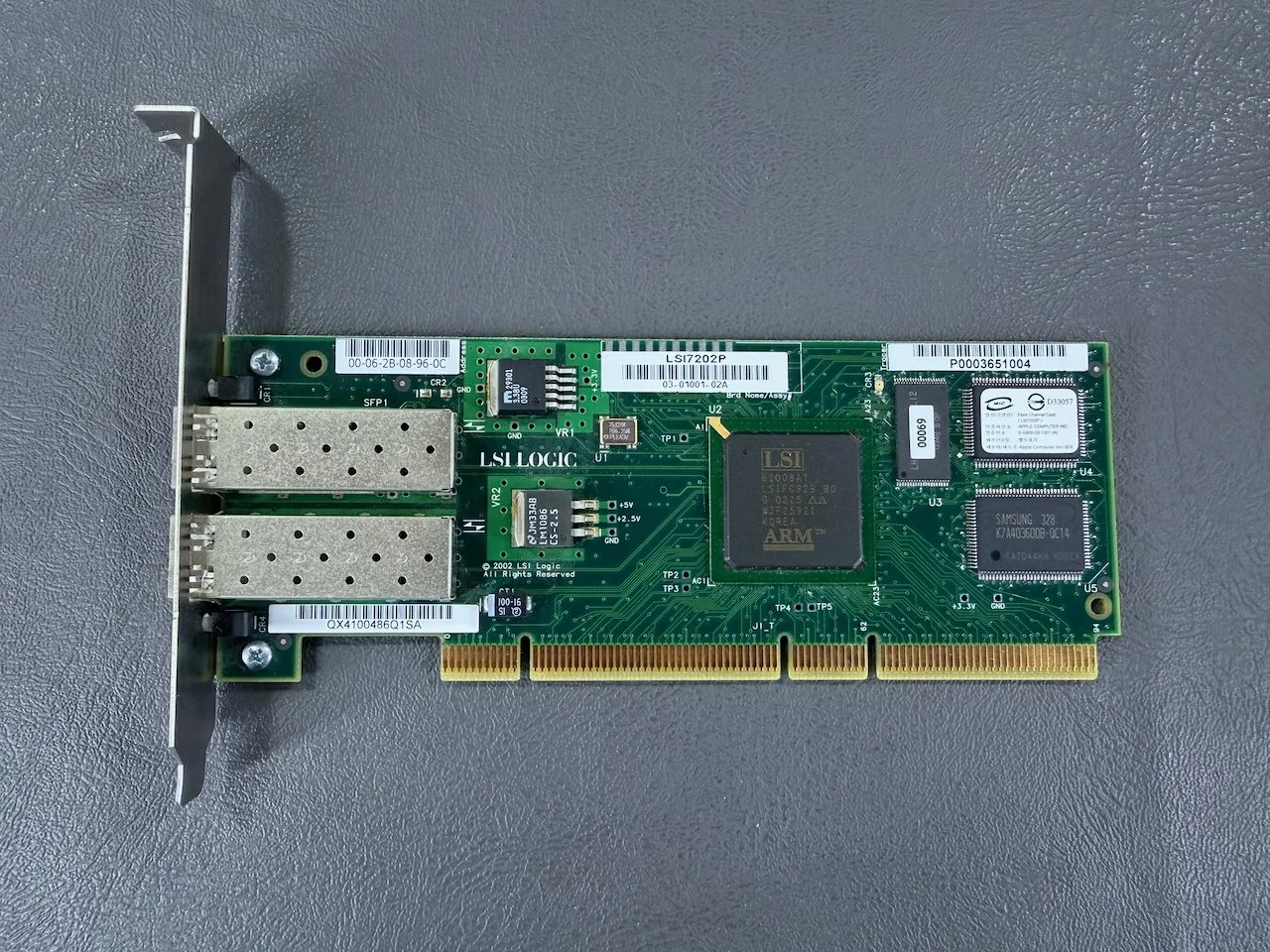
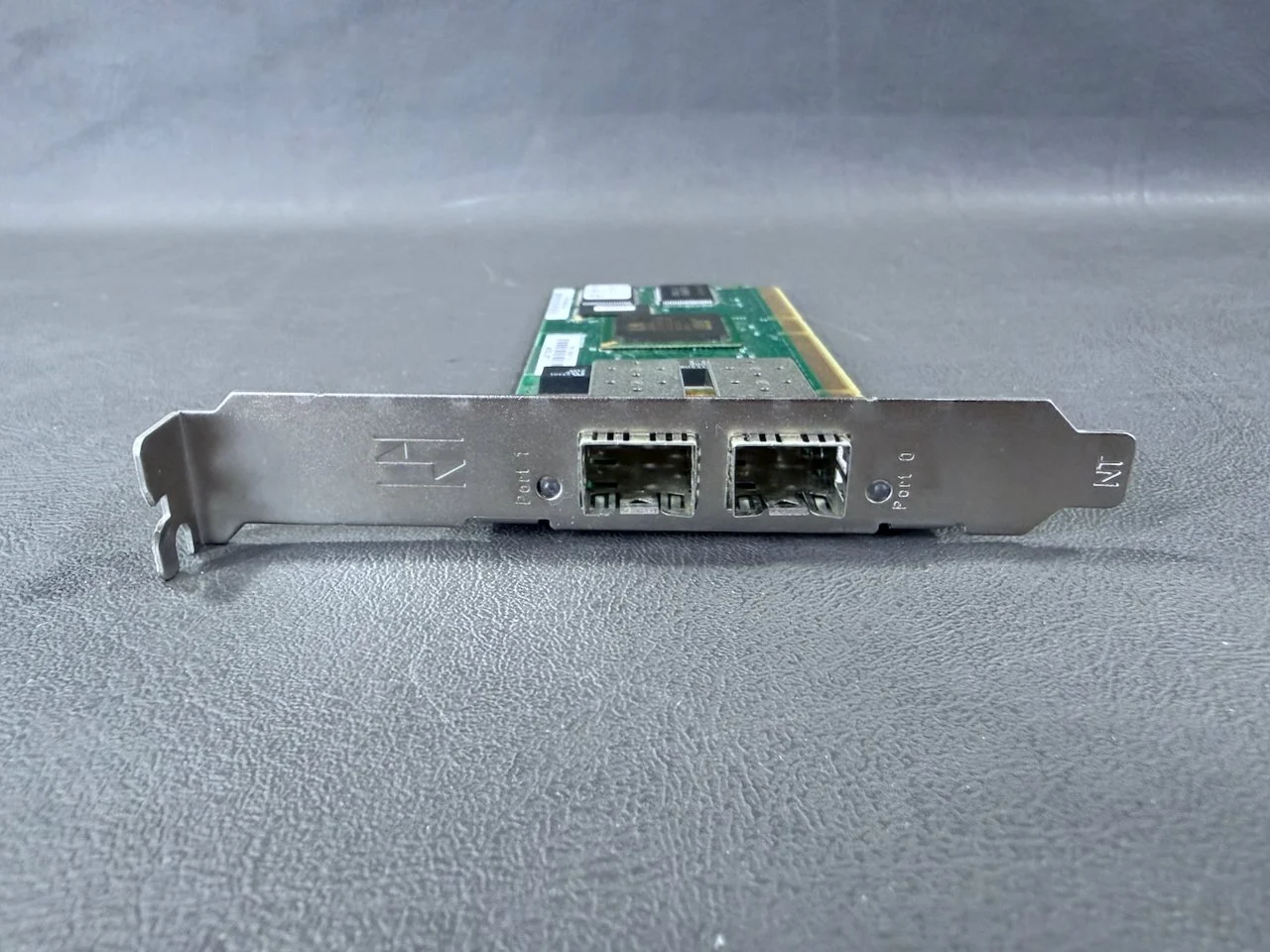
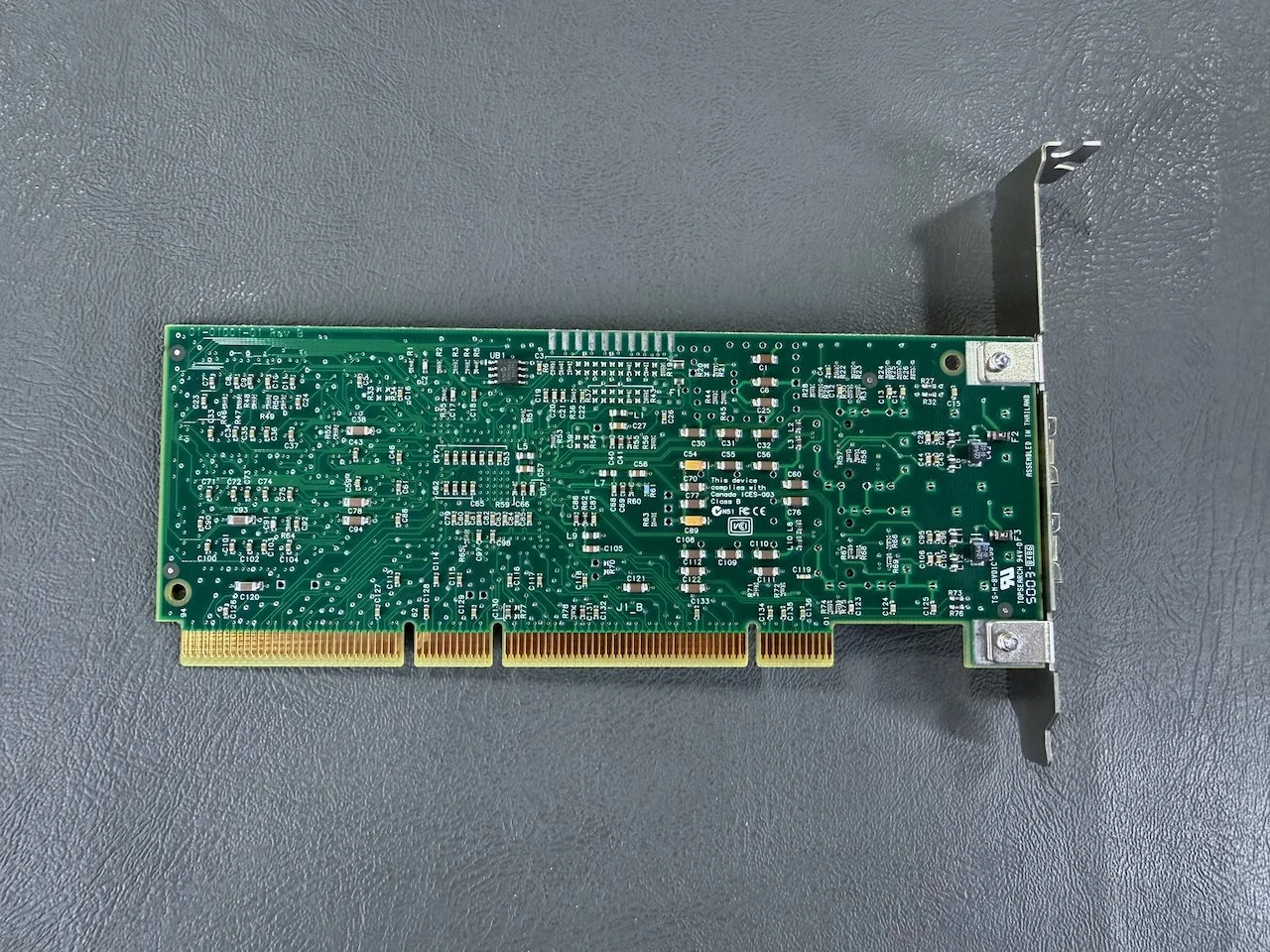
The card is compatible with PCI and PCI-X slots.
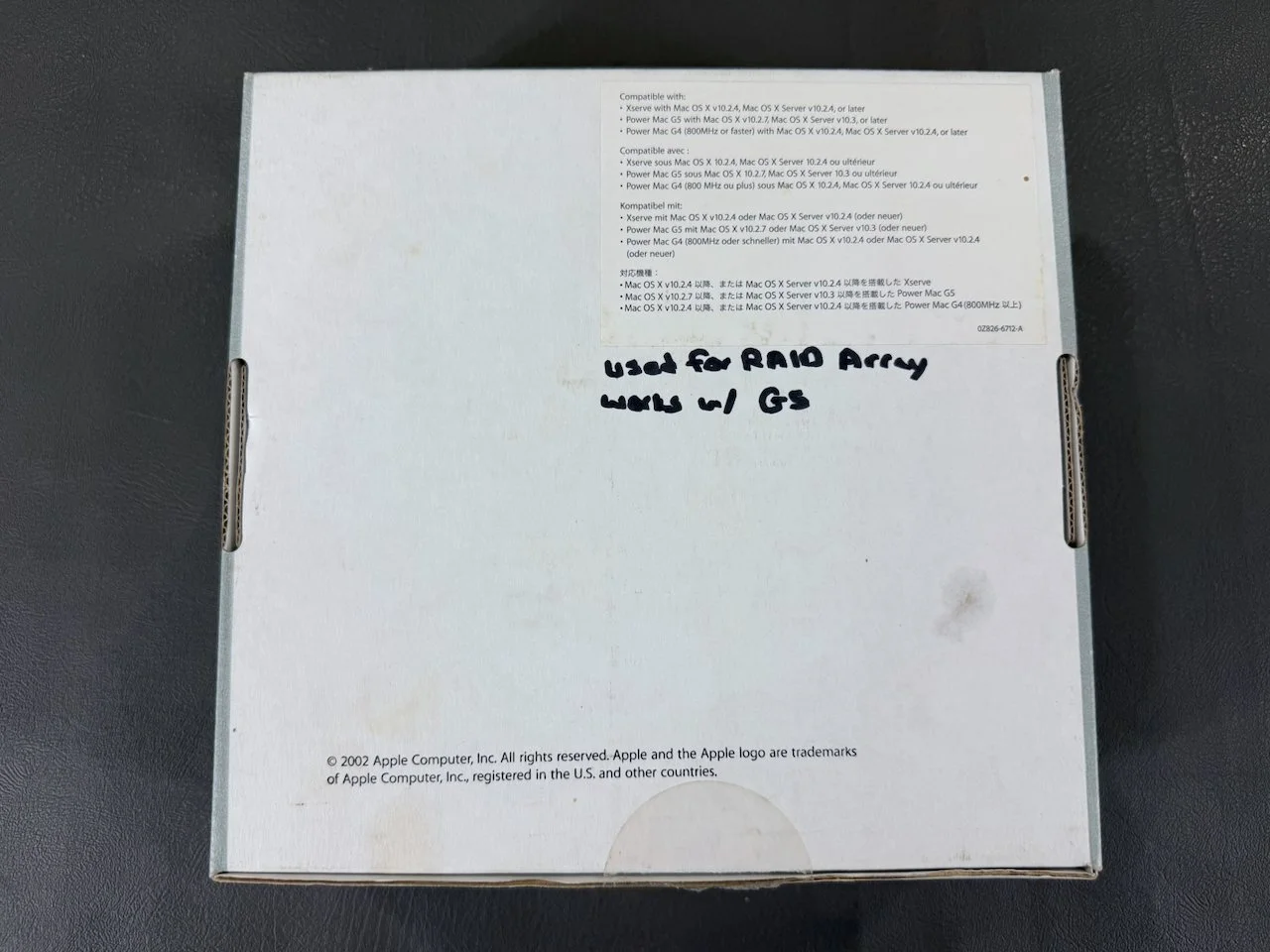
It is compatible with select Power Mac G4, G5, and Xserve systems and can be installed by the user.
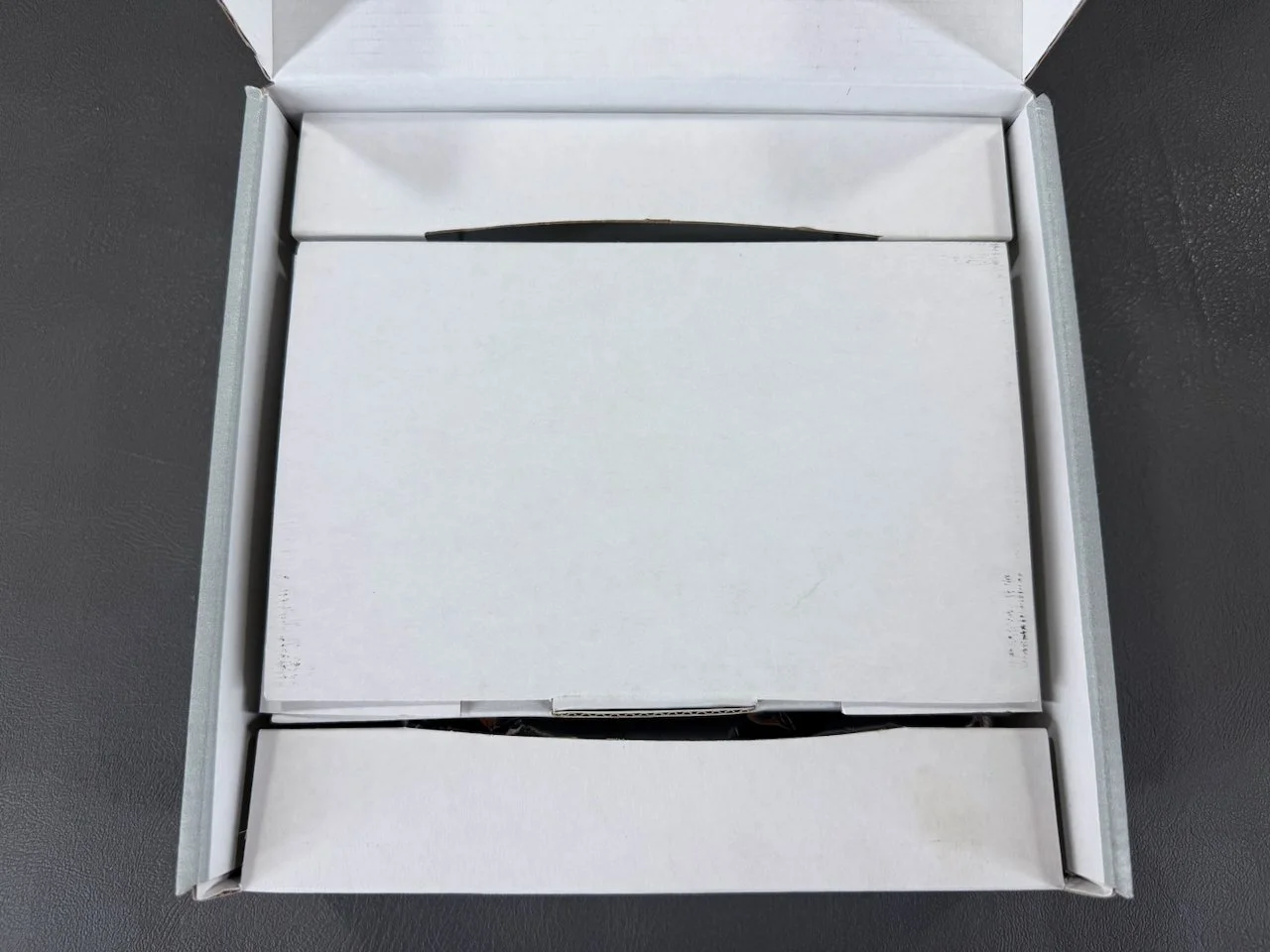
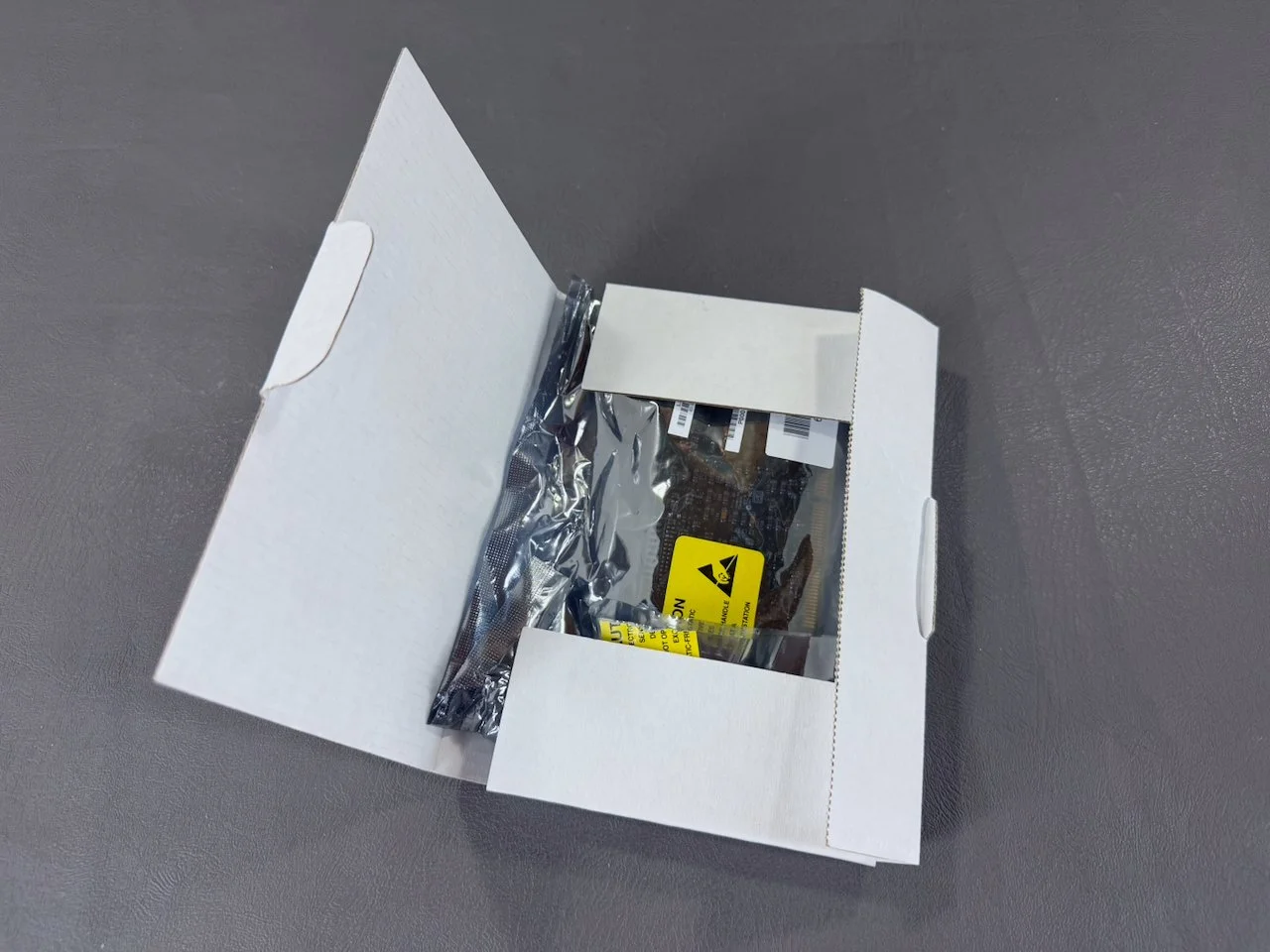
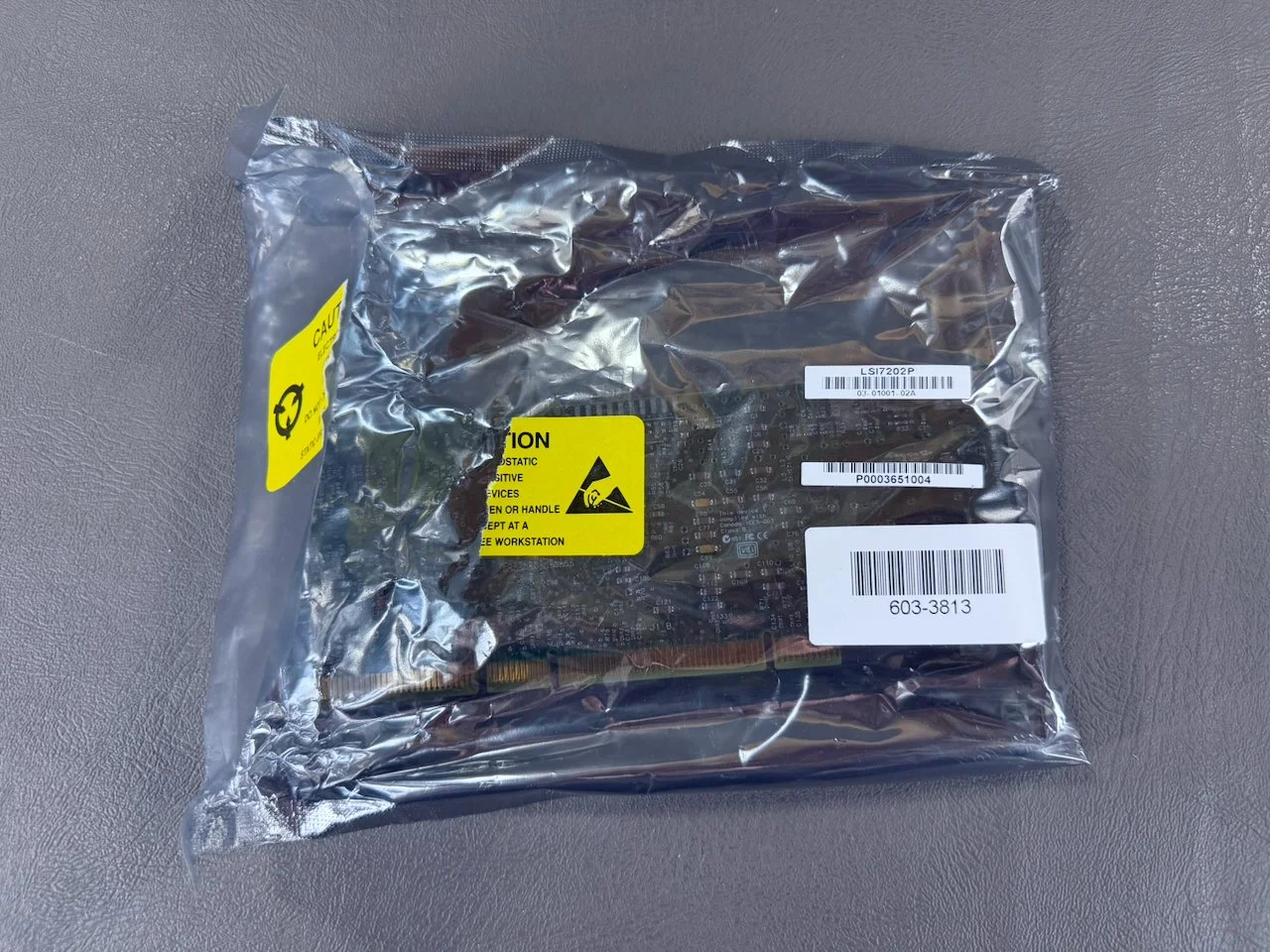
The card itself is shipped in the cardboard carrier/box shown above, and also still has its original antistatic bag that it shipped with from the factory.
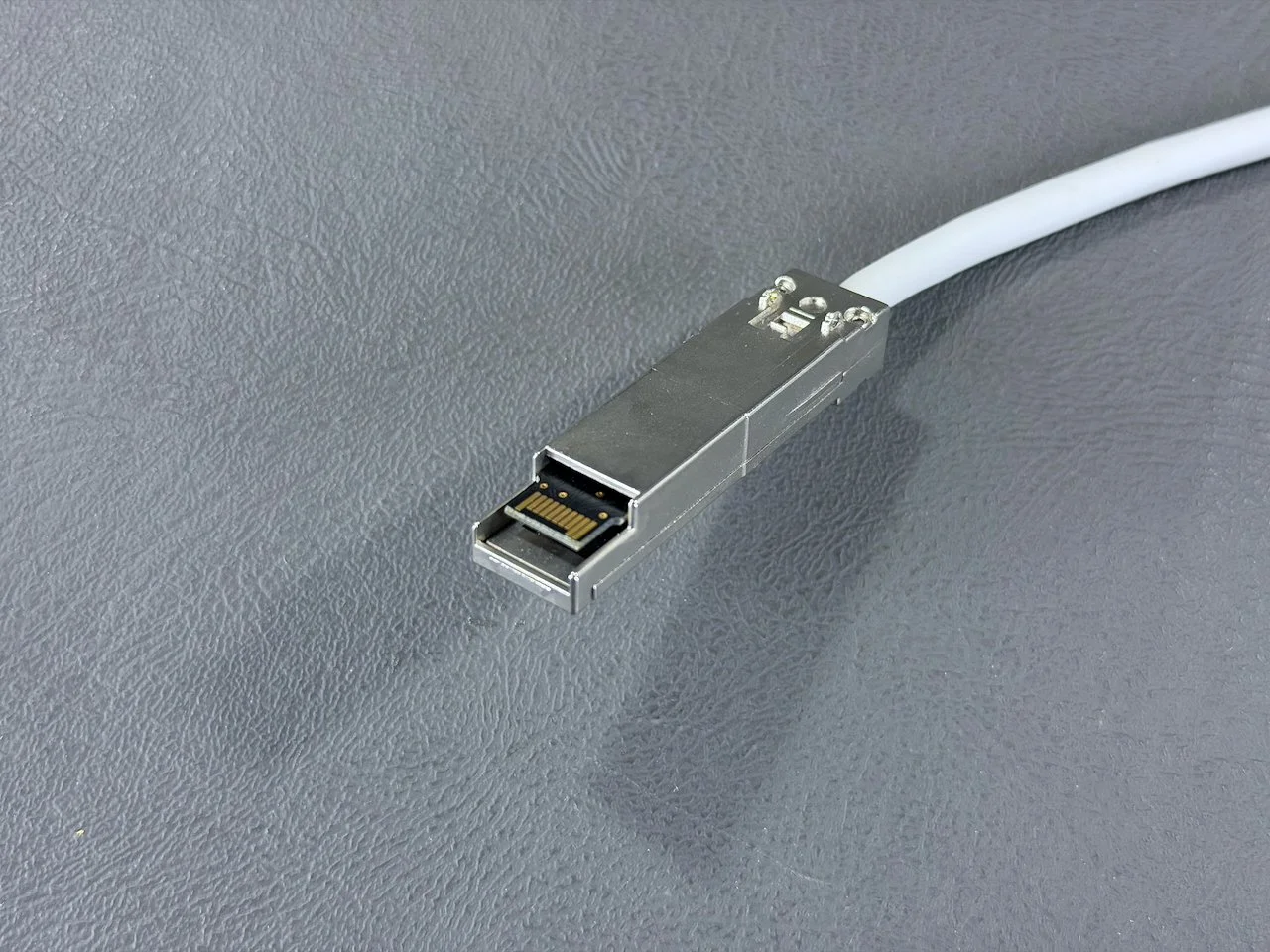
These cables are the later version with SFP connectors at both ends.
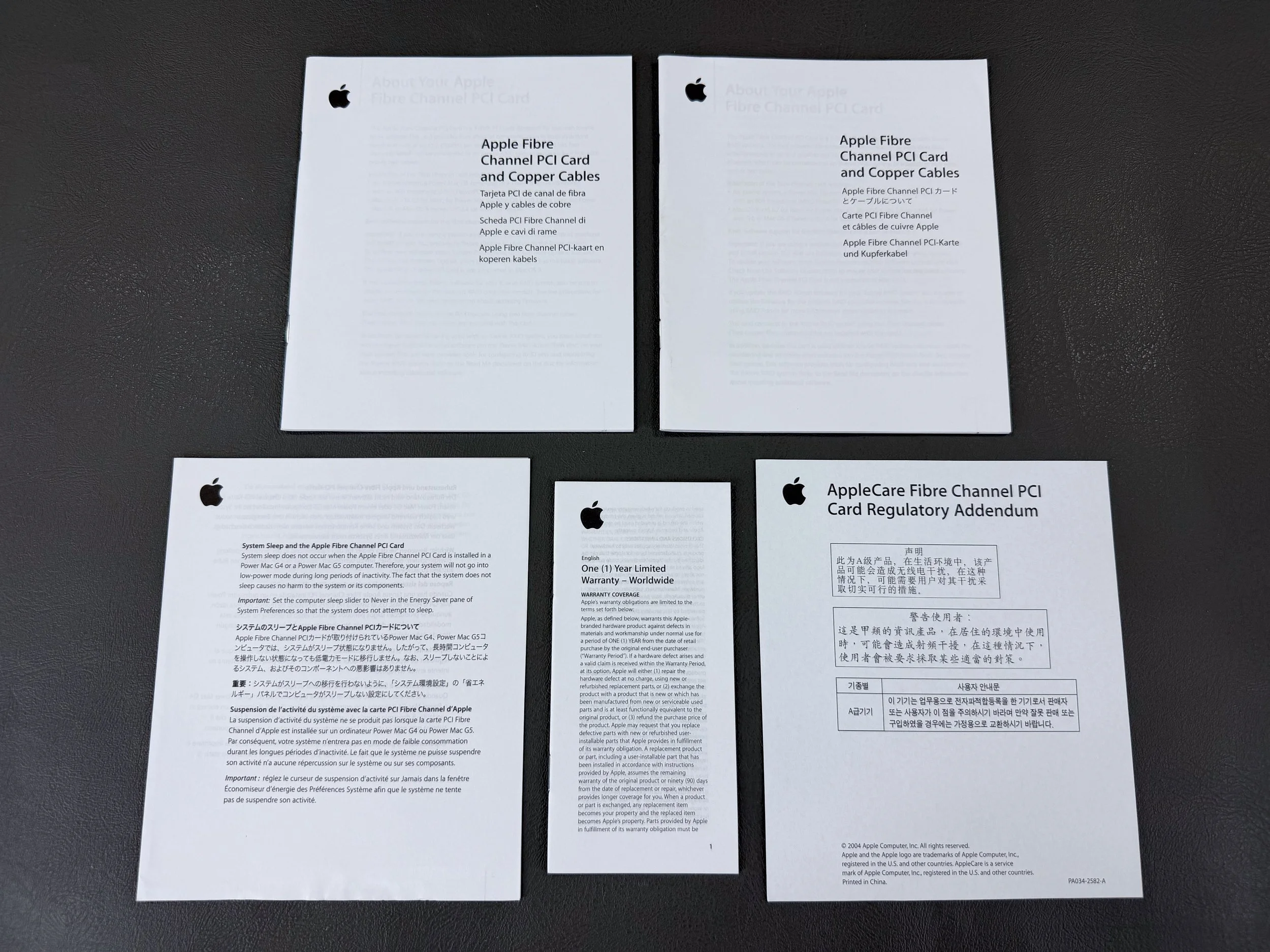
Documentation for the Fibre Channel PCI Card.